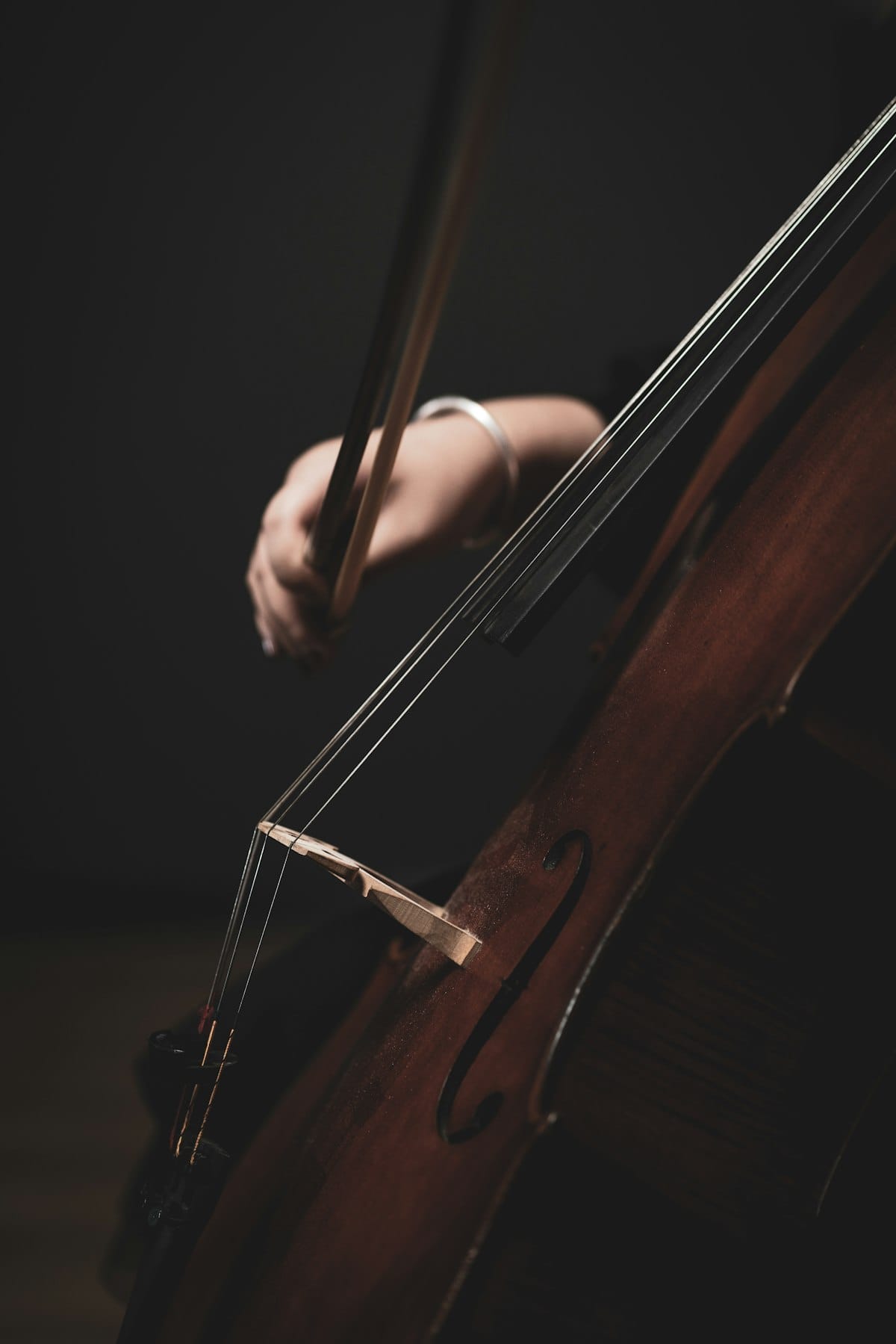
Cello parts move between bass, tenor, and treble clef in the same piece, and notating that by hand is slow. A cello sheet music maker handles the clef changes, the bowings, and the playback so you can focus on the line. Flat runs in your browser with cello samples that actually sound like a cello. This article walks through writing your first cello score, the cello-specific features that matter, and how to share or export what you've written.
Writing your first cello score in Flat
Open Flat, sign in, and start a new score. When you pick cello from the instrument list, Flat sets up a single staff in bass clef with the cello's transposition and range built in. Click any rest and type the note name, click the staff position, or use a connected MIDI keyboard. Note durations sit in the top toolbar. The step-by-step tutorial covers anything that isn't obvious from the editor itself.
Cello-specific features that matter
A cello part isn't just notes on a bass staff. Here's what Flat gives you for the things cellists actually need to write:
- Mid-staff clef changes. Cello lines climb out of bass clef into tenor clef for the high register and into treble clef for the top of the instrument. Flat lets you drop a clef change on any measure or any beat, and the engraving redraws around it automatically.
💡 How to add or change a clef. - Slurs for bowing. A slur on a cello part tells the player to keep the notes under one bow. Select the first note, press S, and Flat draws the slur to the next note you click. The playback respects it too.
💡 How to slur notes. - Pizzicato and arco markings with playback. Switch between plucked and bowed passages with the pizz./arco markings on the dynamics toolbar. The playback engine swaps samples accordingly so you hear the difference in your preview.
💡 Dynamic and expression tools. - Double stops and chord stacking. Hold Shift and click a second pitch to stack it on the current note. Useful for double stops, chord punctuations, and the open-string drones cellists use under a melody.
💡 Arpeggios and chord ornaments. - Tremolo for bow shakes. The slashes through a stem that mark a measured or unmeasured tremolo sit on the ornament toolbar. One click adds them and the playback rapidly repeats the note.
💡 Adding a tremolo. - Crescendos and dynamics that play back. Hairpins and dynamic letters (pp through ff) are on the dynamics toolbar. Flat actually shapes the playback volume along the hairpin, so a long crescendo into a forte sounds like one.
💡 Crescendo and diminuendo.
Sharing and exporting your cello score
When the score is ready, click Share for a public link, invite collaborators by email for real-time editing, or open the export menu to download as PDF, MIDI, or MusicXML. PDF is what most cellists want on a stand or tablet. MIDI moves the part into a DAW if you're scoring for media. MusicXML lets another notation tool open the file with clef changes and bowings intact. A quartet leader can paste a new viola entrance into the score and the cellist sees the updated part live.
Find inspiration in the Flat community
Flat hosts more than 100,000 user-published scores, including a lot of cello transcriptions, arrangements, and original solo pieces. Browse the community scores to see how other composers handled a clef change, voiced a double stop, or paced a slow movement. You can clone any public score into your own account and start editing from there.
Why Flat for cello
Most cello notation tools require an install and a learning curve before you write a single note. Flat opens in your browser, the bass clef and cello range are configured the moment you create the score, and the playback uses recorded cello samples instead of a generic MIDI sound. Real-time collaboration lets a teacher, chamber partner, or arranger work in the same score with you without sending files back and forth.
Ready to write your first cello piece? Try Flat for free!
FAQ
How do I write cello sheet music online for free?
Sign up for a free Flat account, create a new score, pick cello, and start entering notes. The free tier covers personal use including PDF export and public sharing.
Can I switch between bass, tenor, and treble clef in the same cello part?
Yes. Flat lets you add a clef change at any measure or beat. The engraving redraws around the new clef automatically, and you can mix all three within a single line.
Does Flat support pizzicato and arco markings with playback?
Yes. The dynamics toolbar includes pizz. and arco markings, and the playback engine swaps to the plucked or bowed sample so you can hear the difference in your preview.
Can I write double stops on cello in Flat?
Yes. Hold Shift and click a second pitch to stack it on the current note. This works for double stops, chord punctuations, and open-string drones underneath a melody.
Can I collaborate on a cello score with my quartet in real time?
Yes. Share the score with other Flat users and you can all edit and view it at the same time, which is useful for chamber groups, teachers, and arrangers working remotely.