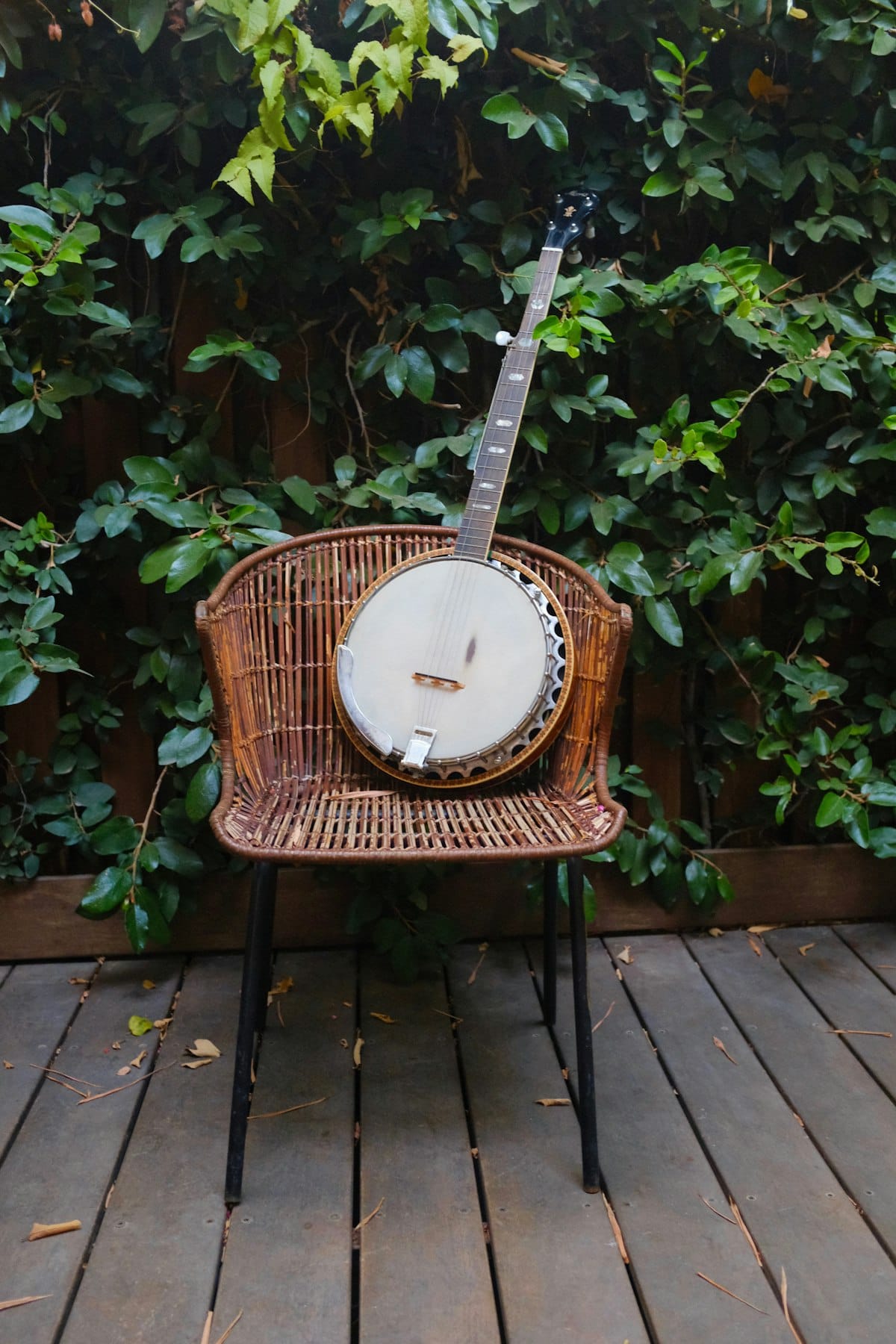
Banjo tab writes a part by string and fret, which fits an instrument whose rolls and drones are easier to think about as hand positions than as pitches on a staff. The wrinkle is the five-string banjo's short fifth string, a high drone that doesn't run low to high like the others. This article covers what banjo tab is, how to write it in Flat, and the tunings and techniques that matter for banjo.

What banjo tab is
The most common banjo is the five-string, usually in open G tuning: gDGBD from the fifth string to the first. The fifth string is short and pegged partway up the neck, sounding a high G drone rather than a low note, which is the banjo's signature. Banjo tab gives each string a line and a fret number, and pairing it with standard notation keeps the re-entrant fifth string easy to follow.
Because rolls move quickly across strings, tab is the natural way to show which string plays each note. Standard notation alone leaves the string choice open, and on the banjo the string you pick changes the entire texture.
Tab's weak spot is rhythm, so the notation staff above the tab carries the timing for fast roll patterns and syncopated frailing.
How to write banjo tabs in Flat
Pick a banjo in Flat and you get a tab staff paired with standard notation, both in sync.
- Create a new score and pick a banjo. Flat adds a tab staff under the notation staff.
- Set open G or another tuning. Standard five-string banjo is open G (gDGBD). Choose a preset or define a custom tuning in instrument settings, including the high fifth string.
- Enter notes by fret or by pitch. Type fret numbers on the tab staff, or enter pitches on the notation staff. Arrow keys move a note to a different string when you want a specific position.
- Add techniques. Use slides, hammer-ons, and pull-offs for the ornaments in rolls and clawhammer playing, and chord grids for backup chords.
- Share or export. Export to PDF or MusicXML, or share a link that others can clone and edit.
💡 Full reference: writing tab in Flat.
Banjo techniques that matter in tab
Banjo playing is built on rolls and drones, so the details that matter are tuning, the fifth string, and the slurs that decorate a roll.
- Set open G and the fifth-string drone. Standard five-string tuning is gDGBD, with the short fifth string sounding a high G. Choose a preset or set a custom tuning so the drone maps correctly.
💡 Tuning settings. - Notate hammer-ons, pull-offs, and slides. These are the ornaments that give Scruggs-style rolls and clawhammer their drive, and they play back on the tab.
💡 Tab tools. - Use chord grids for backup. When the banjo plays rhythm, chord grids show the shape above the staff, clearer than fret numbers for vamping.
💡 Chord grids in Flat. - Keep the notation staff for roll timing. Three-finger rolls move fast, and reading the rhythm off fret numbers is hard. The standard staff above the tab keeps the subdivision clear.
- Mind the re-entrant fifth string. Because the fifth string is a high drone, the notation staff is the quickest way to confirm the pitch the open string produces, rather than assuming it follows the others low to high.
- Import existing files. Flat opens MusicXML, MIDI, and Guitar Pro files (.gp, .gpx, .gp5, .gp4, .gp3) in the browser. Importing scores and tabs.
Try it yourself in Flat
Open a new score, pick Banjo, and Flat adds the paired notation and tab staff. Enter a simple forward roll across the strings and watch the notation staff show the high drone of the fifth string sitting above the notes around it. That drone is what makes a banjo roll ring the way it does.
Create a free Flat account to write your first banjo tab.
Find banjo tab inspiration in the Flat community
The Flat community has over 100,000 public scores, including banjo parts from bluegrass rolls to old-time clawhammer. Browse popular scores in Flat to see how others notate rolls, drones, and slides, then clone any public score to edit it yourself.
Ready to write your first banjo tab? Try Flat for free.
FAQ
Do I need to read standard notation to write banjo tab in Flat?
No. You can enter notes directly on the tab staff by selecting a string and typing the fret number. The standard notation staff updates automatically and can be hidden if you only want tab.
Can I set open G tuning with the high fifth string?
Yes. Standard five-string banjo is open G (gDGBD), with a high fifth-string drone. Choose a preset or define a custom tuning in instrument settings so the drone maps correctly. Flat supports any string count from 3 to 14.
Can I notate hammer-ons, pull-offs, and slides for rolls?
Yes. The tab toolbar includes hammer-ons, pull-offs, and slides, the ornaments that drive Scruggs-style rolls and clawhammer playing. They appear on the tab and play back.
Can I import Guitar Pro or MusicXML files?
Yes. Flat opens Guitar Pro files (.gp, .gpx, .gp5, .gp4, .gp3) as well as MusicXML and MIDI in the browser, with no desktop app required.
Can I export my banjo tab as a PDF or MusicXML?
Yes. Both formats are supported, along with MIDI and audio. PDF is best for printing and MusicXML for moving the part into another notation tool.