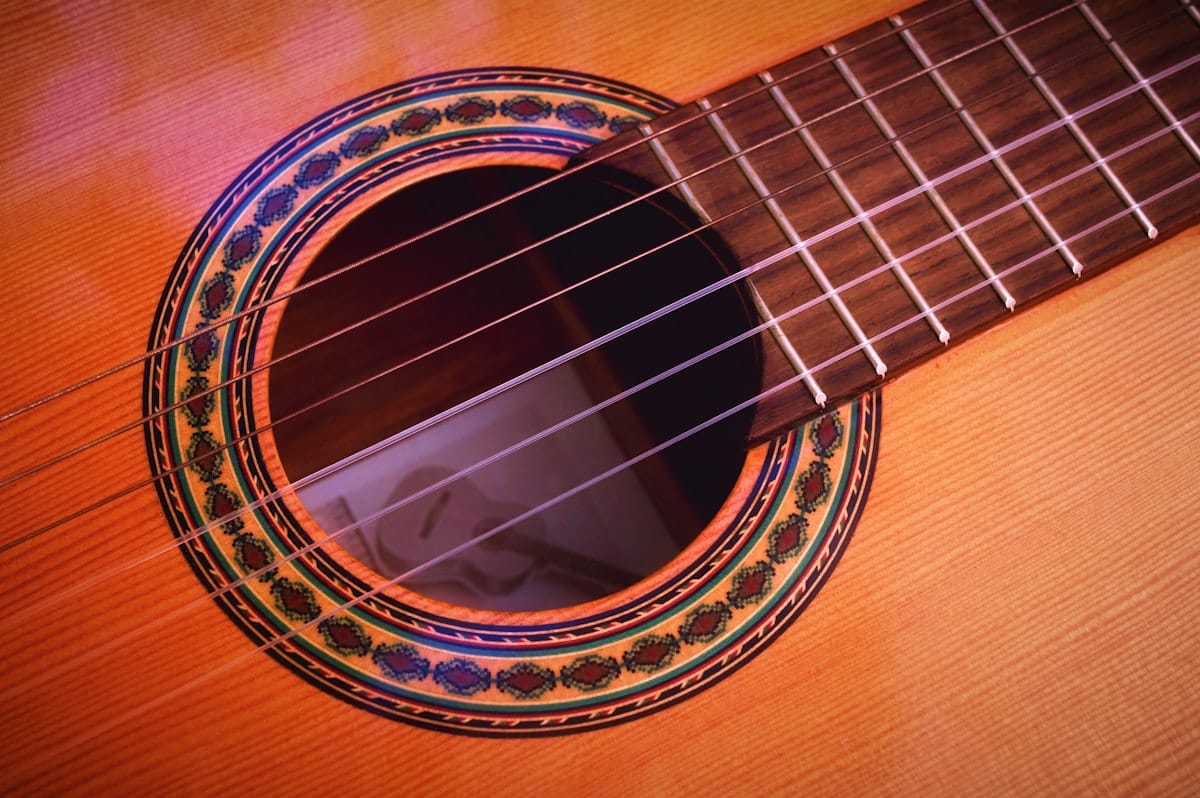
If you play guitar, the fastest way to capture a riff or a full arrangement is to write it the way you actually play it: by string and fret. Standard notation alone won't tell you whether to play that C on the third fret of the A string or the eighth fret of the low E, but tab does. This article covers what guitar tab is, how to write it in Flat, and the tunings, techniques, and chord tools that matter for guitar.
What guitar tab is
Guitar tab is a notation system built around the fretboard. It uses six horizontal lines, one per string, with the low E at the bottom and the high E at the top, matching what you see looking down at the neck. A number on a line tells you which fret to press on that string, so a "5" on the second line from the top means fifth fret of the B string.
Tab solves a problem that standard notation leaves open: on guitar the same pitch can be played in several places, and the staff alone doesn't say which. Tab names the exact string and fret. That precision is why it became the default for guitar in rock, pop, folk, blues, and metal.
Its weak point is rhythm, since fret numbers alone don't show note durations clearly. Modern guitar tab fixes this by sitting under a standard notation staff, so you read rhythm from the notation and fingering from the tab.
How to write guitar tabs in Flat
In Flat, choosing a guitar creates a tab staff paired with standard notation by default. The two staves stay in sync, so a note entered on either one appears on the other automatically.
- Create a new score and pick a guitar. Flat adds a six-line tab staff under the standard notation staff. You can hide either staff if you only want one of them.
- Enter notes by fret or by pitch. Click the tab staff and type a fret number on the selected string, or click the notation staff to enter by pitch. Use the arrow keys to move a note to a different string.
- Set the tuning and capo. In instrument settings, choose standard tuning, a preset like drop D or DADGAD, or a custom tuning, and add a capo if the part uses one.
- Add techniques. The tab toolbar covers bends, slides, hammer-ons, pull-offs, palm mutes, and harmonics, which appear on the tab and play back.
- Share or export. Export to PDF or MusicXML, or share a link that others can clone and edit.
💡 Full reference: writing tab in Flat.
Guitar techniques that matter in tab
What makes guitar tab useful is capturing how a part is actually played. These are the details worth getting right in Flat.
- Set the tuning before you start. Drop D, DADGAD, open G, and half-step down all change which frets produce which pitches. Pick a preset or define your own, for any string count from 3 to 14.
💡 Tuning and capo settings. - Use chord grids for rhythm and chord-melody parts. A chord grid shows a small fretboard diagram with finger positions above the staff, communicating a shape that the tab numbers alone don't.
💡 Chord grids in Flat. - Notate lead techniques. Bends and pre-bends, slides, hammer-ons, pull-offs, and natural or artificial harmonics are all in the tab toolbar, and they play back when you preview the score.
💡 Guitar tab tools. - Tighten rhythm parts with palm mutes and stroke marks. Palm mute and let ring control how notes sustain, and up and down stroke marks show the picking hand, which helps for funk and metal rhythm figures.
- Pair tab with standard notation when rhythm matters. Tab tells you where to fret but is weak on duration. Keep the notation staff on for syncopated or complex rhythms, and hide it only when the rhythm is obvious.
- Import Guitar Pro files instead of starting from scratch. Flat opens .gp, .gpx, .gp5, .gp4, and .gp3 files in the browser, so existing tabs don't need a desktop app. Importing scores and tabs.
Try it yourself in Flat
Open a new score, pick Guitar, and Flat adds the paired notation and tab staff. Type "0" on the bottom tab line and a low E appears on the notation staff. Switch to drop D or DADGAD in instrument settings and the same fret positions produce different pitches, exactly as on a real guitar.
Create a free Flat account to write your first guitar tab.
Find guitar tab inspiration in the Flat community
The Flat community has over 100,000 public scores, including a deep library of guitar tabs across rock, fingerstyle, and classical. Browse popular scores in Flat to see how other players notate bends, harmonics, and picking patterns, then clone any public score to edit it yourself.
Ready to write your first guitar tab? Try Flat for free.
FAQ
Do I need to read standard notation to write guitar tab in Flat?
No. You can enter notes directly on the tab staff by selecting a string and typing the fret number. The standard notation staff updates automatically, and you can hide it if you only want tab.
Can I write guitar tab for tunings like drop D or DADGAD?
Yes. Choose a tuning preset or define your own in the instrument settings. Flat supports any tuning across 3 to 14 strings, and existing tab updates to match the new tuning.
Does Flat notate bends, slides, and harmonics?
Yes. The tab toolbar includes bends and pre-bends, slides, hammer-ons, pull-offs, palm mutes, and natural and artificial harmonics. They appear on the tab and play back when you preview the score.
Can I import a Guitar Pro file into Flat?
Yes. Flat opens Guitar Pro files (.gp, .gpx, .gp5, .gp4, .gp3) in the browser, so you can keep editing them without installing Guitar Pro.
Can I export my guitar tab as a PDF or MusicXML?
Yes. Both formats are supported, along with MIDI and audio. PDF is best for printing and MusicXML for moving the tab into another notation tool.