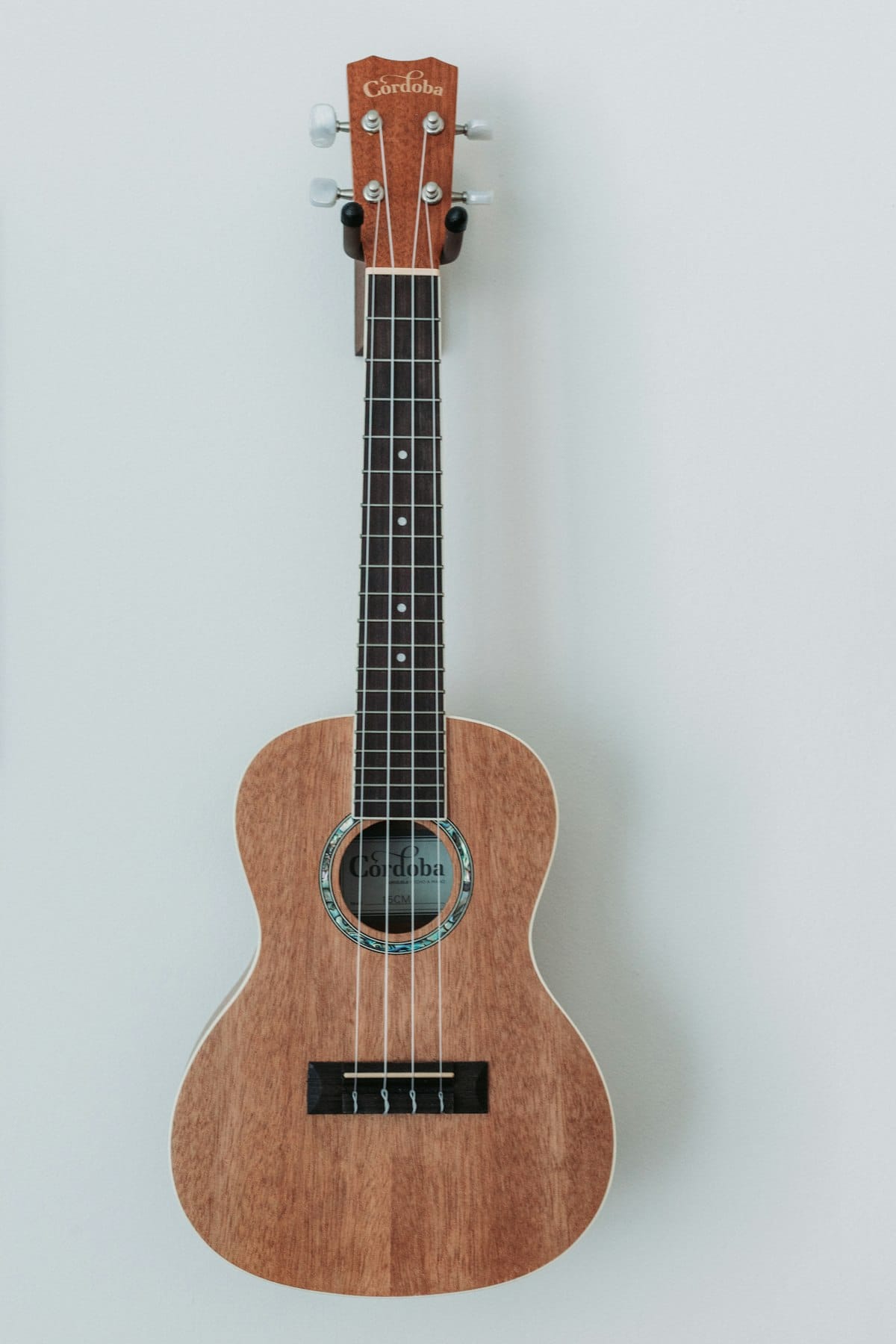
If you play ukulele, tab lets you write a part the way your hands actually move on the fretboard, by string and fret, without translating every note into a staff position first. The catch is the ukulele's re-entrant tuning, where the fourth string is pitched higher than the two strings next to it, which surprises players who expect strings to run low to high. This article covers what ukulele tab is, how to write it in Flat, and the tunings, chords, and techniques that matter for ukulele.

What ukulele tab is
Ukulele tab uses four horizontal lines, one per string, with a number on each line telling you which fret to press. It reads like guitar tab, but with one twist specific to the ukulele: in standard tuning the fourth string is tuned high, not low. That re-entrant tuning is what gives the ukulele its bright, jangly sound.
Because the same note can sit on more than one string, standard notation alone doesn't tell you where to fret it. Tab does, which matters even more on a short fretboard where the position you choose changes the feel of a chord or a melody.
Tab's limitation is rhythm, since the numbers don't show duration clearly. Pairing the tab with a standard notation staff above it solves that, and it also makes the re-entrant tuning easy to follow, since the notation shows the actual pitch each fret produces.
How to write ukulele tabs in Flat
Choosing a ukulele in Flat creates a four-line tab staff paired with standard notation. Both staves stay in sync as you enter notes on either one.
- Create a new score and pick a ukulele. Flat adds a four-line tab staff under the notation staff and sets the standard tuning.
- Enter notes by fret or by pitch. Click the tab staff and type a fret number on the selected string, or enter by pitch on the notation staff. Arrow keys move a note to another string.
- Switch tuning if needed. Use instrument settings for baritone tuning (DGBE) or a low-G setup, or define a custom tuning.
- Add chords and techniques. Add chord grids for strummed parts, and use slides, hammer-ons, and pull-offs for melodic playing.
- Share or export. Export to PDF or MusicXML, or share a link that others can clone and edit.
💡 Full reference: writing tab in Flat.
Ukulele techniques that matter in tab
The ukulele is a chord-and-strum instrument first, so the details that matter are mostly about tuning and chord clarity.
- Get the tuning right first. Standard ukulele is re-entrant gCEA with a high fourth string, baritone is DGBE, and some players use a low-G string. Pick a preset or set a custom tuning so the fret numbers map to the right pitches.
💡 Tuning and capo settings. - Lean on chord grids. Most ukulele music is chord-driven, and chord grids show the fingering shape above the staff, which is clearer than fret numbers for strummed parts.
💡 Chord grids in Flat. - Mark strumming with stroke directions. Up and down stroke marks capture a strumming pattern, the core of most ukulele parts.
💡 Tab tools. - Notate fingerpicking with slides and slurs. For melodic or campanella-style playing, slides, hammer-ons, and pull-offs translate the picking hand onto the page.
- Keep the notation staff for re-entrant clarity. Because the high fourth string breaks the usual low-to-high order, the standard staff above the tab makes the real pitches obvious. Hide it only for simple strum-along charts.
- Import existing files. Flat opens MusicXML, MIDI, and Guitar Pro files (.gp, .gpx, .gp5, .gp4, .gp3) in the browser. Importing scores and tabs.
Try it yourself in Flat
Open a new score, pick Ukulele, and Flat adds the paired notation and tab staff in standard tuning. Enter a few open strings and watch the notation staff: the fourth string sounds its re-entrant high G, pitched above the C and E strings rather than below them. That is the quirk that gives the ukulele its sound, and seeing it on the staff makes it easy to keep track of.
Create a free Flat account to write your first ukulele tab.
Find ukulele tab inspiration in the Flat community
The Flat community has over 100,000 public scores, including plenty of ukulele arrangements from simple strum-along charts to fingerstyle solos. Browse popular scores in Flat to see how others handle chord grids and re-entrant voicings, then clone any public score to edit it yourself.
Ready to write your first ukulele tab? Try Flat for free.
FAQ
Do I need to read standard notation to write ukulele tab in Flat?
No. You can enter notes directly on the tab staff by selecting a string and typing the fret number. The standard notation staff updates automatically and can be hidden if you only want tab.
Does Flat support baritone and low-G ukulele tunings?
Yes. Choose a preset or define a custom tuning in instrument settings, including baritone (DGBE) or a low-G setup. Flat supports any tuning across 3 to 14 strings.
Can I add chord grids for strumming parts?
Yes. Chord grids show a small fretboard diagram with finger positions above the staff, which is clearer than fret numbers for strummed ukulele parts.
Can I import Guitar Pro or MusicXML files?
Yes. Flat opens Guitar Pro files (.gp, .gpx, .gp5, .gp4, .gp3) as well as MusicXML and MIDI in the browser, with no desktop app required.
Can I export my ukulele tab as a PDF or MusicXML?
Yes. Both formats are supported, along with MIDI and audio. PDF is best for printing and MusicXML for moving the tab into another notation tool.