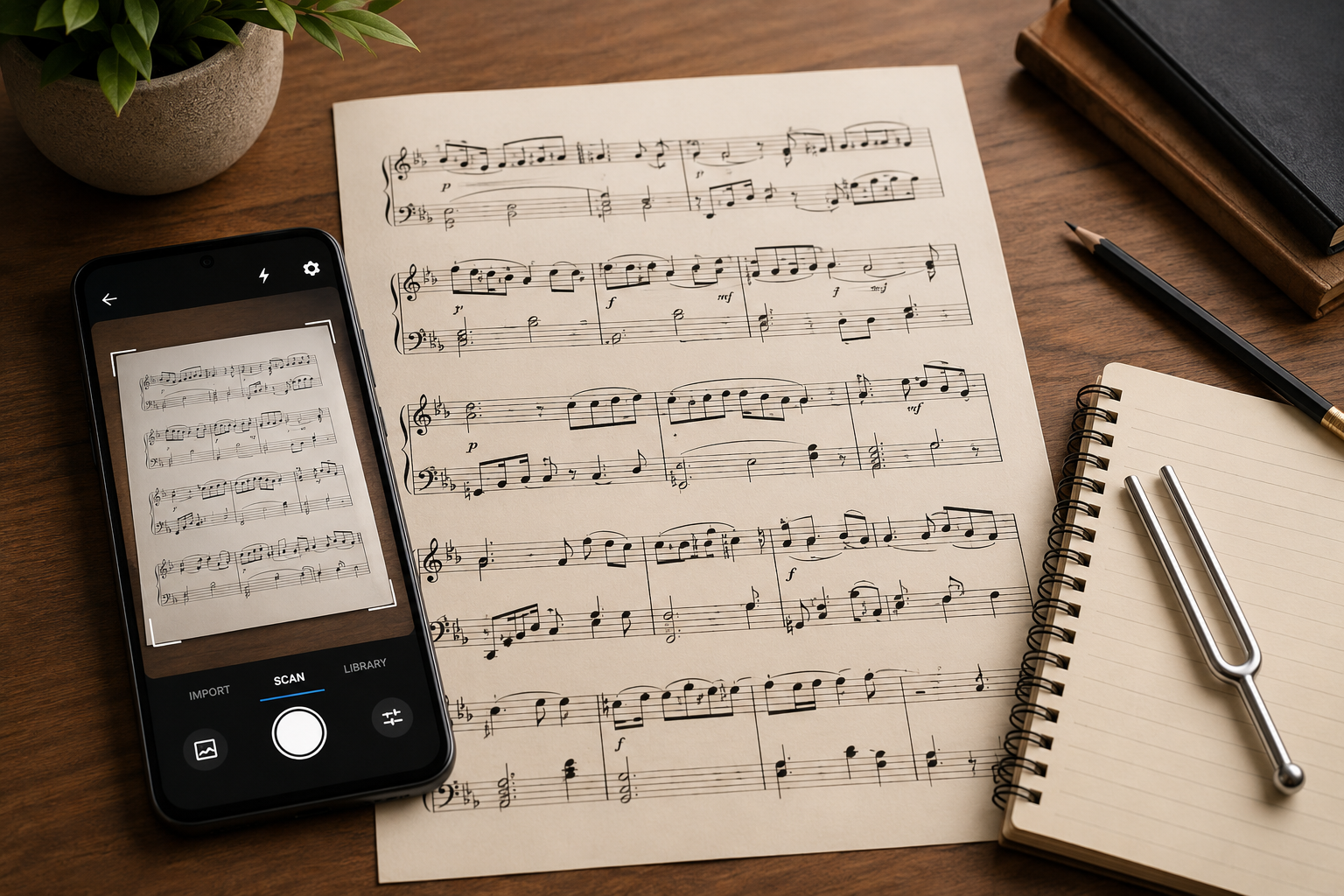
A printed score does not do much on its own. You cannot hear it, you cannot slow it down, and you cannot change the key without a pencil and a lot of patience. Scanning it with your phone fixes all three: the right Android app reads the page, plays it back, and hands you a file you can practice with, transpose, or edit. This guide explains how sheet music scanning actually works, what separates a good scanner app from a frustrating one, and how to do it on Android with Opuscan.
What optical music recognition actually does
Sheet music scanning is powered by optical music recognition, or OMR. It is the same idea as the text OCR your phone already does, but for notation. Instead of reading letters, the app has to work out staves, clefs, pitches and durations, rhythms, key and time signatures, and everything stacked on top: dynamics, slurs, lyrics, and chord symbols. That is harder than it sounds, because notation is dense and every publisher engraves it a little differently. This is the part that decides your experience. Strong recognition keeps the musical meaning intact, clefs, complex rhythms, chords, and multi-staff layouts included, so you spend a couple of minutes checking a score instead of twenty minutes rebuilding it.
What to look for in a sheet music scanner app
Most of these apps look similar in a store listing and behave very differently in your hands. Here is what actually decides whether one is worth keeping.
| What to check | Why it matters |
|---|---|
| Recognition quality | The whole game. Look for one that reads multi-staff scores, chords, lyrics, and dynamics, not just a melody line. Almost none read handwriting reliably. |
| Playback and practice | Tempo control, a click track, and slowing a passage down turn a scan into a practice aid rather than a party trick. |
| Transposition | Shifting the whole score into another key without re-entering a note, useful if you sing, play a transposing instrument, or teach. |
| Export formats | MusicXML to keep editing elsewhere, MIDI for a DAW, PDF to print, audio to share. |
| Pricing model | Free with limits, an ongoing subscription, or one-time credits. Subscriptions suit constant use; credits are cheaper in bursts. |
| Corrections and editing | How fast you can fix a wrong note, and whether you can hand off to a full editor for deeper work. |
| Platform and offline | That it runs on your phone and tablet, and whether it needs a constant connection or an account. |
Scanning a printed score on Android with Opuscan
Here is the process from page to playable score. Open Opuscan, tap Scan, and point your phone camera at the page; it finds the edges automatically, so you just confirm the capture. If the music is already a PDF, tap Import instead and choose only the pages you want. Either way, Opuscan reads the staves, notes, key, and tempo, along with the harder parts: clefs, complex rhythms, chords, lyrics, dynamics, and multi-staff layouts.
 Tutteo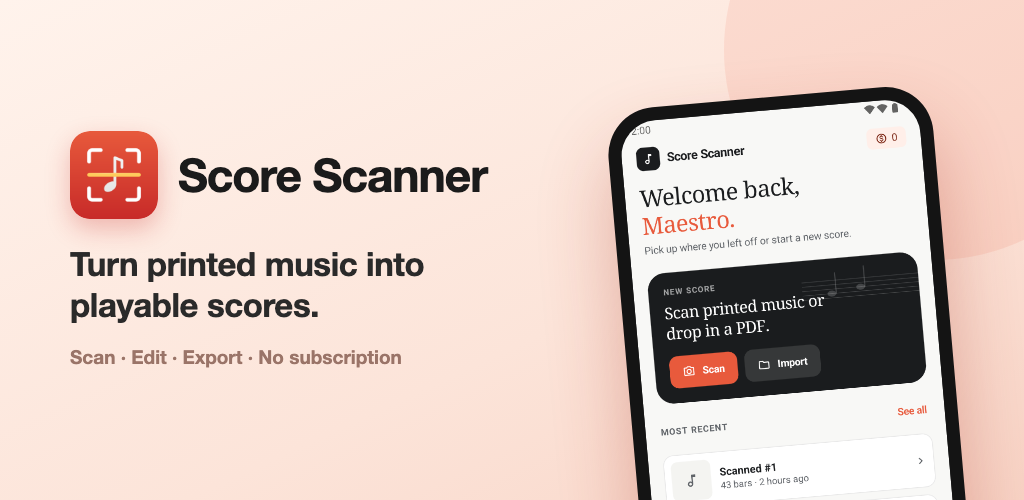
A few habits make the read cleaner. Scan in even light without glare, keep the page flat and square in the frame, and use the original digital PDF rather than a photo of a printout when you have the choice. The sharper the source, the less you fix afterward.
Hear it, slow it down, and change the key
Once a score is in, press play. Opuscan gives you tempo control and a click track, so you can take a hard passage slowly, lock in the rhythm, then bring it back up to speed. If the key does not sit well for your voice or instrument, transpose the whole score at once, with no rewriting. For a lot of musicians this is the real reason to scan a page in the first place: not to file it away, but to hear how it should sound and practice against it.
Fix misreads and export where you need it
No OMR engine is flawless, and Opuscan is upfront about it: notes it is unsure of are highlighted after the scan, so you can tap one and correct the pitch on the spot. When the score is right, export it in whatever format the next step needs.
| Export format | Best for |
|---|---|
| MusicXML | Editing in Flat, MuseScore, Dorico, or Sibelius |
| MIDI | Bringing the music into a DAW |
| Printing a clean copy | |
| MP3 | A quick audio version to share |
MusicXML is the one to reach for if you want to keep working on the music: open it in Flat to edit and collaborate in the browser, or in MuseScore, Dorico, or Sibelius.
Why Opuscan on Android
Opuscan is built by Tutteo, the team behind Flat, on the same recognition technology that powers the Flat platform. It runs on Android phones and tablets, so the same scan is with you whether you are at the stand in rehearsal or at the kitchen table later. One thing to know before you commit: on mobile it is Android only right now, with a Mac app as well and no iPhone or iPad version yet. If you are on Android and want accurate recognition without a subscription, it is an easy one to try.
Ready to turn your printed scores into music you can hear and use? Get Opuscan on Google Play.
FAQ
How do I scan sheet music on Android?
Open Opuscan, tap Scan, and point your phone camera at a printed page. The app detects the page edges, and once you confirm, it reads the staves, notes, key, and tempo, so the score is ready to play in minutes.
How accurate is sheet music scanning?
Accuracy depends on the app and the source. A clean, printed score in good light reads far better than a dim photo or handwritten music, which most apps cannot read at all. Good apps flag the notes they are unsure about so you can correct them quickly.
Can I scan a multi-page PDF?
Yes. In Opuscan, tap Import, choose a PDF, and pick exactly which pages you want to scan. You spend credits only on the pages you process, not the whole document.
What formats can I export a scanned score to?
It depends on the app, but the useful ones export MusicXML, MIDI, PDF, or audio. MusicXML is the one to look for if you want to keep editing the music in software like Flat, MuseScore, or Dorico.
How much does Opuscan cost?
Opuscan uses one-time credit packs with no subscription. One credit scans one page, credits never expire, and packs start at €9.99 for 30 pages.
Is Opuscan available for iPhone or iPad?
Not at this time. On mobile, Opuscan is currently Android only, though there is also a Mac app.