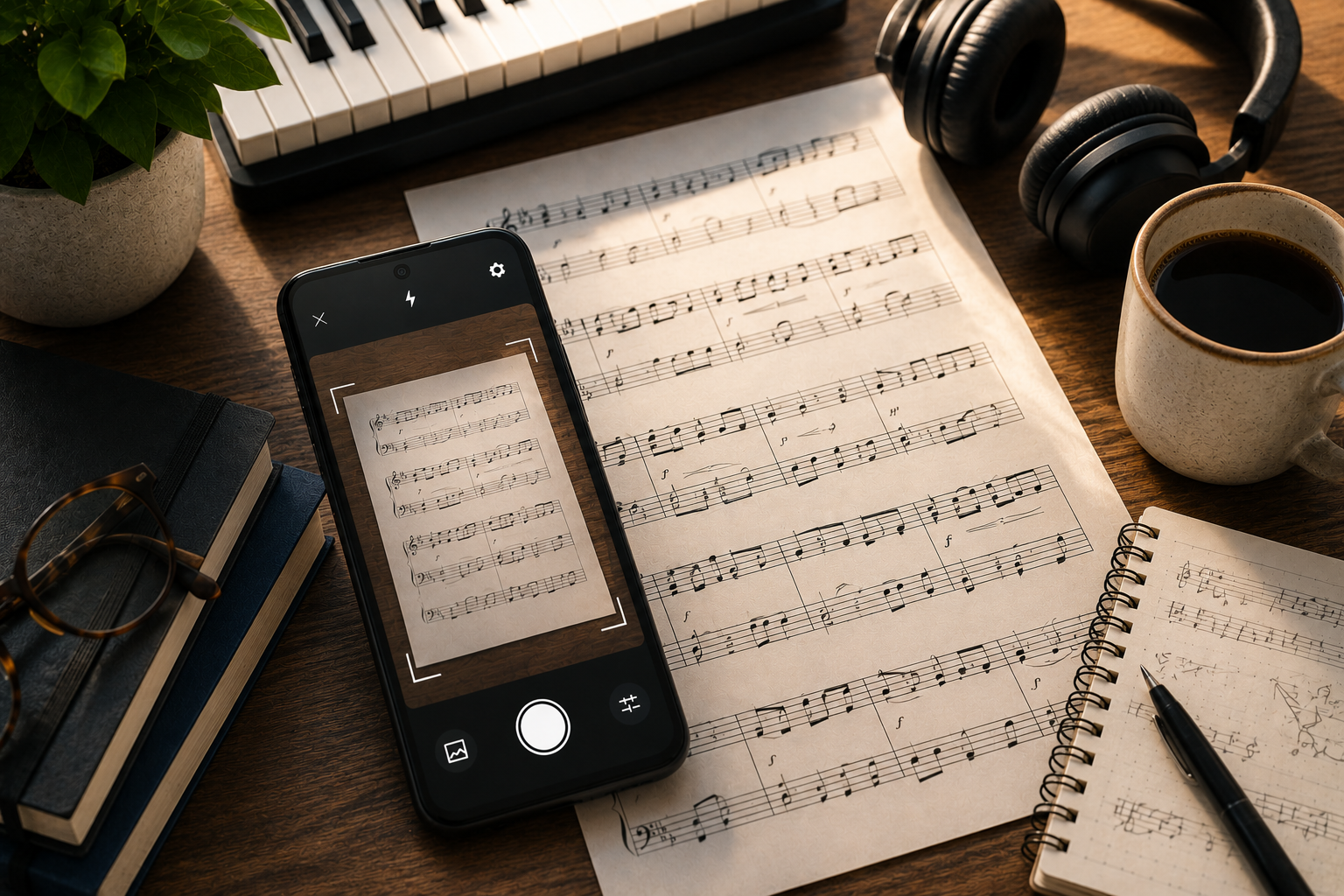
Opuscan and Sheet Music Reader Halbestunde are two of the closest matches among Android scanners, since both scan a printed page, play it back, and export an editable score. The differences are in the pricing model, the practice features, and the platforms.
This comparison lays them out so you can pick the one that fits how you practice and work.
At a glance
| Feature | Opuscan | Halbestunde |
|---|---|---|
| Platforms | Android, plus a Mac app | Android, iOS, and a desktop app |
| Scan and import | Camera scan and PDF import | Camera scan, plus PDF, JPG, and PNG import |
| Playback | Tempo control and a click track | 24 instruments, loop sections, adjust tempo, per-part solo and mute |
| Transposition | Transpose the whole score at once | Change key, plus a Concert Pitch toggle for transposing instruments |
| Lyrics | Reads lyrics | Scans lyrics, with a Voice playback option |
| Export formats | MusicXML, MIDI, PDF, MP3 | MusicXML, MIDI, PDF, MuseScore MSCZ |
| Pricing model | One-time credit packs, no subscription | Free tier, then a Pro subscription (monthly, yearly, or lifetime) |
| Best for | Editing and exporting without a subscription | Daily practice with a song gallery and progress tracking |
Halbestunde at a glance
Halbestunde, from Halbestunde GmbH, is built around practice. You scan a printed page or import a PDF, JPG, or PNG, and it turns the music into an interactive player:
- Plays back across 24 instruments, including a Voice option
- Loop sections, adjust tempo, and watch notes light up on a virtual instrument
- Solo or mute individual parts, which suits ensemble and choir work
- Scans lyrics, with a Concert Pitch toggle for transposing instruments like clarinet and trumpet
- Exports MusicXML, MIDI, PDF, and MuseScore MSCZ, with MusicXML aimed straight at Flat, Dorico, and MuseScore
It runs on Android, iOS, and desktop. The model is freemium: a free tier with a limited number of scans and a song gallery, then a Pro subscription (monthly, yearly, or lifetime) that unlocks unlimited scanning, transposition, and export.
Opuscan at a glance
Opuscan, from Tutteo, the team behind Flat, is built around getting a clean, editable score out of a scan. You scan a page or import a PDF, and it reads the harder parts too:
- Recognizes clefs, complex rhythms, chords, lyrics, dynamics, and multi-staff layouts
- Highlights uncertain notes in pink, so you can tap one and fix the pitch on the spot
- Plays back with tempo control and a click track
- Transposes the whole score in one step
- Exports to MusicXML, MIDI, PDF, or MP3
On mobile it is Android only, with a Mac app alongside it, and instead of a subscription it uses one-time credit packs.
The main differences
Pricing model. This is the clearest split. Halbestunde is a subscription, with a free tier and a lifetime option, which fits daily practice and its song gallery. Opuscan is one-time credit packs with no subscription, which fits scanning in bursts without an ongoing commitment.
Practice versus editing. Halbestunde leans into practice: looping, per-part solo and mute, a virtual instrument display, and a progress tracker. Opuscan leans into the score itself, flagging uncertain notes in pink so the file you export is clean.
Export. Both export MusicXML, MIDI, and PDF, and both point at Flat, MuseScore, and Dorico. Halbestunde adds MuseScore MSCZ, and Opuscan adds MP3 audio. If you plan to keep editing, MusicXML is the format to use in either.
Platforms. Halbestunde runs on Android, iOS, and desktop. Opuscan is Android on mobile, with a Mac app.
Which should you choose?
If you want a daily practice companion, with a song gallery, looping, per-part control, and progress tracking, and you do not mind a subscription, Halbestunde is a strong fit, especially if you also use an iPhone or iPad.
If you mainly want to scan a page, correct any misreads, and export a clean, editable score without a subscription, Opuscan is the more direct route.
Both export MusicXML to the same notation tools, so the decision usually comes down to your device, whether you prefer paying once or subscribing, and whether daily practice features or editable output matters more.
Scanning on Android and want an editable score without a subscription? Get Opuscan on Google Play.
FAQ
What is the difference between Opuscan and Halbestunde?
Both scan printed sheet music and export editable files, but Halbestunde is a freemium subscription app that also offers a large song gallery and practice tools, while Opuscan uses one-time credit packs with no subscription. Halbestunde runs on Android and iOS; Opuscan is Android on mobile with a Mac app.
Can both apps export MusicXML to notation software?
Yes. Both export MusicXML, which opens in Flat, MuseScore, Dorico, and Sibelius. Halbestunde also exports MIDI, PDF, and MuseScore MSCZ, and Opuscan exports MIDI, PDF, and MP3.
Is Halbestunde free?
Halbestunde has a free tier with a limited number of scans and gallery songs, and a Pro subscription (monthly, yearly, or lifetime) that unlocks unlimited scanning, transposition, and export. Opuscan uses one-time credit packs with no subscription. Check each store listing for current terms.
Do both apps transpose sheet music?
Both let you transpose. Halbestunde changes the key for practice and includes a Concert Pitch toggle for transposing instruments, and Opuscan transposes the whole score in one step.
How many instruments does each app play back?
Halbestunde supports playback across 24 instruments, including Voice for vocal music, with per-part solo and mute. Opuscan plays the score back with tempo control and a click track for practice.