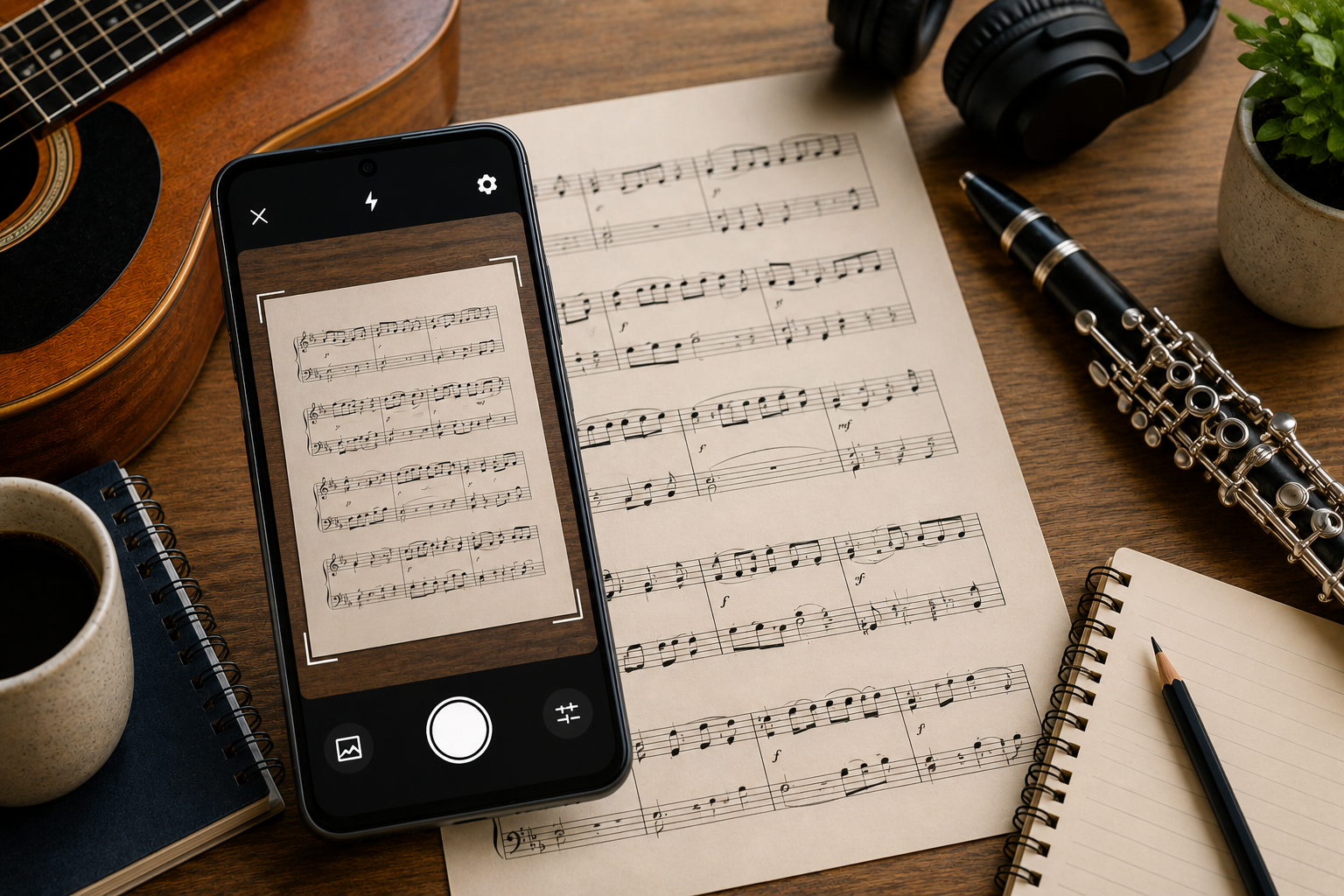
If you want to scan sheet music on an Android phone, Opuscan and PlayScore 2 are two of the strongest options, and they solve the problem in different ways. PlayScore 2 is built around playback and runs on almost everything, while Opuscan focuses on turning a scan into files you can edit and keep, with no subscription. This comparison lays out how they differ on platforms, scanning, playback, export, and price so you can pick the one that fits how you work.
At a glance
Here is how the two line up on the things that matter most.
| Feature | Opuscan | PlayScore 2 |
|---|---|---|
| Platforms | Android, plus a Mac app (no iPhone or iPad) | Android, iOS, Windows |
| Scan and PDF import | Camera scan and PDF import on any pack | Camera scan on the free tier; PDF import on Professional |
| Playback and practice | Playback with tempo control and a click track | Per-staff instruments, mute and volume, loops, count-in, metronome, swing |
| Transposition | Transpose the whole score at once | Per-staff transposition |
| Export formats | MusicXML, MIDI, PDF, MP3 | MIDI (Productivity), MusicXML (Professional) |
| Pricing | One-time credit packs, no subscription (one credit per page) | Free tier, then Productivity or Professional subscription (monthly or annual) |
| Privacy | Optional cloud backup on larger packs | Runs on-device; nothing leaves your device unless you share it |
| Best for | Android users who want editable files without a subscription | Players who want deep playback across phone, tablet, and desktop |
PlayScore 2 at a glance
PlayScore 2 comes from Organum Ltd and Dolphin Computing in Oxford, and it is first and foremost a playback tool. Point your camera at a page, or import an image or PDF, and it plays the music back with a genuinely deep set of practice controls: per-staff instruments, volume and mute, loops, a count-in, a metronome that follows the time signature, and even swing. It runs on Android, iOS, and Windows, and everything stays on your device. The trade-off is the model. The free tier only plays single pages from the camera, and the features most people want, multi-page scanning, PDF import, and MusicXML or MIDI export, sit behind the Productivity and Professional subscriptions.
Opuscan at a glance
Opuscan is made by Tutteo, the team behind Flat, and it is built around getting a clean, editable score out of a scan. You scan a page or import a PDF, fix any notes it flags, then export to MusicXML, MIDI, PDF, or MP3. Playback includes tempo control and a click track for practice, and you can transpose the whole score in one step. Instead of a subscription it uses one-time credit packs: one credit per page, and credits that do not expire. On mobile it is Android only, with a Mac app alongside it.
The main differences
Pricing is the clearest split. Opuscan charges once for a pack of pages and never expires them, which suits people who scan in bursts. PlayScore 2 is a subscription, which makes sense if you scan constantly and lean on its playback every day.
Export works differently too. Opuscan includes MusicXML, MIDI, PDF, and MP3 in every pack, so you can move a score into Flat, MuseScore, or Dorico, print it, or share an audio file. PlayScore 2 exports MIDI on the Productivity tier and MusicXML on Professional, and its exported files are licensed for non-commercial use unless you arrange otherwise with the developer.
Reach is the other difference. PlayScore 2 runs on Android, iOS, and Windows, so it is the one to pick if you need iPhone or a Windows PC. Opuscan is Android and Mac only.
Focus. PlayScore 2 is the richer playback and practice tool. Opuscan is the more direct path from a scan to files you can edit and own.
Which should you choose?
If you play across an iPhone or a Windows PC, or you mostly want to hear your music with detailed practice controls, PlayScore 2 is the natural pick. If you are on Android and your goal is to scan, tidy up, and export a score you can edit and reuse without paying every month, Opuscan fits better. Plenty of musicians could happily use either, so the deciding factors are usually your device, whether you prefer paying once or subscribing, and whether playback or editable export matters more to you.
Scanning on Android and want editable files without a subscription? Get Opuscan on Google Play.
FAQ
What is the main difference between Opuscan and PlayScore 2?
Opuscan uses one-time credits with no subscription and exports MusicXML, MIDI, PDF, and MP3. PlayScore 2 is subscription-based with deeper playback tools, and it exports MusicXML on its Professional tier. Opuscan runs on Android and Mac, while PlayScore 2 runs on Android, iOS, and Windows.
Does PlayScore 2 have a free version?
Yes. The free tier plays single pages from the camera and shares single-page documents, but multi-page scanning, PDF import, and MusicXML or MIDI export require a paid Productivity or Professional subscription.
Do either app work on iPhone?
PlayScore 2 runs on iOS, Android, and Windows. Opuscan on mobile is Android only, though it also has a Mac app.
Which is better for exporting to notation software?
Both export MusicXML, which opens in Flat, MuseScore, Dorico, and Sibelius. Opuscan includes MusicXML in its credit packs, while PlayScore 2 requires the Professional subscription for MusicXML export.
Can I scan a multi-page PDF in each app?
Yes in both, with a caveat. Opuscan imports PDFs on any credit pack, while PlayScore 2 needs the Professional subscription for multi-page PDF import.