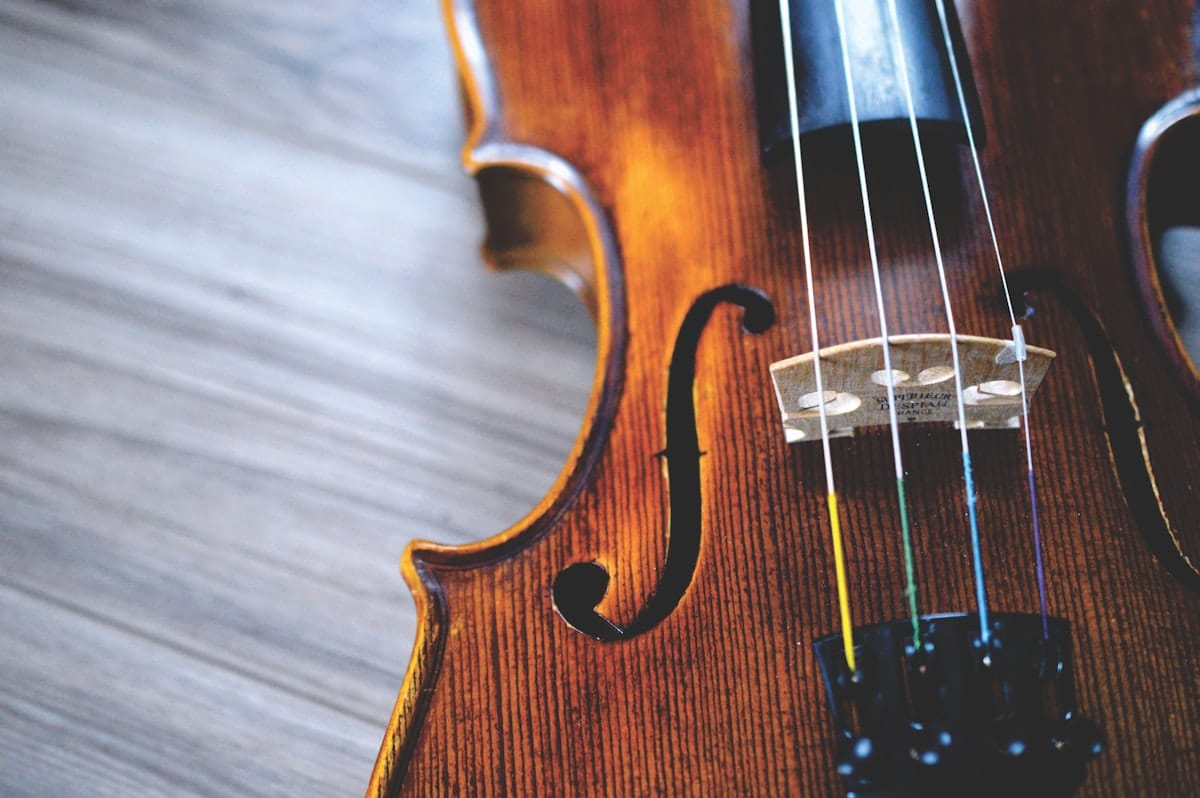
Writing for violin asks more from a notation tool than most other instruments. Bowing marks, slurs that mean one bow stroke, articulations, pizzicato changes, ornaments — the details matter because the player reads them as instructions, not suggestions. Flat runs in your browser and handles all of them. This article covers how to start a violin score in Flat, the features that matter when notating violin parts, and how to share what you've made.
Writing your first violin score in Flat
Open Flat, sign in, and start a new score. Pick violin from the instrument list and Flat sets up a treble-clef staff tuned to G3–E7, the standard violin range. Click any rest and either type the note name, click the staff position, or play the on-screen piano keyboard. The toolbar gives you articulations, slurs, ties, dynamics, and ornaments without leaving the keyboard. If you want a fuller walkthrough of the editor, the step-by-step tutorial is the place to start.
Violin-specific features that matter
A violin part isn't just the notes. It's the bowing, the articulation, the dynamics, and the ornaments that tell the player how to interpret what's written:
- Slurs as bowing instructions. A slur over a group of notes tells the violinist to play them in one bow stroke. Flat's slur tool draws cleanly across any number of notes and the playback respects it.
💡 Slurs and ties. - Up-bow and down-bow marks. The standard arco articulation marks. Flat has them in the articulation toolbar along with staccato, marcato, accent, and tenuto.
💡 Articulations in Flat. - Dynamics and hairpins. Violinists read dynamics constantly — a crescendo from p to f changes the bow weight and speed, not just the volume. Flat's dynamics playback shapes the sound to match what you wrote.
💡 Dynamics shortcuts. - Ornaments: trills, mordents, turns. Common in Baroque and classical violin writing. Each one renders correctly and plays back without you having to write out the embellishment by hand.
💡 Ornament tools. - Pizzicato playback. The studio-recorded violin sample includes pizzicato separately from arco, so when you mark pizz., the playback actually changes.
💡 Violin samples in Flat. - Tuplets. Triplets and other irregular groupings are everywhere in violin repertoire — from Mozart concertos to fiddle tunes.
Tcreates a triplet on any rhythm.
💡 Tuplets in Flat.
Sharing and exporting your violin score
When the score is ready, click Share for a public link, invite collaborators by email for real-time editing, or open the export menu to download as PDF, MIDI, or MusicXML. PDF is what most violinists want for a stand or tablet. MIDI exports the line for a DAW or a film score session. MusicXML keeps formatting clean when you hand the part off to a copyist using different software. If you're writing for an ensemble, you can write all parts in one score and export them as individual PDFs.
Find inspiration in the Flat community
Flat hosts more than 100,000 user-published scores from musicians around the world. Browse the community scores to see how others have written for violin: bowing choices, double stops, ornament placement, idiomatic figuration. You can clone any public score into your own account and edit from there.
Why Flat for violin
Most browser-based notation tools treat violin like a generic single-staff instrument with the same toolbar as everything else. Flat's articulation set, ornament tools, and playback samples are built to handle the specific markings a violinist looks for in a part. Real-time collaboration means a teacher or co-arranger can be in the same score with you, leaving comments and making edits live.
Ready to write your first violin piece? Try Flat for free!
FAQ
How do I write violin sheet music online for free?
Sign up for a free Flat account, create a new score, choose violin, and start entering notes. The free tier covers personal use, PDF export, and public sharing, with no install or credit card required.
Does Flat support bowing marks and slurs?
Yes. Up-bow and down-bow articulations sit in the articulation toolbar, and slurs draw cleanly across any group of notes. The playback respects slurs as bowing instructions.
Does the violin sample include pizzicato?
Yes. The HQ violin instrument includes a separate pizzicato sample, so marking pizz. actually changes the playback sound, not just the notation.
Can I export my violin part to PDF?
Yes. Open the score, click Export, and choose PDF. The export uses the same engraving as the editor view. MIDI and MusicXML are also available.
Can I write a string quartet in Flat and export individual parts?
Yes. Add all four instruments to one score, write each line, and use the export options to download separate PDFs per part. Real-time collaboration lets your section work on the score together.