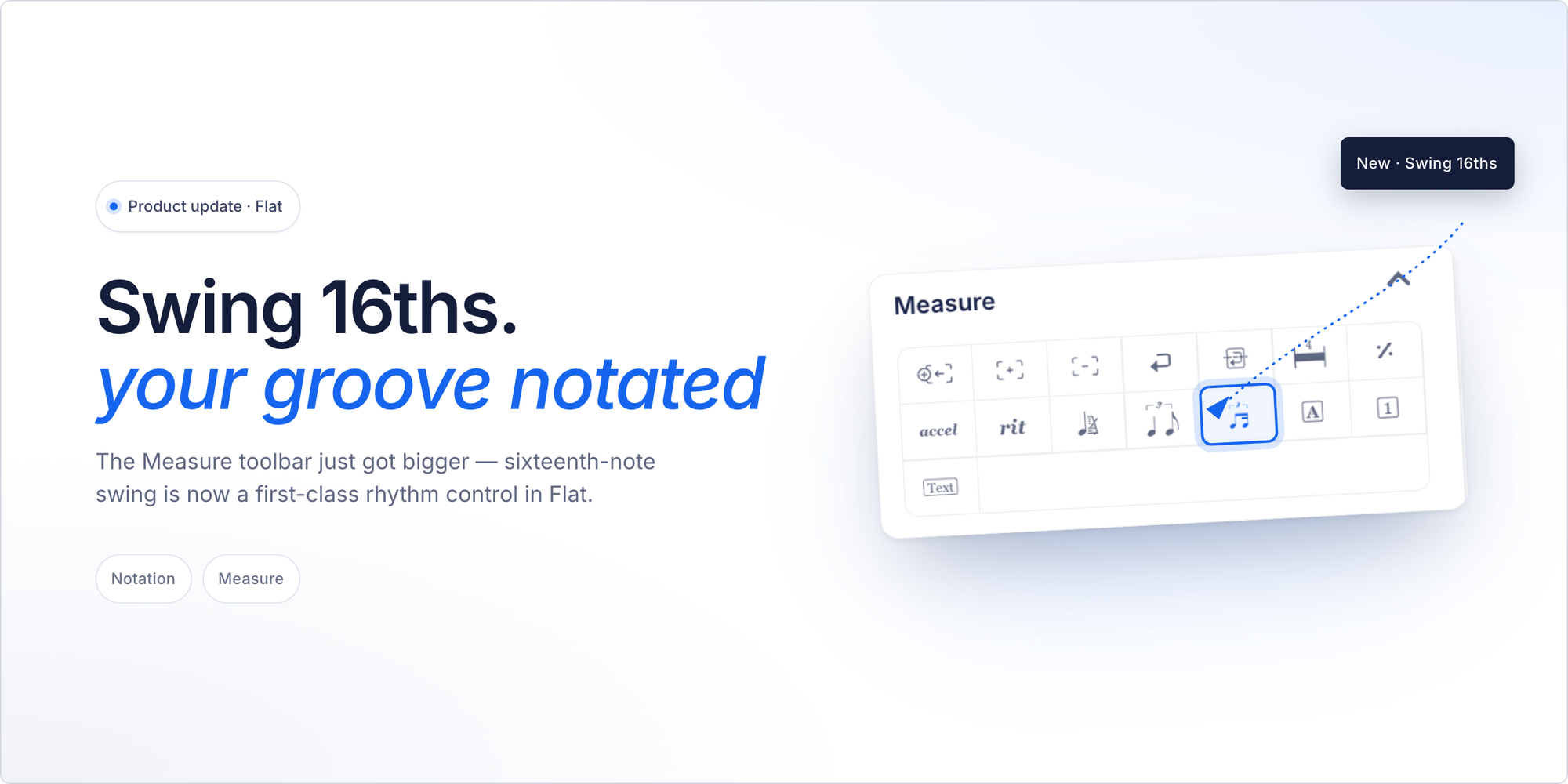
If you write jazz, funk, neo-soul, Latin, or half-time shuffle, you already know what 16th-note swing feels like. That slight push and pull between sixteenth notes — the groove that makes a funk chart sit, that makes a neo-soul ballad breathe. It's not 8th-note swing. The swung unit is different. And until now, Flat didn't know the difference.
That changes today.
What's new
- 16th-note swing is now a first-class swing type in Flat. When you enable swing on a measure, you can toggle between 8th and 16th as the swing unit.
- The score displays the correct glyph. 16th swing shows the right annotation — not the 8th-swing glyph — so the notation communicates your intent clearly to any performer reading the score.
- Playback applies the right timing. The playback engine now emits 16th-based swing timing for measures set to 16th swing. You'll hear the difference immediately.
- MusicXML round-trips cleanly. The implementation aligns with the MusicXML 4.0 swing-type spec, so scores export and import correctly with other tools that support the standard.
For anyone already using swing in Flat: nothing has changed. Your existing scores render and play exactly as before.
Why it matters
Notation is only useful if it captures what you mean. When you write a funk groove, a jazz arrangement, or a half-time shuffle, the swing feel is part of the composition — not an afterthought. A wrong annotation isn't just cosmetic. It tells the performer (or the playback engine) the wrong thing.
Flat's swing engine previously had no way to express the swing unit. It assumed 8ths. For a jazz composer writing swing lines over a quarter-note bass, that was fine — 8th swing is exactly what most jazz notation calls for. For a composer writing a neo-soul arrangement where the groove lives entirely in the sixteenth-note layer — it wasn't.
This update is small in scope and precise in purpose: the two most common swing units are now both supported, correctly, end-to-end.
How to use it
When you enable swing on a measure in the Flat editor, you'll see a toggle to choose between 8th swing and 16th swing. Select 16th, and the annotation, the glyph, and the playback all update to match.
Try this in Flat — a quick funk groove to hear the difference:
- Create a new score with a piano or electric piano part in 4/4. Write four measures of straight 16th notes — a simple repeating pattern works well, like four groups of four 16ths on the beat.
- Enable swing on the first two measures. Go to Measure > Swing, enable it, and set the type to 8th swing. Hit play and listen to how those 16th notes feel.
- Switch to 16th swing on the same measures. Hit play again. You'll hear the groove shift — the push and pull now lives in the sixteenth-note layer, not the eighth.
If you've been working around this limitation — enabling 8th swing on a funk score and hearing it feel slightly off — that three-step comparison will make the difference obvious.
Ready to try it?
Flat's composer tools let you write, hear, and share your scores directly in the browser — no download needed. Start composing in Flat.