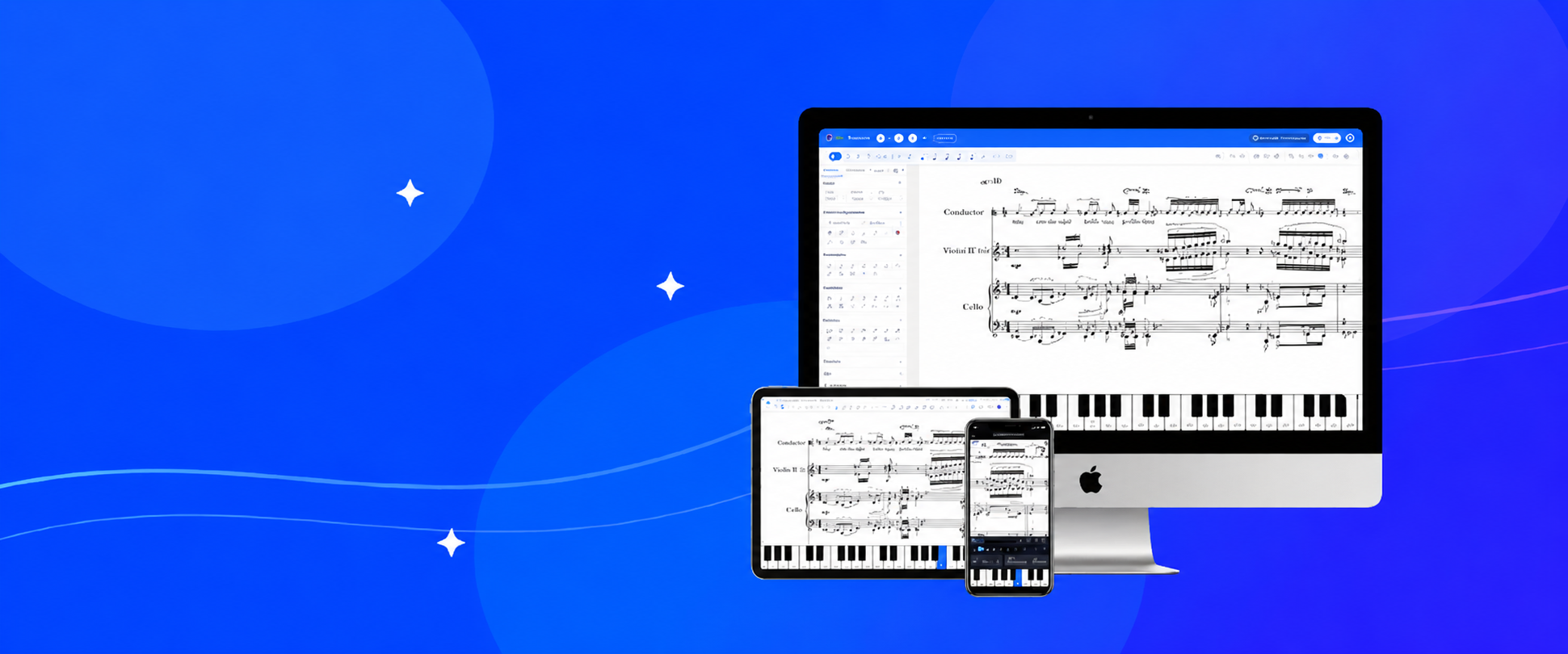
You asked. We listened. And we built something we're really proud of.
Today, Flat gets even better: Flat Desktop is now available for Mac and Windows. The same Flat you know and love, your scores, your tools, your creative flow, now running natively on your computer, with everything that brings. More stability, a faster and more reliable experience, and your whole library still connected across every device you own.
This is Flat, amplified.
Composing that feels solid under your hands
When Flat lives on your machine, things just feel different. The app opens instantly from your Dock or taskbar, loads fast, and stays out of your way so you can focus on what matters: the music. Your scores are saved right there on your device, always accessible, ready the moment you are.
Running natively means a more consistent, responsive experience across the board. No browser overhead, no tab management, no performance surprises. Just a stable, dedicated space for your work that behaves the same way every single time you open it.
And better sounds are on the way. We're working on higher-quality soundfonts for the desktop app, a richer and more expressive playback experience that takes full advantage of running natively on your machine. We'll share more on that soon.
Your whole library, still connected
Here's what makes this different from every other desktop notation app out there: with Flat Power, nothing is isolated.
Start a piece on your computer in the evening. Open it on your phone on the train. Continue in the browser at school or at the studio. Every change syncs automatically, across every device you own. Your entire Flat library travels with you, no exports, no manual transfers, no "which version is the latest one?"
Real-time collaboration works on desktop too. If you write music with other people, a fellow composer, a student, a bandmate, you can both be in the same score at the same time, seeing each other's edits as they happen. It's the same experience that made Flat feel like nothing else in this category, now fully available on your Mac or PC.
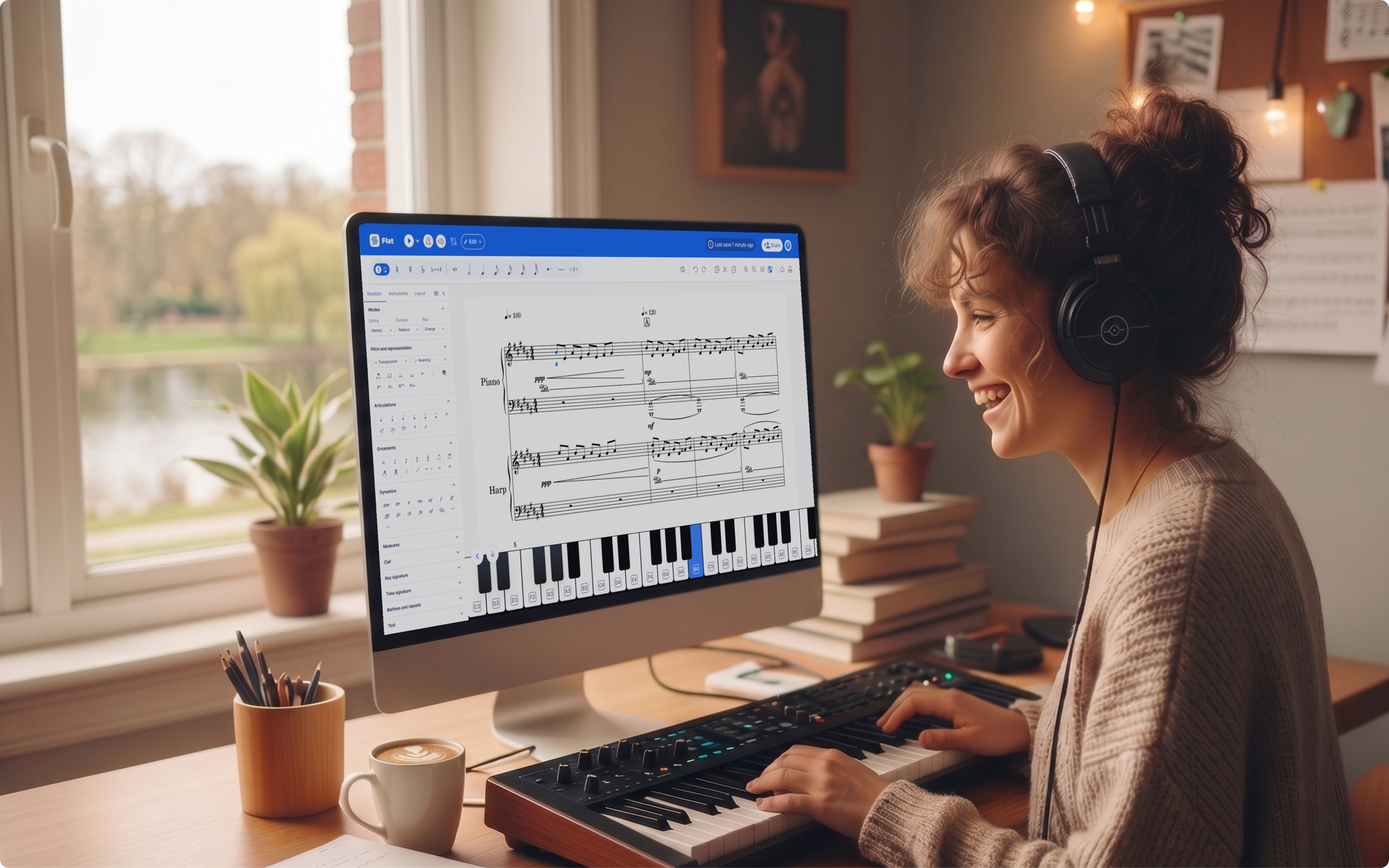
For the composers who live in their work
A lot of Flat users are serious about what they create. They're writing for ensembles, arranging for students, finishing pieces that matter to them. For those users, the desktop app brings a level of focus and permanence that a browser tab can't quite replicate.
You get a proper app window, per-score organisation, and the knowledge that your work is saved locally on your machine. Flat Power adds the full professional feature set on top of that: version history, advanced notation controls, the complete HQ instrument library, layout and style tools, custom keyboard shortcuts, all of it in an app that feels like it belongs on your desktop.
If you've been looking for a Finale alternative or comparing Flat vs Sibelius, the desktop app makes that decision even easier: professional notation depth, cross-device sync, and real-time collaboration in one place.
Download Flat Desktop
It's free to get started, with no account required. If you're already a Flat Power subscriber, the full desktop experience is waiting for you. Just download and sign in. You can also learn more about everything the app includes at flat.io/desktop.
- Download for Mac, available now on the Mac App Store
- Download for Windows, available now on the Microsoft Store
We're genuinely excited about this one. For a community that creates as much as yours does, we wanted to give your music a place that feels as permanent as the work you put into it. We hope this is that place.
Happy composing.
Frequently asked questions
Is Flat Desktop free to download?
Yes, Flat Desktop is free to download and use. You can start composing right away with no account required. The free version includes all core notation features and unlimited local file storage on your device.
Do I need a Flat account to use the desktop app?
No account is needed to get started. You can download the app and begin composing locally straight away. Creating a free Flat account unlocks cloud saving, and subscribing to Flat Power adds full sync across all your devices.
Can I use Flat Desktop offline?
Yes. Flat Desktop works fully offline. Your scores are saved locally on your machine and accessible whether or not you have an internet connection. With Flat Power, any changes you make offline sync automatically across all your devices when you reconnect.
I'm already a Flat Power subscriber. Do I get the desktop app?
Yes, the full desktop experience is included with your existing Flat Power subscription. Just download the app for Mac or Windows and sign in with your account.
Does Flat Desktop sync with my scores on web and mobile?
Yes, with Flat Power. Your entire Flat library syncs automatically across the desktop app, the browser, and the mobile app. Start a score anywhere and pick it up on any other device without any manual steps.
Which operating systems are supported?
Flat Desktop is available for macOS and Windows. Download it from the Mac App Store or the Microsoft Store. See the full overview at flat.io/desktop.
Can I import my existing scores into Flat Desktop?
Yes. Flat Desktop supports MusicXML and MIDI import, so you can bring in scores from other notation tools like Finale, Sibelius, or MuseScore and continue working on them in Flat.
Is real-time collaboration available on desktop?
Yes. Real-time collaboration is included with Flat Power. Multiple people can edit the same score simultaneously on desktop, just like in the browser, seeing each other's changes as they happen.