The Short Answer
Flat suits composers, students, and educators who want real-time collaboration, cross-device access, and a notation tool that works in the browser or as a desktop app without a large upfront investment. It's also the stronger choice for classroom use, with a dedicated education product built around LMS integration and assignment workflows.
Sibelius suits professional composers who need deep engraving control, high-fidelity orchestral playback, and Pro Tools integration as part of a professional desktop studio setup.
Neither is universally better. They make different trade-offs.
What Is Flat?
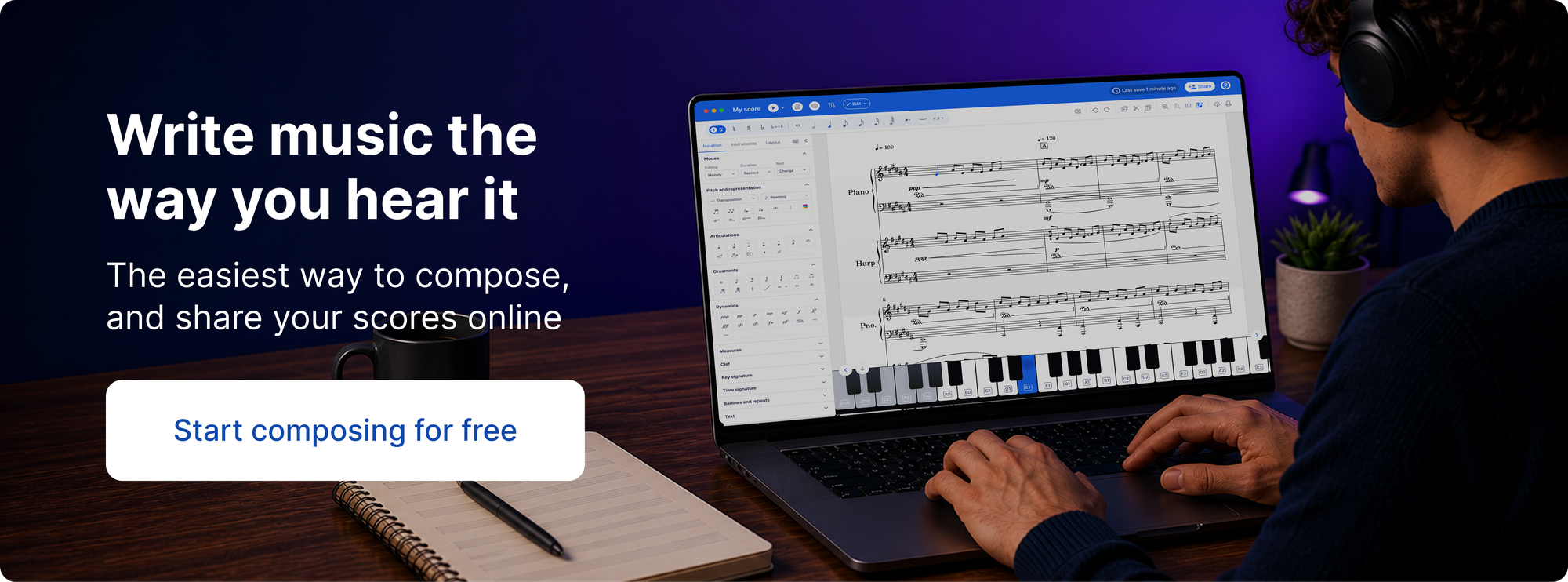
Flat is a music notation tool available as a browser app and as native desktop apps for Mac and Windows. iOS and Android mobile apps are also available. The free version covers the core editor and includes real-time collaboration. Flat Power adds unlimited cloud storage, advanced notation features, 180+ instruments, and sync across all your devices. It's available at $9.99/month, $49/year, or $299 as a one-time lifetime purchase. See flat.io/pricing for details.
Flat for Education is a separate product built specifically for music classrooms, with LMS integrations, assignment workflows, and classroom management tools.
What Is Sibelius?
Sibelius is a professional notation app made by Avid, available on macOS and Windows as a desktop app, and as a mobile app on iOS, iPadOS, Android, and Chromebook. It has been the industry standard in film scoring, orchestral publishing, and conservatoire education for decades. The most recent release, Sibelius 2026.2, added a long-awaited dark mode on desktop and refreshed the interface with high-resolution vector icons.
Sibelius comes in three tiers. Sibelius First is free. Sibelius Artist costs $99/year and supports up to 24 staves. Sibelius Ultimate costs $199/year and offers unlimited staves, complete engraving features, unlimited cloud sharing, video sync and timecode support, and an educational worksheet creator. A perpetual license bundle is available at $899 one-time. For full details, see avid.com/sibelius.
Head-to-Head Comparison
Ease of Use
Flat has a modern interface that most users find quick to pick up. Getting from a blank score to the first few bars doesn't require much prior knowledge of the software.
Sibelius is more complex. Despite UI improvements in recent updates, it's a feature-dense application — palettes, engraving rules, and style settings take time to navigate. That complexity pays off for advanced users who need the full feature set, but the learning curve is steep.
Collaboration
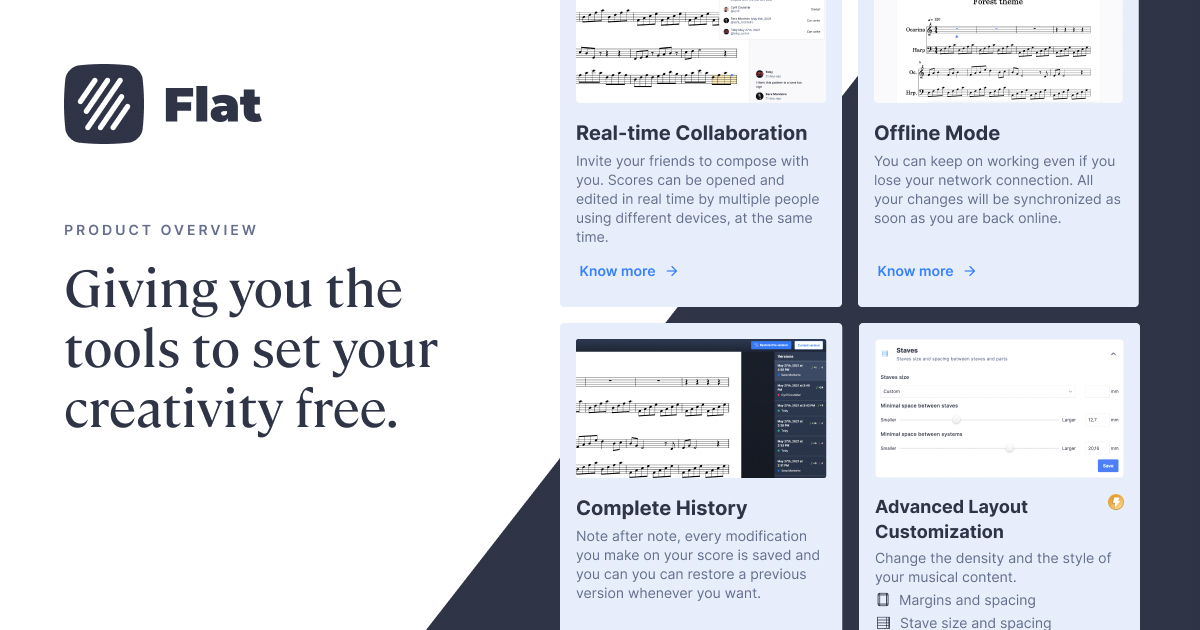
Flat supports real-time collaboration on all plans including free: multiple people can edit the same score at once, with changes visible live. Scores can be shared by link in edit or view-only mode, and anyone with the link can play back the score in their browser without an account.
Sibelius has cloud sharing — up to 20 scores on Artist, unlimited on Ultimate — but real-time collaborative editing is not part of the Sibelius workflow. For solo composers on a single machine, this is fine. For anyone working with collaborators simultaneously, it's a meaningful limitation.
Platform & Device Support
Flat runs in any modern browser and is available as native desktop apps for Mac and Windows. iOS and Android mobile apps are also available. Chromebook is supported via the browser.
Sibelius runs on macOS and Windows as a desktop install, with mobile apps for iOS, iPadOS, Android, and Chromebook (via Google Play). Sibelius does not run in a browser. Both tools cover a similar range of devices, though the experience differs — Sibelius on Chromebook is a mobile app, while Flat on Chromebook runs in the browser.
Notation Features
Sibelius Ultimate offers complete engraving features — unlimited staves, advanced articulations, cross-staff notation, condensed scores, fine-grained layout control, and video sync with timecode. Sibelius Artist is more limited, with up to 24 staves and restricted symbols, lines, and text styles. For scores intended for professional publication or complex orchestral work, Sibelius Ultimate has significant depth.
Flat covers standard notation thoroughly — dynamics, articulations, ties, slurs, trills, grace notes, multiple voices, chord symbols, lyrics, and guitar tabs. For most use cases — student composition, arranging, lead sheets, and ensemble writing — that's sufficient.
Playback Quality
Sibelius includes a professional-quality sound library for orchestral playback. Advanced users can also route audio through external sample libraries.
Flat's playback is accurate and responsive, available in the browser and desktop app with no additional downloads. For proofing, sharing, and education — which covers most use cases — it works well.
Education Features
Sibelius Ultimate includes an educational worksheet creator and has an education pricing tier. It's capable for teaching advanced notation, but it wasn't designed for classroom management — there's no assignment distribution, built-in student feedback workflow, or LMS integration.
Flat for Education is a dedicated product built for music classrooms. It integrates with Google Classroom and Microsoft Teams on all paid plans, and with Canvas, Schoology, Moodle, Blackboard, and Classlink on school and district plans. Teachers can assign composition projects, review and comment on student scores, and manage class rosters inside the platform. In a classroom context, these two tools are not competing for the same job.
Side-by-Side Comparison
| Flat | Sibelius | |
|---|---|---|
| Platform | Browser, desktop (Mac/Windows), iOS, Android | Desktop (macOS/Windows) + mobile (iOS, Android, Chromebook) |
| Chromebook | ✅ (browser) | ✅ (Android app) |
| Real-time collaboration | ✅ (all plans including free) | ❌ |
| Free tier | ✅ Flat Basic | ✅ Sibelius First |
| Notation depth | Standard range | Complete engraving (Ultimate only) |
| Staves | Unlimited | Up to 24 (Artist) · Unlimited (Ultimate) |
| Pro Tools integration | ❌ | ✅ MIDI copy/paste (since 2024.3) |
| LMS integration | ✅ Google Classroom, Canvas, Schoology, and more | ❌ |
| One-time purchase | ✅ $299 lifetime | ✅ $899 (Ultimate Perpetual) |
| Pricing | Free · $9.99/mo · $49/yr · $299 lifetime | First: Free · Artist: $99/yr · Ultimate: $199/yr |
Which One Is Right for You?
| If you... | Better fit |
|---|---|
| Want to start composing quickly without a steep learning curve | Flat |
| Need to collaborate with others on the same score | Flat |
| Work across multiple devices — phone, tablet, browser, desktop | Flat |
| Are a teacher who needs classroom management and LMS integration | Flat for Education |
| Want to share scores with people who don't have notation software | Flat |
| Are a professional composer with a Pro Tools studio setup | Sibelius |
| Need complete engraving control for complex orchestral scores | Sibelius Ultimate |
| Work in a conservatoire or institution where Sibelius is the standard | Sibelius |
| Want a one-time purchase instead of a subscription | Flat ($299) or Sibelius ($899) |
When Flat Tends to Work Better
- Working across multiple devices — desktop, browser, phone, or tablet
- Collaborating with others on the same score in real time
- Sharing scores with people who don't have notation software installed
- Teaching music in a classroom with LMS integration needs
- Wanting a capable notation tool without a steep learning curve or large upfront cost
When Sibelius Tends to Work Better
- Working from a single, powerful desktop machine as your primary setup
- Professional film or orchestral scoring with Pro Tools integration
- Needing complete engraving control and unlimited staves (Sibelius Ultimate)
- Wanting a professional-grade sound library bundled with the software
- Working in a conservatoire or institution where Sibelius is the established standard
The Bottom Line
Sibelius is a mature, powerful desktop application that rewards the learning investment — particularly for professional composers who need complete engraving control and high-quality orchestral playback. Flat is a more accessible, flexible platform that works across devices and prioritises collaboration.
Both tools have a genuinely good free version. Try Flat at flat.io — no installation needed to get started.