Finale was discontinued in August 2024, and tens of thousands of composers, arrangers, and educators were left with a library of scores and no clear path forward. This guide shows you how to move those scores to Flat — and how to get back to composing quickly.
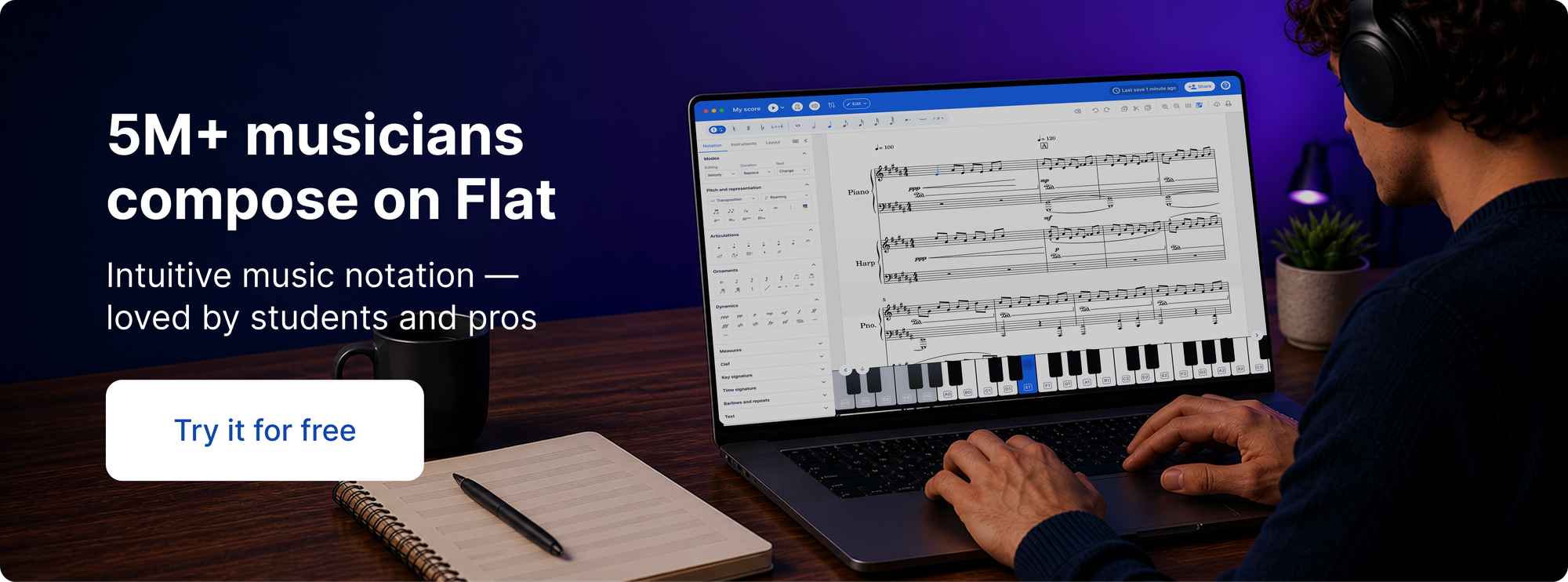
If you're evaluating alternatives, Flat is worth serious consideration. It's browser-based, available as a desktop app (Mac and Windows) and mobile app (iOS and Android), with your scores accessible from any device. It covers the full notation workflow — note input, dynamics, articulations, lyrics, chord symbols, playback, PDF and MusicXML export — and adds real-time collaboration that Finale never had. You can start for free, and the learning curve is shorter than most professional notation tools.
Why choose Flat
Flat is built for how musicians work today. Unlike Finale, which was a desktop-only, single-user tool, Flat runs in the browser and on native apps — your scores are always with you, on any device, without file management.
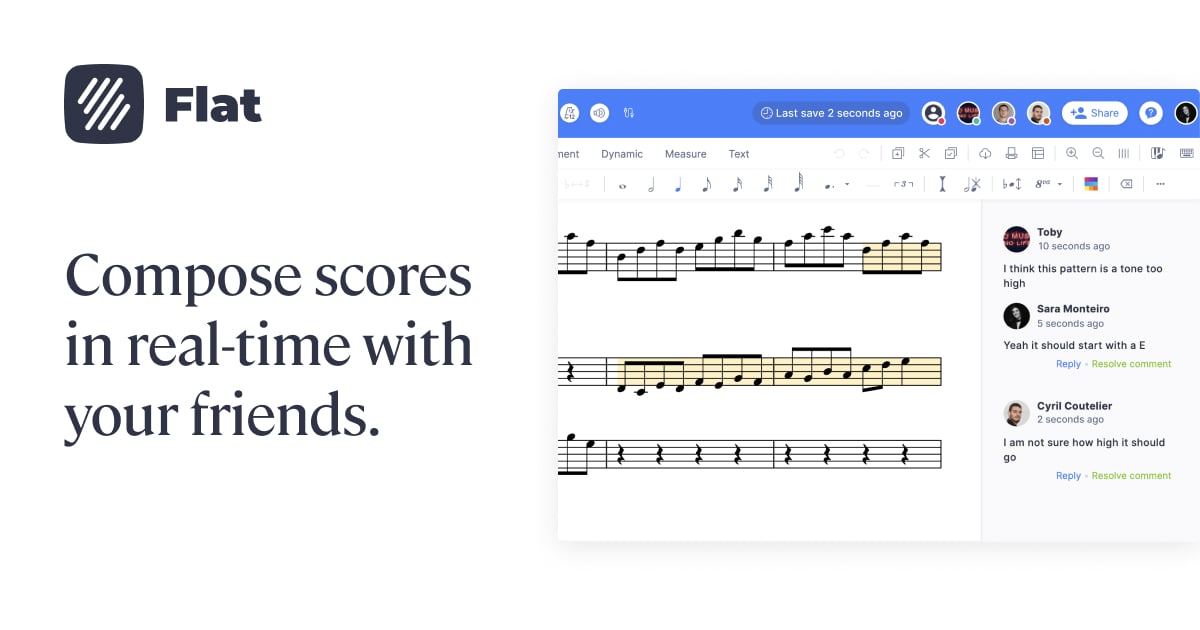
Real-time collaboration is one of the biggest shifts. Finale required exporting files and emailing them back and forth. In Flat, you share a link and multiple people can edit the same score simultaneously. For composers working with arrangers, teachers sharing scores with students, or anyone co-writing, this alone changes the workflow.

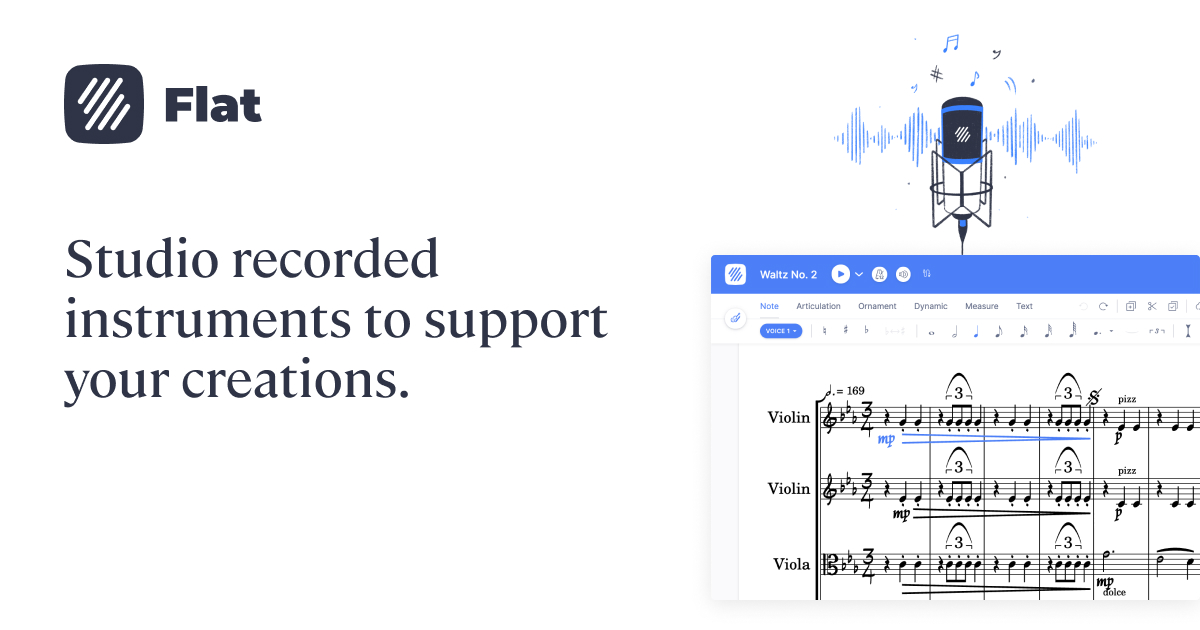
The notation feature set covers everything most composers and arrangers need — multiple voices, lyrics, chord symbols, dynamics, articulations, repeats, and more. Playback includes over 180 instruments with adjustable part volumes and reverb. And because it's cloud-based, your scores are never tied to one machine.

Where Flat is more limited than Finale: deep manual engraving. If your workflow relied on pixel-level control over spacing, beam angles, or custom fonts, Flat is less flexible in that area. For composing, arranging, and teaching it covers the full workflow — for professional print engraving, it's worth knowing the tradeoff upfront.
How to switch to Flat
Bring your scores over
Your existing Finale scores transfer to Flat via MusicXML. Export your scores from Finale, then go to your Flat library and import the file — it's in your account in seconds.
💡 Check out our step by step guide > here.
Here's what makes it through cleanly and what to check afterward:
| Element | What happens |
|---|---|
| Pitches and rhythms | Transfers completely |
| Key and time signatures | Transfers completely |
| Articulations (staccato, accent, tenuto, etc.) | Transfers very well |
| Dynamics (p, mp, mf, f, ff, hairpins) | Transfers very well |
| Slurs and ties | Transfers very well |
| Lyrics | Transfers well |
| Chord symbols | Transfers well |
| Tempo markings | Transfers well |
| Multiple voices per staff | Transfers — worth reviewing |
| Custom text expressions | Partial |
| Page layout, margins, manual spacing | Not transferred — Flat applies its own layout |
| Custom engraving adjustments (beam angles, stem lengths) | Not transferred |
For most composition and arrangement work the score will be clean and ready to use. If your Finale workflow involved deep manual engraving, expect to redo some of that layout in Flat.
Learn note input
In Finale, you pick the pitch first, then the duration. Flat works the other way around — duration first, then pitch. Press a number to set the duration (1 = whole, 2 = half, 3 = quarter, 4 = eighth, 5 = sixteenth), then press a pitch letter (A through G) or click on the staff. It feels backwards for the first session, then clicks.
A few other differences worth knowing:
- Accidentals:
=for sharp,-for flat,0for natural - Ties:
,— Slurs:S - Navigation: arrow keys move between notes;
Escdeselects
💡 The full shortcut reference is here.
Ready to make the move? Start for free.
FAQ
Can I import my Finale scores into Flat?
Yes. Export your scores from Finale as MusicXML, then import into your Flat library. It's in your account in seconds. Most notation elements transfer cleanly — pitches, rhythms, dynamics, articulations, lyrics, and chord symbols all come through.
What happens to my scores now that Finale is discontinued?
Your existing Finale installation keeps working for now, but future OS updates from Apple or Microsoft could break it with no fix coming. Exporting your scores to MusicXML while Finale still runs is the safest way to protect your work long-term.
Is Flat a good Finale alternative for music notation?
For composing, arranging, and teaching — yes. Flat covers the full notation workflow, runs on any device, and adds real-time collaboration that Finale never had. If your work depended on deep manual engraving, it's worth knowing Flat is less flexible in that area.
Does Flat support guitar tablature?
Yes. Standard notation, tablature, and combined notation/tab staves for guitar, bass, and other fretted instruments.
What if my version of Finale doesn't have MusicXML export?
Download the free Dolet plugin from musicxml.com. It adds MusicXML export to older Finale versions and generally produces cleaner output than the built-in exporter.
My scores have complex multi-voice writing. Will it import correctly?
Multi-voice writing transfers through MusicXML but is worth reviewing after import. Check each staff where you used multiple voices and verify rhythms and beam groupings.