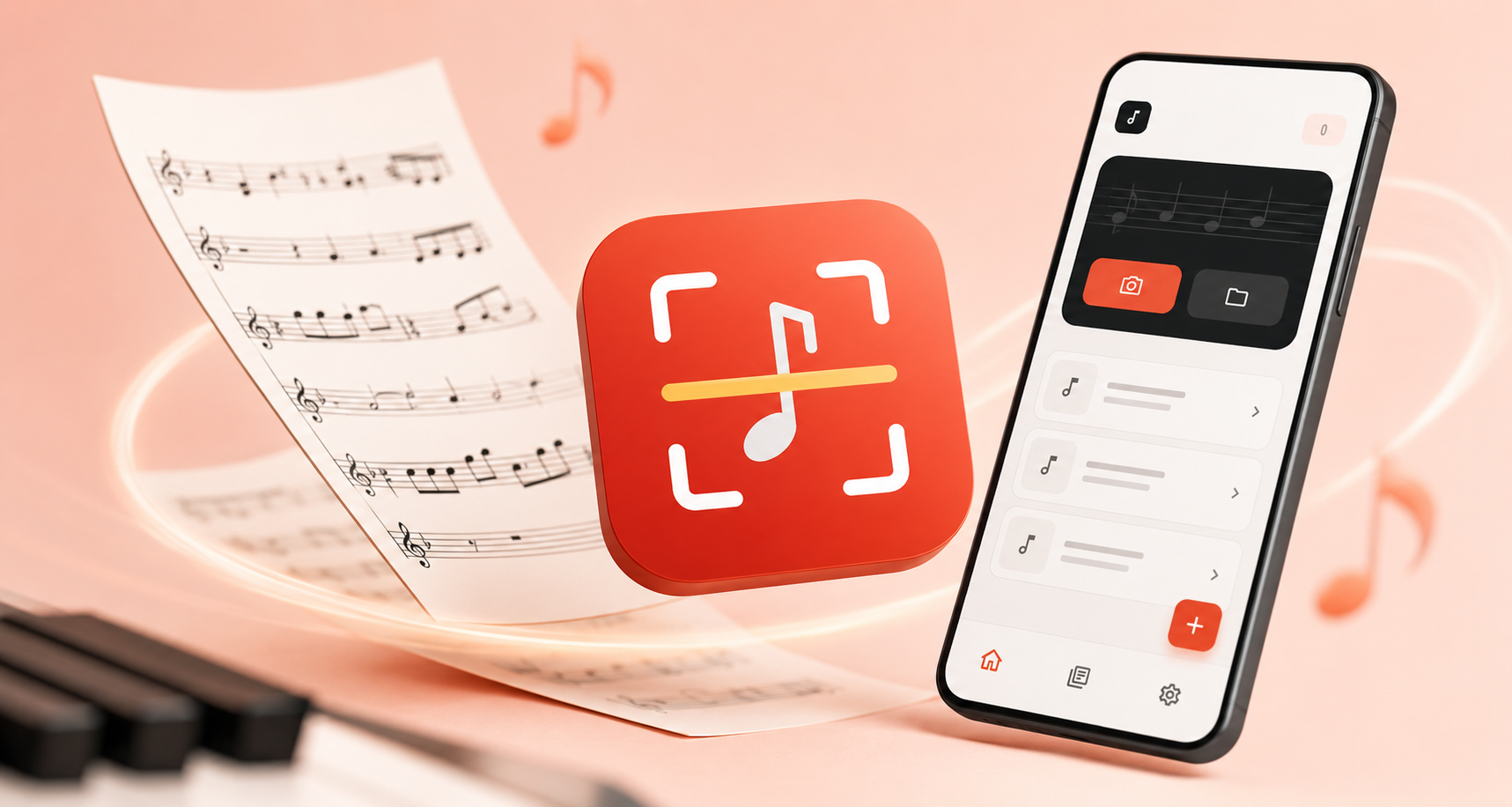
A new app from the team behind Flat is here: Opuscan, a standalone Android app that turns printed sheet music and PDFs into playable files. Point your phone at a page or import a PDF, and Opuscan reads the music. You can listen to it, change the tempo, transpose it, and export it as MusicXML, MIDI, PDF, or MP3 - all without re-entering a single note.
What you can do with Opuscan
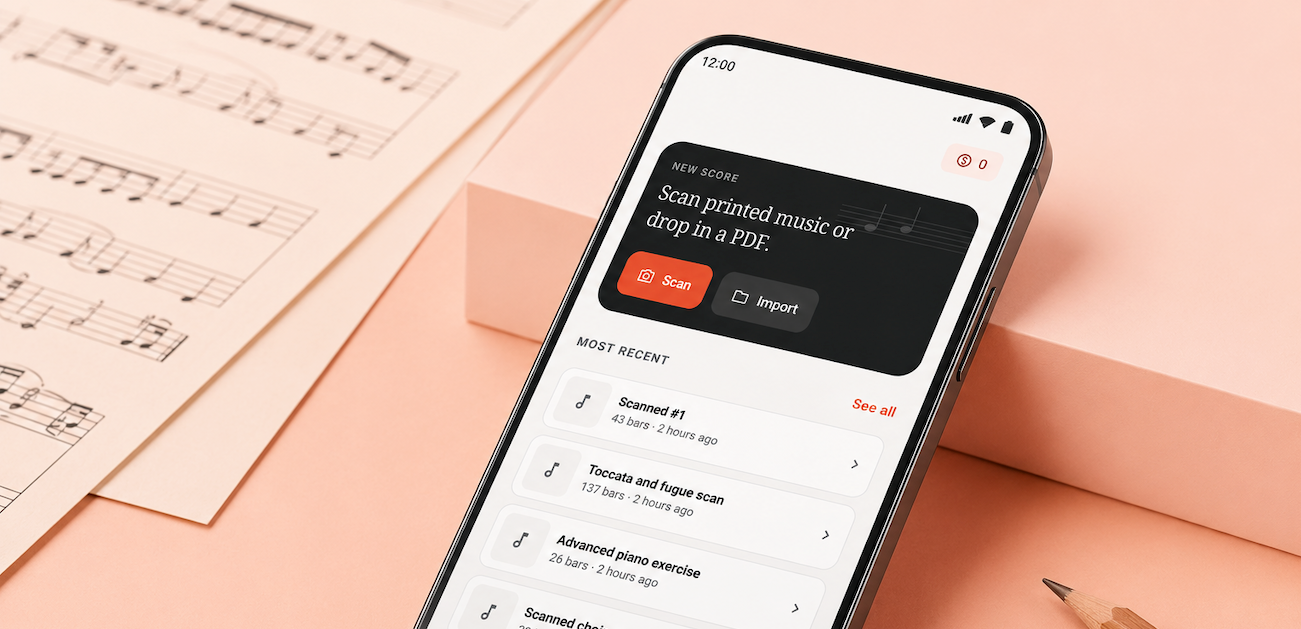
Opuscan works two ways: through your phone camera, or by importing an existing PDF. Both produce the same result - a score ready to play, transpose, and export.
- Play back any scanned score with tempo control and a click track
- Transpose to fit your voice or instrument
- Export to MusicXML, MIDI, PDF, or MP3
- Use a library with setlists and search to keep your scans organized
- Scan without creating an account - your scans stay on your device until you back them up
How it works:
- Open Opuscan and tap Scan or Import
- Point your camera at a printed score, or pick a PDF
- Confirm the page edges, then continue
- Opuscan reads the page. The score is ready to play

Pricing: credits, no subscription
Opuscan uses a credit system. You buy one-time credit packs to scan and import your scores. No subscription.
| Credit pack | Price | Pages included | Price per page |
|---|---|---|---|
| Small | $9.99 | 30 pages | $0.33 |
| Medium | $17.99 | 70 pages | $0.26 |
| Large | $49.99 | 300 pages | $0.17 |
*Prices in USD.
One credit scans one page. Credits never expire as long as your account is active. Once a score is scanned, you can play, transpose, and export it as many times as you want.
Supported notation and best practices
Opuscan works best with clean, standard sheet music - well scanned or digitally exported. The engine handles most of the conversion automatically, but the quality of the result depends on the structure and clarity of the original page. Handwritten music, tablature, or very complex formats may require manual adjustments after scanning - that's normal and expected.
What works best
Your scan or PDF gives the best results when it:
✅ Uses standard notation with clearly visible staves
✅ Is well scanned or digitally exported (high resolution, straight pages)
✅ Has a consistent layout across systems and pages
✅ Contains one score per file
Supported notation
| Category | Supported elements |
|---|---|
| Clefs | Treble, bass, C clefs (alto and tenor), including clef changes within bars |
| Key signatures | All key signatures of the Western system |
| Time signatures | 6/2, 5/2, 4/2, 3/2, 2/2, alla breve, 6/4, 5/4, 4/4, C, 3/4, 2/4, 12/8, 9/8, 7/8, 5/8, and more |
| Rhythms and note values | From whole notes to 32nd notes and rests, up to 3 dots, all tuplets |
| Pitches | Up to ±5 additional ledger lines |
| Cue notes | Recognized when used in full bars |
| Multi-bar rests | Any length, shown with H-bar notation |
| Dynamics | pppp to ffff, sf, sfz, cresc, decresc, dim, hairpins |
| Articulations | Slur, tie, staccato, staccatissimo, tenuto, accent, marcato |
| Ornaments | Mordent, inverted mordent, turn, inverted turn, trill, appoggiatura (acciaccatura coming soon) |
| Technical marks | Up-bow, down-bow, fingerings, piano pedal (Ped, *) |
| Barlines | Single, double, final, repeat (start/end), combined repeats |
| Repeat symbols | Volta brackets, Da Capo, Dal Segno, Coda, Al Fine |
| Structure | System and page breaks, movement detection |
| System layout | Separation of voice groups, basic support for variable system count |
| Rehearsal marks | Letters and numbers |
| Text | Attached to notes; supports English, French, German, Italian; basic lyrics |
| Transposing instruments | Detected and interpreted, solo or in an ensemble |
| Percussion | 1-, 2-, and 5-line staves; simple noteheads (cross, open, filled) |
Common issues and how to avoid them
| Issue | Likely cause | Solution |
|---|---|---|
| Scan fails | Out of credits | Top up your credits |
| Empty or incomplete score | Handwritten music, chord charts, text-only sheets | Use printed scores with standard staves |
| Wrong notes or rhythms | Low-resolution or distorted scans | Use high-quality scans and keep pages straight |
| Missing staves or instruments | Inconsistent staff count between systems | Keep the system layout consistent |
| Missing key or time signatures | Not repeated on every system | Repeat the key and time signature on each system |
| Mixed up or wrong voices | Dense polyphony on a single staff | Review rhythms carefully after scanning |
Before scanning
✅ When possible, use a PDF exported from notation software (Sibelius, Finale, MuseScore, Dorico, Flat, etc.)
✅ When scanning with your phone, hold the camera steady, keep the page flat and well lit, and make sure the full page is in the frame
✅ For scanned PDFs, use 300 dpi or higher
✅ Crop pages cleanly (no margins, shadows, or cut-off staves)
✅ Avoid PDFs with two-page spreads or landscape orientation
📬 Share your experience
Have feedback about Opuscan? Something that worked well or didn't meet your expectations? We'd love to hear it. Your input helps us improve the app and decide what comes next.
👉 hello@flat.io
Thank you for being part of the Flat community.