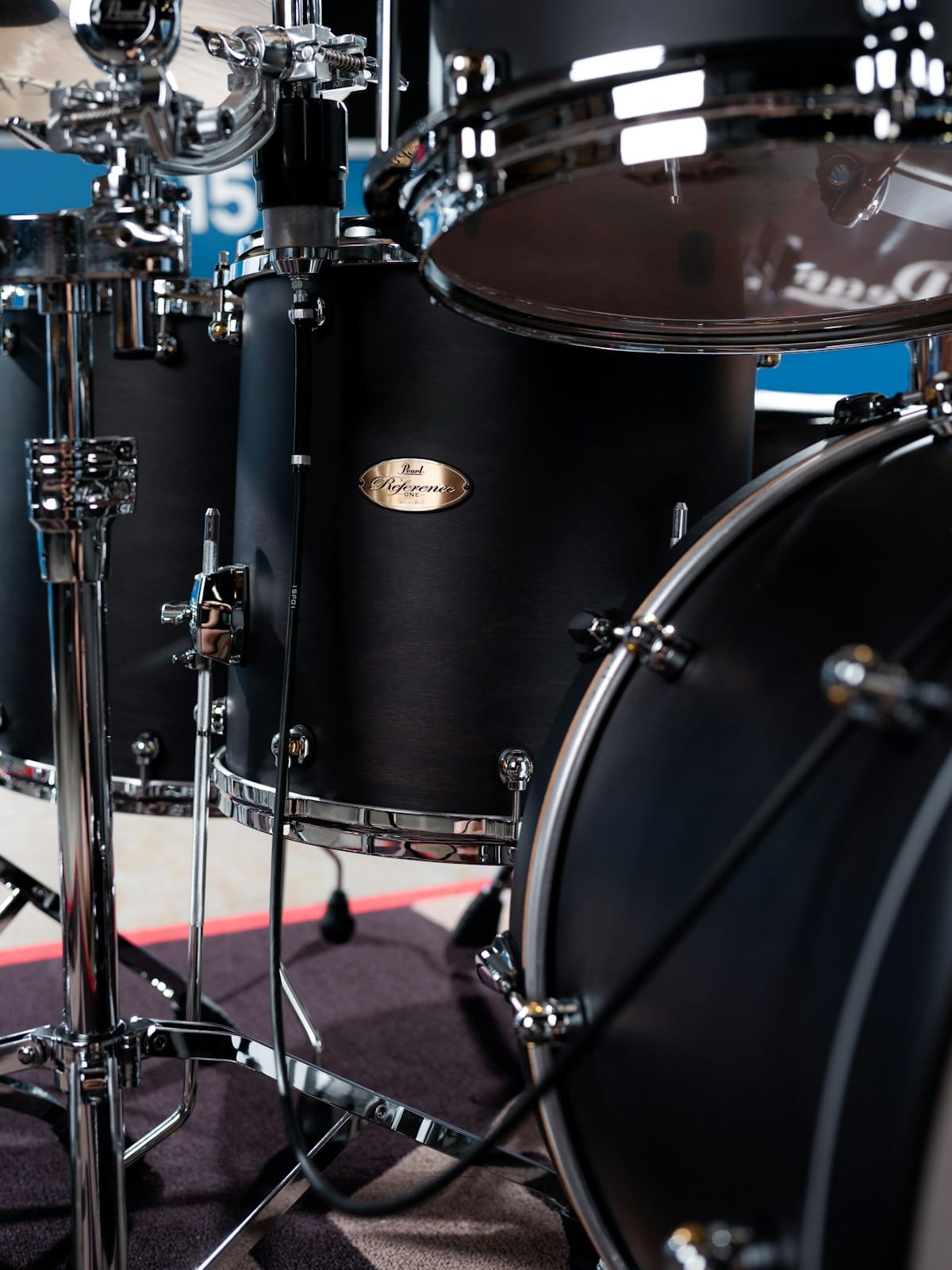
Drum parts can be a pain to write, specially if you are not a drummer. A drum sheet music maker handles the line/notehead assignments, the multi-voice stems, and the playback so the time goes into the groove instead of the engraving. Flat runs entirely in your browser and ships with a full drum kit ready to go. This article walks through writing your first drum chart, the drum-specific features that matter, and how to share or export what you've written.
Writing your first drum score in Flat
Open Flat, sign in, and start a new score. In the instrument picker, open the Percussion section and choose Drum Set (or HQ Drum Set for the studio-quality samples). Flat sets up a five-line percussion staff with the standard line/notehead assignments: kick on the bottom space, snare on the third space, hi-hat as an X notehead on top, toms on their own lines. Click any rest and either click the line for the drum you want, use the on-screen drums-pad, or hit the keyboard shortcut shown on the hover tooltip. Stems go up for hands and down for feet automatically. The drums help article covers anything that isn't obvious.
Drum tab vs. drum notation in Flat
If you searched for a drum tab maker, here's the distinction worth knowing. A drum tab is a simplified text grid: a row for each drum, with letters like x and o marking where the hits fall. It's quick to read but vague about rhythm. Drum notation puts those same hits on a five-line percussion staff with real note values, so the timing is exact. Flat writes standard drum notation, with a line or notehead per drum, which is the layout drummers read from on a stand and the form most drum charts are published in. It doesn't export an ASCII text tab, but the percussion staff does the same job with more precision, and you can share it as a link or export a PDF, MIDI, or MusicXML file.
Drum-specific features that matter
A drum chart isn't just notes on a staff — it's a layout convention that every drummer reads the same way. Here's what Flat gives you for the things drummers actually need:
- Independent voices for hands and feet. The kick and hi-hat foot belong in voice 2 with stems down; snare, toms, and cymbals sit in voice 1 with stems up. Flat handles this split automatically when you use the drums-pad and supports up to four voices if you need a more layered chart.
💡 How voices work in Flat. - Drums-pad for fast input. When the cursor is in a percussion part, the piano keyboard turns into a drums-pad showing every drum in the current kit. Click a pad to add a hit at the cursor position, or use the keyboard shortcut shown on each pad (S for cowbell, G for low tom, and so on).
💡 Adding notes with the drums-pad. - Custom drum kits. If the default kit doesn't match what you're writing for, build your own: pick the instruments you want, assign each one to a line or notehead, and save the layout. Useful for hand percussion charts, marching parts, or hip-hop kits with extra pads.
💡 Building a custom percussion set. - Articulations for accents and ghost notes. Accents, marcatos, tenutos, and staccatos sit on the articulation toolbar and apply to any drum hit. Parenthesized noteheads for ghost notes are one click in the notehead picker.
💡 Articulations in Flat. - Tempo marks and metronome preview. Drum parts depend on a locked-in tempo. Flat lets you set BPM with a textual marking (Allegro, Andante) or a numeric value, and the built-in metronome plays the tempo back before you commit.
💡 Tempo marks. - Repeat barlines and endings. Most drum charts repeat — a four-bar groove with a fill on the last bar, repeated for the verse. Flat supports repeat barlines, first/second endings, and multi-pass repeats so you don't write the same bar eight times.
💡 Barlines and repeats.
Sharing and exporting your drum score
When the chart is ready, click Share for a public link, invite the rest of the band by email for real-time editing, or open the export menu to download as PDF, MIDI, or MusicXML. PDF is what most drummers want on a music stand or tablet. MIDI sends the drum part into a DAW if you're producing the track. MusicXML lets another notation tool open the file without losing the line/notehead assignments. A bandleader can paste a new section into the chart while the drummer follows along live and the page updates in real time.
Find inspiration in the Flat community
Flat hosts more than 100,000 user-published scores, including a lot of drum transcriptions and original grooves. Browse the community scores to see how other drummers notated a specific fill, voiced a polyrhythm, or laid out a chart. You can clone any public score into your own account and edit from there, which is faster than transcribing the same groove from scratch.
Why Flat for drums
Most notation tools treat percussion as an afterthought. Flat ships with a real drum-set staff, a drums-pad keyed to the line/notehead layout, and HQ samples that sound like an actual kit instead of generic MIDI. It opens in your browser, so a drummer on a phone backstage and an arranger on a laptop can edit the same chart at the same time.
Ready to write your first drum chart? Try Flat for free!
FAQ
How do I write drum sheet music online for free?
Sign up for a free Flat account, create a new score, pick Drum Set from the Percussion section, and start clicking on the staff or using the drums-pad. The free tier covers personal use including PDF export and public sharing.
Does Flat have a real drum kit, not just generic percussion?
Yes. Flat ships with a Drum Set and an HQ Drum Set with studio-recorded samples, plus genre-specific kits like the Hip-Hop Set. Each kit has the standard line/notehead assignments preconfigured.
Can I write the kick and snare on separate voices?
Yes. Flat supports up to four voices per staff and the drums-pad assigns hands and feet to different voices automatically, so kick stems point down while snare and cymbals point up.
Can I export my drum chart to PDF?
Yes. Open the score, click Export, and choose PDF. MIDI and MusicXML are also available so you can move the part into a DAW or another notation tool.
Can I share a drum chart with my band in real time?
Yes. Share the score with other Flat users and you can all edit and view it at the same time. Useful for adding a new section during rehearsal or sending corrections to a drummer mid-set.
Can Flat make drum tabs?
Flat writes standard drum notation on a percussion staff, with a line or notehead for each drum. That is the form most drummers read and it works as a drum tab. Flat does not export ASCII text-style tab, but you can export the chart as PDF, MIDI, or MusicXML.
What is the difference between a drum tab and drum notation?
A drum tab is a simplified text grid with a row for each drum and letters like x and o for hits. Drum notation places the same hits on a five-line percussion staff with real rhythms and stems. Notation is more precise about timing, which is why Flat uses it.