If you write music regularly, you've probably come across both Flat and MuseScore. MuseScore is a powerful open-source desktop app used by composers worldwide. Flat, a strong MuseScore alternative, is a professional notation platform with native desktop apps for Mac and Windows, a full browser experience, and built-in real-time collaboration. This comparison breaks down where they differ so you can choose the right one for your workflow.
Working across devices
MuseScore Studio is a desktop editor. Composing and editing requires the desktop app - scores can be shared and viewed online via musescore.com, but there is no web-based editor. The iOS and Android apps are score viewers, not composition tools. Moving your work to another device for editing means exporting and transferring files manually.
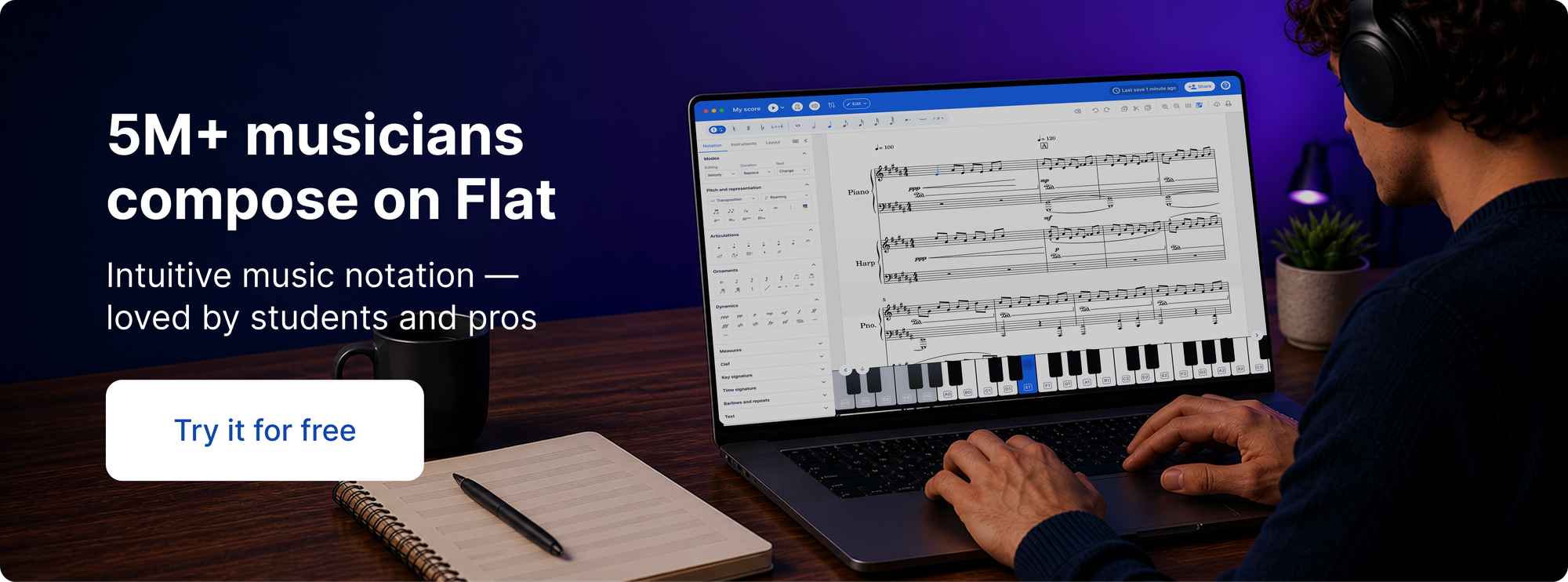
Flat was built around the idea that composers don't work from a single machine. With a Flat account and Flat Power, your library syncs automatically across your desktop app, the browser, and your phone. Start a score on your Mac, open it in the browser elsewhere, edit it on your phone. For composers who move between machines or devices, this removes a layer of friction that desktop-only editors don't address.
Collaboration
MuseScore Studio 4 has no built-in real-time collaborative editing. A community plugin called MuseLab added this for MuseScore 3, but it doesn't work with MuseScore 4 and there are no current plans to bring it forward. The standard sharing workflow means exporting a file, sending it, receiving edits back, and importing again - workable for solo composers, but slow for anyone co-writing in parallel.
Flat supports real-time collaboration on all plans including free. Multiple people can edit the same score simultaneously and see changes live. Flat Power adds inline comments on specific measures and full version history. For ensemble composers, teachers assigning work to students, or anyone co-writing with a collaborator, the difference in workflow is meaningful.
Platform support
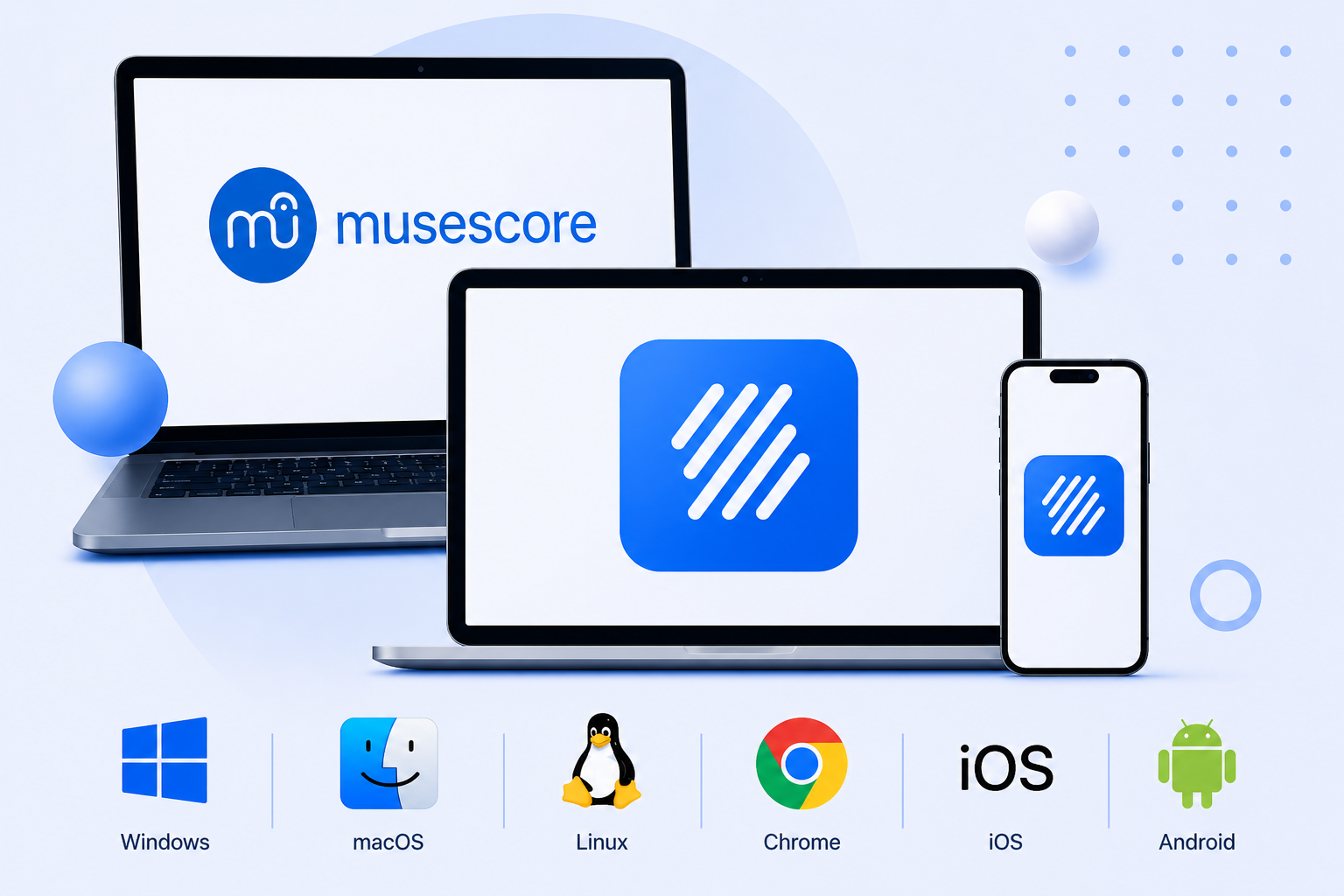
MuseScore Studio runs on Windows, macOS, and Linux. It can run on Chromebook via the Linux app, but requires enabling Linux, running terminal commands to install, and has known stability and audio issues in practice - and Linux is frequently disabled by administrators on managed school Chromebooks.
Flat runs in any modern browser with no setup required, including on Chromebook, alongside its native desktop apps for Mac and Windows. For schools and educators, Flat for Education is a separate dedicated product with LMS integration (Google Classroom, Canvas, Schoology, and more), assignment workflows, and classroom management tools - it's not part of Flat Desktop, but worth knowing if you're evaluating Flat for a teaching context.
Notation depth
MuseScore has an edge at the professional engraving end. Complex orchestral layout, advanced articulation control, and the Muse Sounds library - a free but separately installed collection of high-quality orchestral samples available via MuseHub - are hard to match at zero cost. If you're writing for large ensembles with exacting publication requirements, MuseScore's engraving capabilities are more developed.
Flat covers the standard notation range thoroughly - dynamics, articulations, ties, slurs, trills, grace notes, multiple voices, chord symbols, lyrics, guitar tabs, transposing parts, and MIDI input. For student composition, arranging, lead sheets, and ensemble writing, it covers what most composers actually need. Both tools support MusicXML import and export, so moving scores between them is straightforward.
Pricing
MuseScore Studio is completely free with no subscription required. musescore.com has separate paid plans for accessing and downloading scores from its community library, but the notation software itself has no cost.
Flat has a free version covering the core editor. Flat Power adds cloud sync, 180+ instruments, inline comments, version history, and advanced export options - available at $9.99/month, $49/year, or $299 as a one-time lifetime purchase.
Side-by-side comparison
| Flat Desktop | MuseScore Studio | |
|---|---|---|
| Cross-device sync | ✅ (Flat Power) | ❌ |
| Real-time collaboration | ✅ (all plans including free) | ❌ (not available in v4) |
| Offline composing | ✅ | ✅ |
| Notation depth | Standard range | Very deep (pro engraving) |
| Playback quality | Good | Excellent (Muse Sounds, free via MuseHub) |
| MusicXML import/export | ✅ | ✅ |
| Pricing | Free · $9.99/mo · $49/yr · $299 lifetime | Free |
Which one is right for you?
| If you... | Better fit |
|---|---|
| Want your scores synced across desktop, browser, and phone | Flat |
| Collaborate with others on the same score in real time | Flat |
| Work on a Chromebook without Linux setup | Flat |
| Share scores with people who don't have notation software | Flat |
| Teach music in a school environment | Flat for Education |
| Work solo on a single desktop machine | MuseScore |
| Need high-quality orchestral playback at no cost | MuseScore |
| Want completely free software with no subscription | MuseScore |
| Write complex orchestral scores needing advanced engraving | MuseScore |
Both tools are worth considering seriously. MuseScore is hard to beat for deep orchestral engraving at zero cost - if you work solo from a single machine, it covers a lot of ground. Flat Desktop is the stronger fit if your work extends across devices, involves collaborating with others, or you want a notation app that doesn't tie you to one computer.
➡ Get Flat Desktop for Mac here.
➡ Get Flat Desktop for Windows here.
Frequently asked questions
Is Flat Desktop free?
Yes. Flat Desktop is free to download and use on Mac and Windows. The free version includes the full core editor, offline composing, and local file storage - no account required to get started. Flat Power ($9.99/month, $49/year, or $299 lifetime) adds cloud sync, real-time collaboration, 180+ instruments, and more.
Can I import my MuseScore files into Flat?
Yes. Flat supports both MusicXML and native MuseScore file imports. Learn how to import your scores from MuseScore into Flat. Some complex formatting may need minor adjustments after import.
Does Flat Desktop work offline?
Yes. Flat Desktop works fully offline - your scores are saved locally on your device and you can compose, play back, and export without an internet connection. Learn more about Flat's offline mode. With Flat Power, your scores also sync to the cloud automatically when you're back online.
What is Flat Power?
Flat Power is the paid tier for Flat, available at $9.99/month, $49/year, or $299 as a one-time lifetime purchase. It adds cloud sync across desktop, browser, and mobile, real-time collaboration, inline comments, full version history, 180+ instruments, and advanced export options. See the full list of Flat Power features. The free version of Flat Desktop remains fully functional without it.