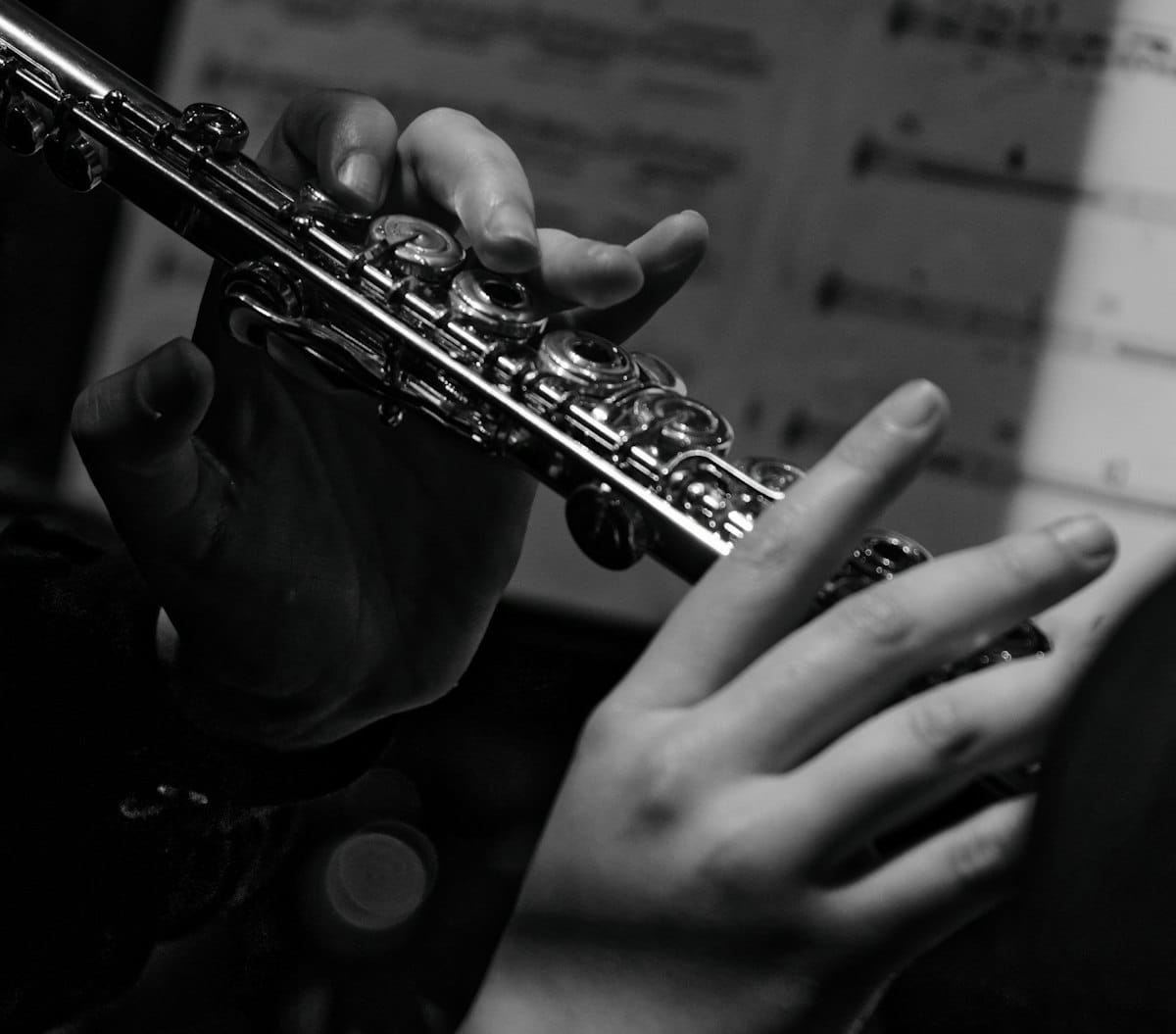
Flute parts live or die by their phrasing. Slurs that mark a single breath, articulations that shape every tongued note, dynamic markings that change tone color — these are what separate a playable part from one that sits awkwardly under the fingers. Flat runs in your browser and gives you the markings flute writers actually need. This article covers how to start a flute score in Flat, the features that matter when notating for flute, and how to share what you've made.

Writing your first flute score in Flat
Open Flat, sign in, and start a new score. Pick flute from the instrument list and Flat sets up a treble-clef staff tuned to the flute's standard range (C4–C7). Click any rest and either type the note name, click the staff position, or use the on-screen piano. The toolbar gives you articulations, slurs, dynamics, ornaments, and tuplets without leaving the keyboard. For a full walkthrough, the step-by-step tutorial covers every part of the input flow.
Flute-specific features that matter
A flute part is mostly markings layered on top of the notes. Here's what Flat gives you for the ones flute players actually look for:
- Slurs as phrasing and breath. A slur tells the flutist this group of notes is one phrase, played on one breath. Flat draws slurs across any range of notes and the playback respects them.
💡 Slurs and ties. - Articulation marks. Staccato, tenuto, accent, marcato, and detached legato — the vocabulary that shapes how each note is tongued. All available from the articulation toolbar with one-key shortcuts.
💡 Articulations in Flat. - Breath marks and caesuras. The actual breath marks that tell a flutist where to stop and inhale. Easy to forget, easy to mark in Flat.
💡 List of articulations including breath mark. - Ornaments: trills, mordents, grace notes. Standard in baroque, classical, and folk flute repertoire. Each one plays back correctly without you having to write the embellishment out.
💡 Ornament tools. - Dynamics with shaped playback. Flat's dynamics playback actually changes the volume and tone of the sample at the marked dynamic, so you can hear whether your pp to ff arc works before sending the part.
💡 Dynamics shortcuts. - Tuplets. Sextuplets, quintuplets, and other irregular groupings show up constantly in flute repertoire.
Tcreates a triplet; the toolbar handles the rest.
💡 Tuplets in Flat.
Sharing and exporting your flute score
When the score is ready, click Share for a public link, invite collaborators by email for real-time editing, or open the export menu to download as PDF, MIDI, or MusicXML. PDF is what flutists print or read from a tablet. MIDI sends the line into a DAW. MusicXML keeps formatting clean for another notation tool. If you're writing for woodwind quintet or any chamber group, you can write all parts in one score and export each as its own PDF.
Find inspiration in the Flat community
Flat hosts more than 100,000 user-published scores. Browse the community scores to see how others write for flute: phrasing decisions, ornament choices, articulation patterns. You can clone any public score into your account and edit from there.
Why Flat for flute
Most browser-based notation tools handle flute as a generic single-staff instrument, with no thought given to the phrasing and articulation markings that make a flute part actually playable. Flat's articulation toolbar, ornament library, and playback samples are built to handle the specific markings flutists read every day. Real-time collaboration means a teacher or arranger can be in the same score with you, making edits and leaving comments live.
Ready to write your first flute piece? Try Flat for free!
FAQ
How do I write flute sheet music online for free?
Sign up for a free Flat account, create a new score, choose flute, and start entering notes. The free tier covers personal use, PDF export, and public sharing, with no install or credit card required.
Does Flat support breath marks and slurs?
Yes. Breath marks sit in the articulation toolbar alongside caesuras, and slurs draw cleanly across any group of notes. Both are essential for a playable flute part and both render correctly in the engraving and PDF export.
Can I export my flute score to PDF?
Yes. Open the score, click Export, and choose PDF. The export uses the same engraving as the editor view and works on the free plan. MIDI and MusicXML are also available.
Does Flat play back ornaments correctly?
Yes. Trills, mordents, turns, and grace notes all play back correctly with the studio-recorded flute sample, so you can hear whether your ornament choices work before sending the part to a player.
Can I write for woodwind ensemble and export individual flute parts?
Yes. Add all instruments to one score and export individual parts as separate PDFs. Real-time collaboration lets your section work on the same score together.