
Writing guitar music means juggling two notations at once: standard staff and tablature. Whether you're writing a part from scratch or turning existing sheet music into tab, a guitar sheet music maker that keeps both in sync saves you from copying everything twice. Flat runs in your browser and does exactly that. This article covers how to convert sheet music to tab, how to set up a guitar score, the techniques that matter most on guitar, and how to share what you've made.
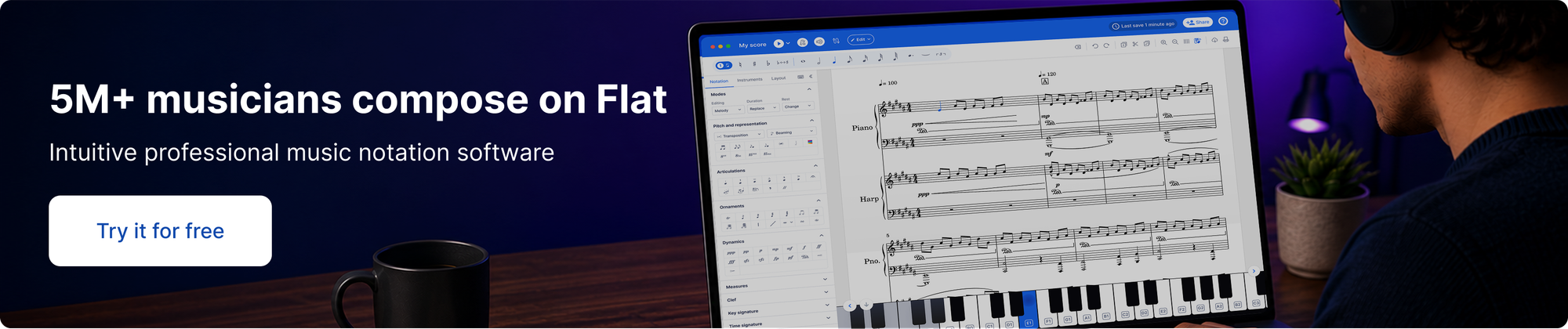
Convert sheet music to guitar tab
If you already have the music, you don't need to retype it. There are three ways to get it into Flat:
- Import a file. Flat opens MusicXML and MIDI files, and can also import Guitar Pro (.gp) and PowerTab files, so a part exported from another app arrives ready to edit.
💡 Import MusicXML, MIDI, and other score files. - Scan a PDF or photo. Flat reads printed standard notation, including chord symbols, and turns it into an editable score. It doesn't read tablature yet, and each scanned page uses one AI credit.
💡 Scan and import sheet music from a PDF or photo. - Enter it on the staff. Type the notes into a guitar score and the tab fills in as you go.
Once the part is in Flat, turn on tablature for that instrument and Flat generates the tab from the notation, with fingerings you can adjust by moving a note to another string. It works in reverse too: type fret numbers on the tab and the standard staff updates, so a tab becomes readable sheet music without retyping anything. The guide to generating a tab from an existing score shows where the option lives.
Have sheet music you want as tab? Sign up for Flat for free and import your first score.
Writing your first guitar score in Flat
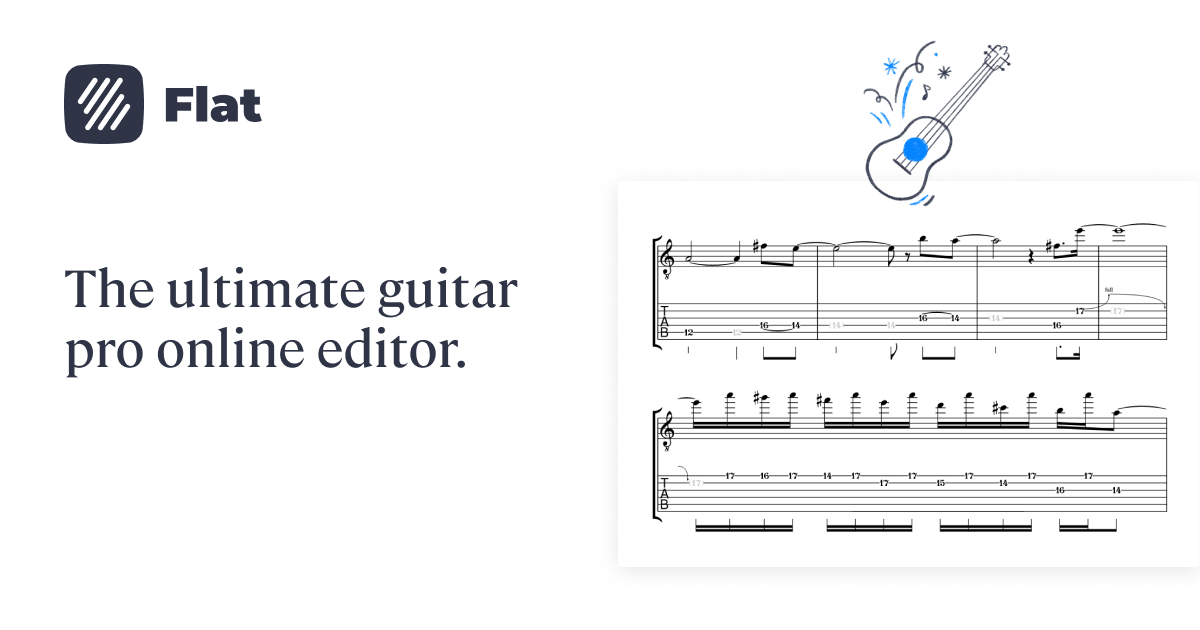
Open Flat, sign in, and start a new score. Pick guitar from the instrument list and Flat sets up linked staff and tab notation for you: write a note on the staff and it appears in tab, write a fret number in tab and the staff updates. You don't sync anything by hand. The toolbar includes the guitar-specific tools you'd expect: bends, slides, hammer-ons, pull-offs, palm mute, let ring, chord grids, and dead notes. The tablature tutorial walks through every part of the input flow.
Make guitar tabs online
Starting a tab from scratch? Pick guitar, click a string, type a fret number, and the note lands on both the tab and the standard staff. Strumming marks, palm mutes, bends, and chord grids all sit in the toolbar. See everything the Flat guitar tab editor can do, from opening Guitar Pro files to realistic playback.
Guitar-specific features that matter
Guitar notation has more idiomatic markings than almost any other instrument. Here's what Flat gives you for the ones guitarists actually use:
- Linked tab and standard notation. Both staves are connected. Edit one, the other updates. The tab follows real fingerings, not arbitrary string assignments, and you can move a note to a different string when you want a specific voicing.
💡 Change the string assigned to a note. - Chord symbols and chord grids. Cmaj7, F#m, Bb7 above the staff, plus the optional fretboard diagram showing exactly which frets to hold. Switch between m and the minor triangle, or maj and the major triangle, from the layout options.
💡 Adding chord grids. - Bends, slides, hammer-ons, pull-offs. The full vocabulary of left-hand techniques. Each one renders correctly on both tab and staff, and the playback respects them.
💡 Slides in Flat. - Palm mute and let ring. Two of the most common markings on electric guitar. Flat lets you span them across exact ranges, so the score shows precisely where to mute and where to let notes ring.
💡 Palm mute and let ring. - Dead notes (X heads). The percussive ghost notes that drive funk rhythm parts and metal riffs. One click in the tab toolbar.
💡 Dead notes in Flat. - Up/down strokes. Strumming direction marks for rhythm parts, useful when you want a student to follow a specific picking pattern instead of guessing.
💡 Up and down strokes.
Sharing and exporting your guitar score
When the score is ready, click Share for a public link, invite collaborators by email for real-time editing, or open the export menu to download as PDF, MIDI, or MusicXML. PDF is what most guitarists actually want, since you can read it from a tablet on a stand. MIDI is useful if you're moving the line into a DAW for production. MusicXML hands clean data to another notation tool. A band working out an arrangement can open the same score live and edit a riff together, with everyone hearing the same playback.
Find inspiration in the Flat community
Flat hosts more than 100,000 user-published scores, and guitar tab is one of the most common formats. Browse the community scores to see how other players notate a specific technique, voiced an extended chord, or laid out a fingerpicking pattern. You can clone any public score into your own account and edit from there.
Why Flat for guitar
Most desktop notation tools treat tab as an afterthought added to a piano-first workflow. Flat treats tab as a first-class citizen: linked notation, accurate playback of bends and slides, chord grids that read correctly, and a browser-based workflow that doesn't make you install software just to write a riff. Real-time collaboration means a bandmate can join your score and edit their own part live.
Ready to turn your sheet music into tab, or write your first riff? Try Flat for free!
FAQ
How do I write guitar sheet music and tab online for free?
Sign up for a free Flat account, create a new score, choose guitar, and start entering notes. Flat creates linked tab and standard notation automatically. The free plan covers personal use, PDF export, and public sharing.
Can I convert sheet music to guitar tab?
Yes. Import a MusicXML, MIDI, Guitar Pro, or PowerTab file, or scan a PDF or photo of printed standard notation (tablature can't be scanned yet, and each page uses one AI credit). Then turn on tablature for the guitar part and Flat generates the tab from the notation. Notes you enter on the staff also appear as tab automatically.
Can I open Guitar Pro files in Flat?
Yes. Flat can import Guitar Pro (.gp) and PowerTab files, so you can open an existing tab in your browser and keep editing it with linked tab and standard notation.
Does Flat support guitar tablature?
Yes. Guitar scores in Flat come with linked tablature and standard notation by default. You can edit either staff and the other updates automatically. Bends, slides, palm mute, let ring, and chord grids all render correctly on both.
Can I add chord diagrams to my guitar score?
Yes. Flat supports both chord symbols (Cmaj7, F#m) and full chord grids that show the fretboard fingering. You can place them above any chord change in the score.
Can I export my guitar score to PDF?
Yes. Open the score, click Export, and choose PDF. The export uses the same engraving as the editor view and works on the free plan. MIDI and MusicXML are also available.
Can I collaborate with a bandmate on a guitar score in real time?
Yes. Share the score with another Flat user and you can both edit it at the same time, seeing each other's cursors. This works well for arranging parts, swapping ideas, or reviewing a student's work.
Can I make guitar tabs online for free?
Yes. Flat's free plan lets you write guitar tabs in your browser with no download, including bends, slides, palm mute, and chord grids, plus PDF export and public sharing.