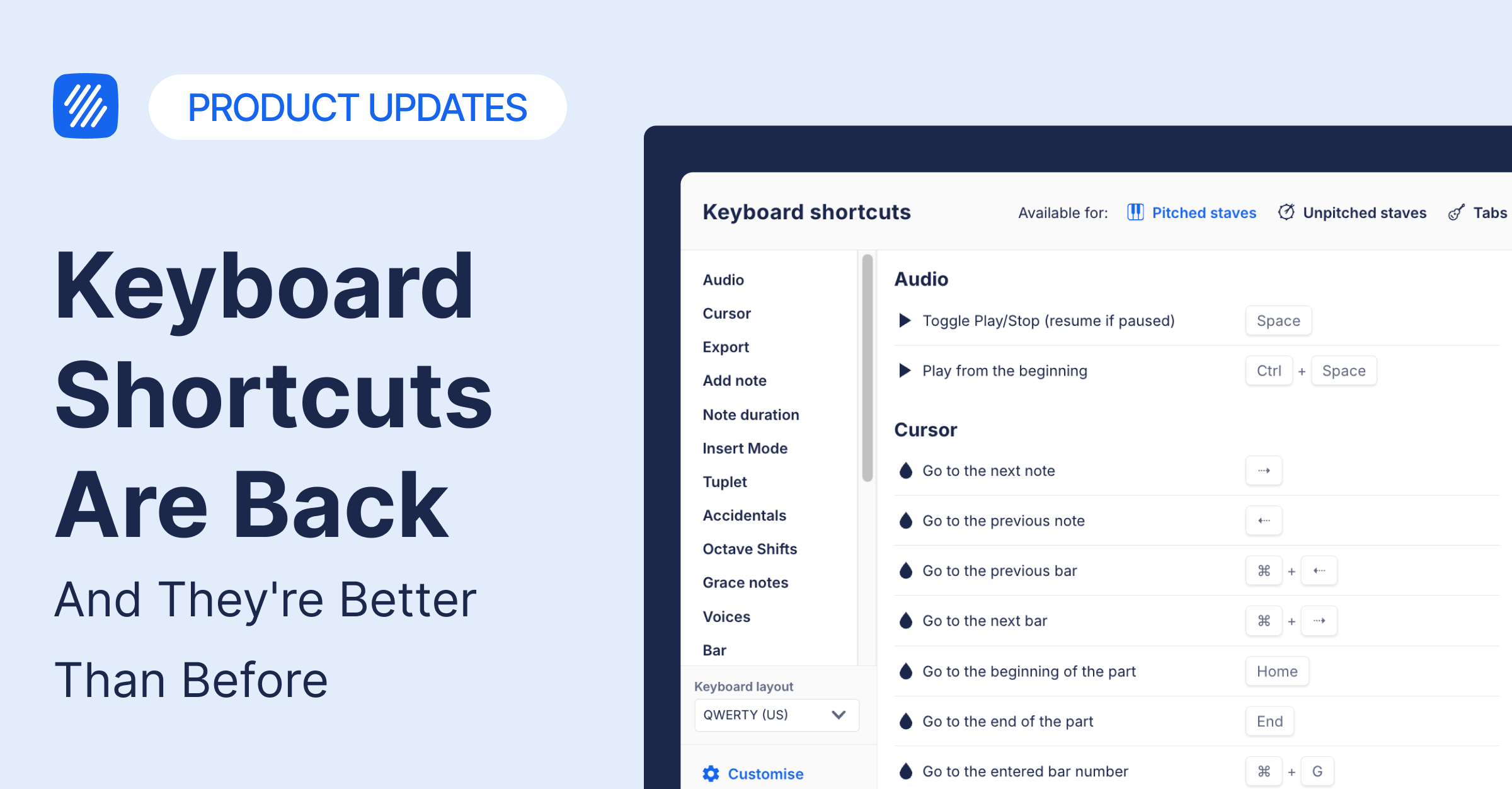
There's a moment every composer knows: you're in the flow, the phrase is coming together, and the last thing you want to do is reach for the mouse. That's what keyboard shortcuts are for — and today, we're happy to say they're back in full, with some meaningful additions we think you'll love.
Here's everything that's back and new.
Everything you relied on is restored
When we launched the new toolbar, keyboard shortcuts temporarily stopped working. Every shortcut from the previous toolbar is fully wired to the new one. Note input (A–G), navigation (arrow keys, ⌘+arrows), editing (undo, redo, copy, paste, delete), slurs, hairpins, lyrics, chord symbols — all back, exactly where you expect them.
A couple that were missing have been specifically restored: shorten/lengthen duration (Shift+Alt+←/→) and navigating noteheads within a chord (Alt+↑/↓).
The shortcuts reference modal is back too. Hit Alt+/ at any point to see a full, organised reference of every shortcut. You can also open it with / or ?.
New shortcuts you didn't have before
We took the opportunity to add a few shortcuts that were missing from Flat entirely:
- Triplet → T
- Trill → Shift+T
- Enharmonic toggle → J (flip between C# and D♭, and so on)
- Add measure → ⌘+Shift+Enter
- Ottava 8va / 8ba → ⌘+Shift+8 / ⌘+Shift+9
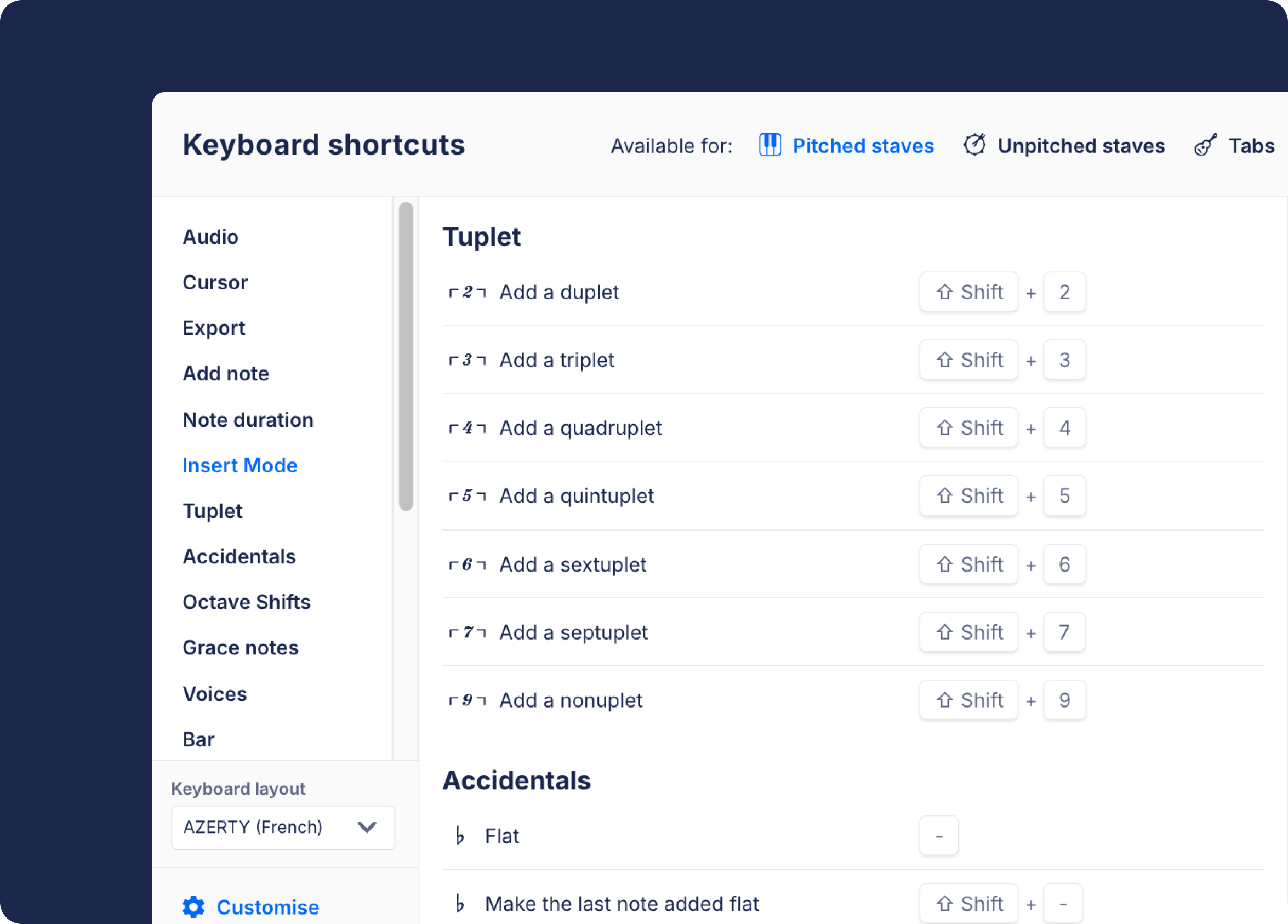
Worth noting on T for triplet: other notation tools use it for different things — tie in Dorico and Finale, time signature in Sibelius. In Flat, T is triplet. If you're coming from one of those tools, the reference modal (Alt+/) lays out all the conventions clearly.
Workflow Modes: stay keyboard-first for every pass
This is the feature we are most excited to have back.
By default, keys 1–7 enter note durations (whole note through 64th), 8 is rest, 9 is acciaccatura. That's Composing mode — the default you already know.
Now you can switch what those number keys do with a single shortcut:
| Mode | Switch | What 1–9 do |
|---|---|---|
| Composing (default) | ⌘/Ctrl+2 | Durations (1–7), Rest (8), Acciaccatura (9) |
| Articulations | ⌘/Ctrl+3 | Staccato, tenuto, marcato, accent, fermata, and more |
| Ornaments | ⌘/Ctrl+4 | Trill, mordent, turn, tremolo, glissando, arpeggio |
| Dynamics | ⌘/Ctrl+5 | ppp through fff, plus sfz |
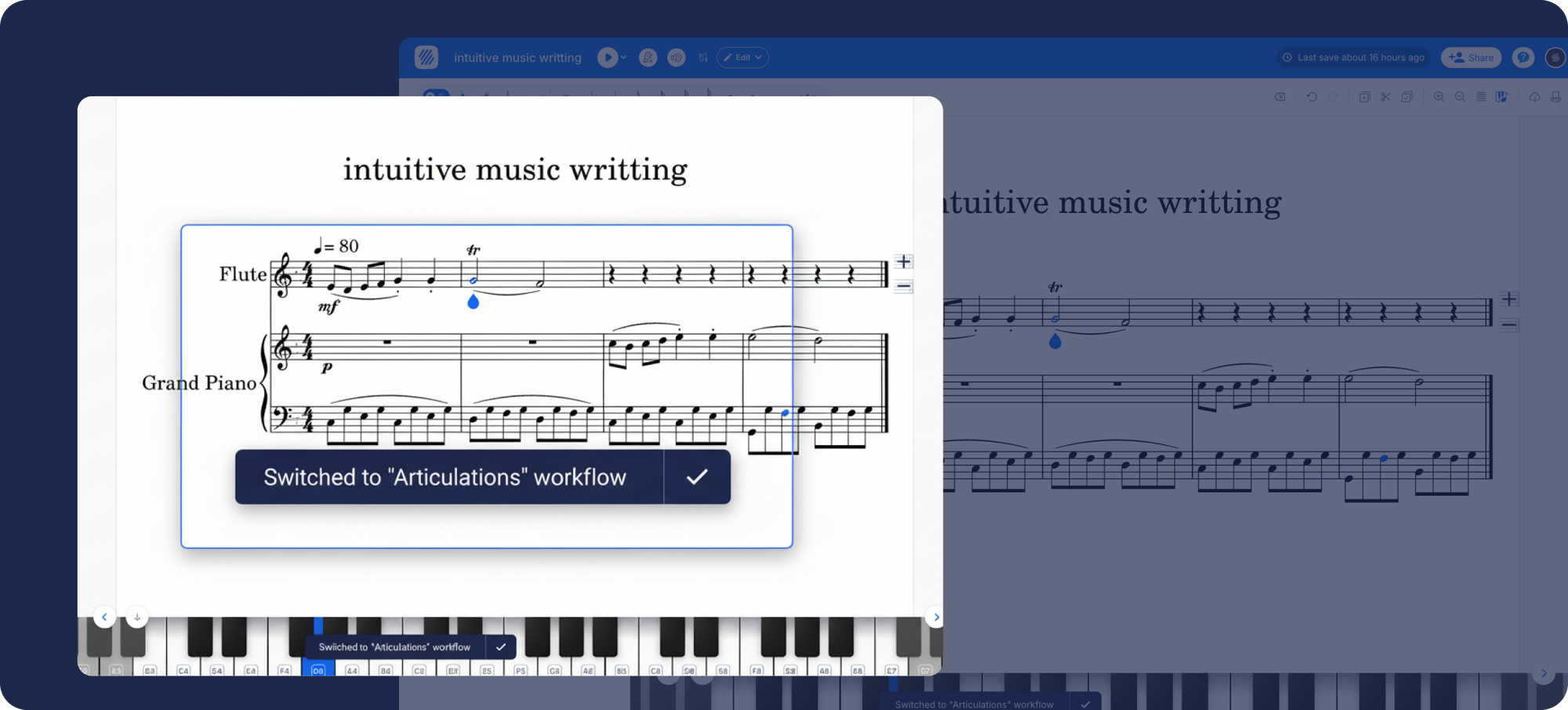
When you switch, a small toast notification confirms which mode is active — so you always know where you are without lifting your eyes from the score.
In practice, this means you can do a full articulations pass across a section — staccatos, accents, fermatas — without touching the toolbar once. Same for dynamics. Switch in, work through, switch out. It's a small change that makes a real difference when you're deep in a piece.
All four modes are free, for every composer on Flat.
Shortcuts now work correctly on every keyboard
This one has been a long time coming for composers outside the English-speaking world.
Previously, Flat matched shortcuts by physical key position, not key label. For someone on an AZERTY keyboard — common in France and Belgium — pressing the key labeled "A" would fire the wrong note entirely. For a tool built around music, where note names are universal, that wasn't good enough.
Flat now uses a translation layer that maps physical key positions to their correct equivalents before matching shortcuts. The result: pressing the key labeled "A" inputs note A, every time, on any layout.
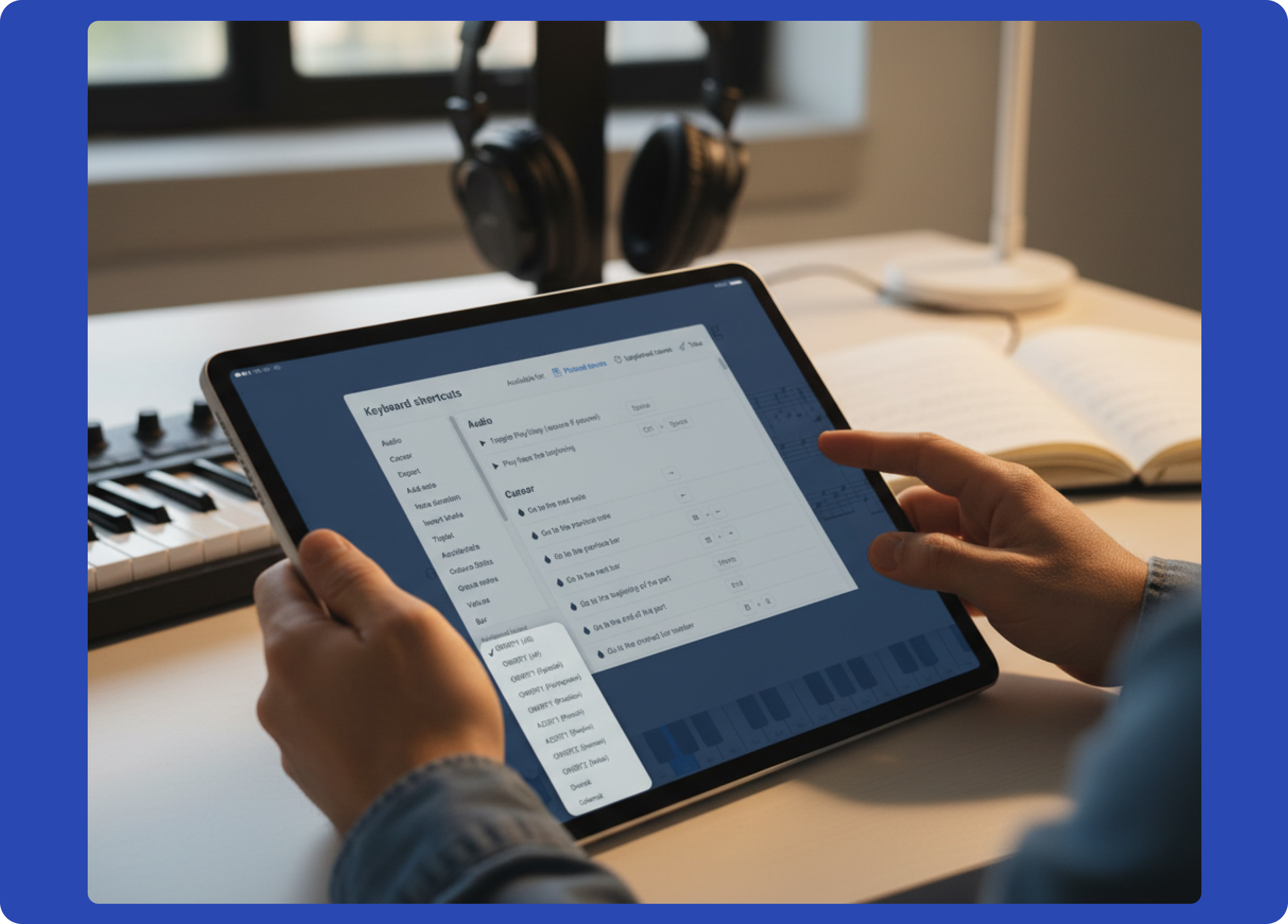
On Chrome and the Flat desktop app, your keyboard is auto-detected — nothing to configure. On Safari and Firefox, you can set your layout manually inside the reference modal (Alt+/).
Supported layouts for manual selection: QWERTY (US, UK, Spanish, Portuguese, Brazilian), AZERTY (French, Belgian), QWERTZ (German, Swiss), Dvorak, and Colemak. When auto-detected, your OS keyboard map is used directly.
Open Alt+/ to explore everything
The shortcuts reference modal has been updated to bring everything together: all restored shortcuts, the four Workflow Modes, the per-mode breakdown of what each number key does, and the layout selector for non-Chromium browsers.
If you're new to keyboard shortcuts in Flat, it's a great place to start. If you've been using them for years, there might be a few things in there you haven't tried yet.
Keyboard shortcuts are one of those features that, when they work well, you stop thinking about them — they just become part of how you compose. That's where we want to be.
Open Alt+/, explore what's there, and let us know what you think at 👉 hello@flat.io.