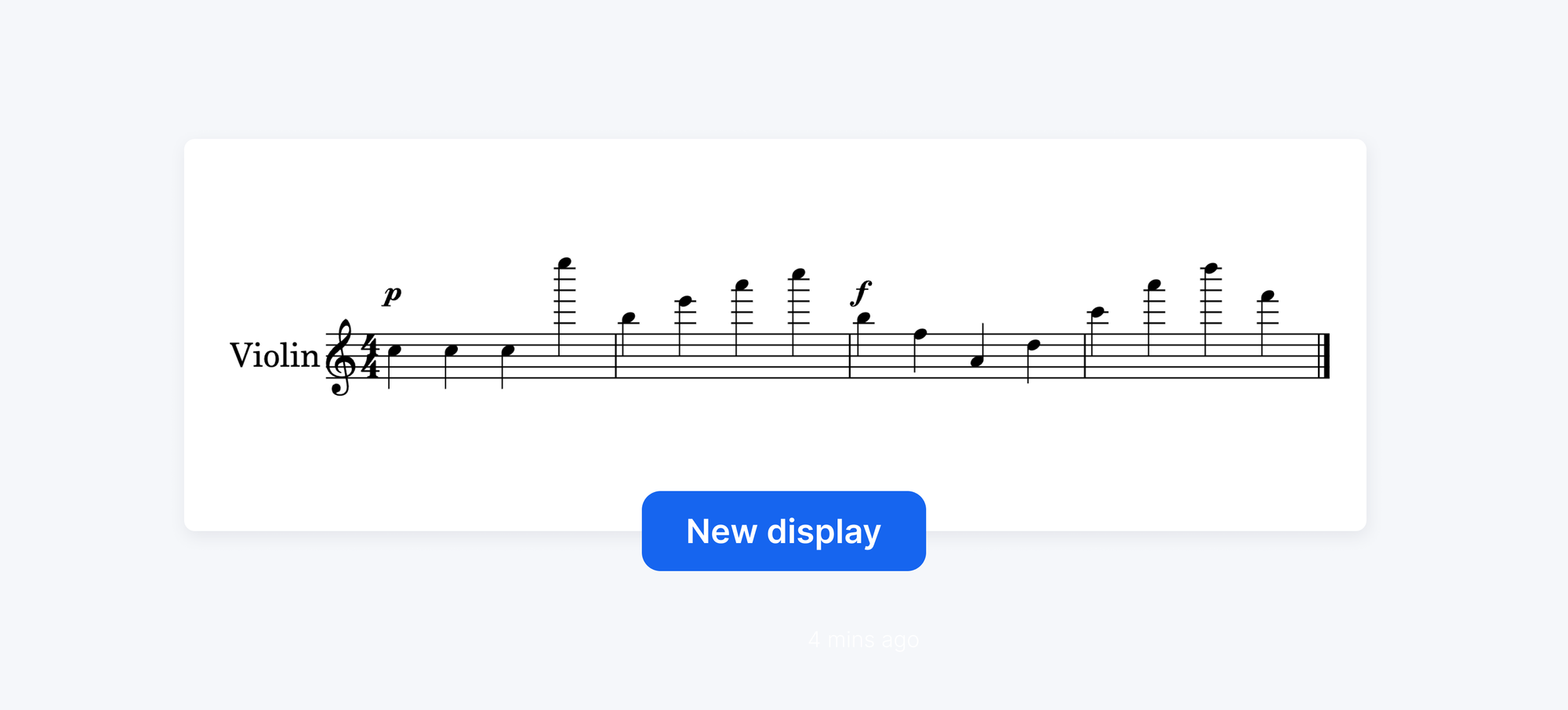
Over the past few weeks, we've been rolling out quiet but meaningful improvements to how your scores are displayed on the page.

This update brings two major upgrades to the Editor: sharper notation and smarter formatting. Repeat barlines, clefs, and key or time signature changes now follow standard layout rules automatically. And thanks to improved vertical spacing logic, your scores make better use of the page.

If you'd like to learn more about the performance improvements that made this update possible:

⚡ Flat Music Notation Software: Lightning-Fast Editor Update
Compose at lightning speed with Flat's music notation software. Faster scores, smoother editing, and performance built for every device.

More accurate notation

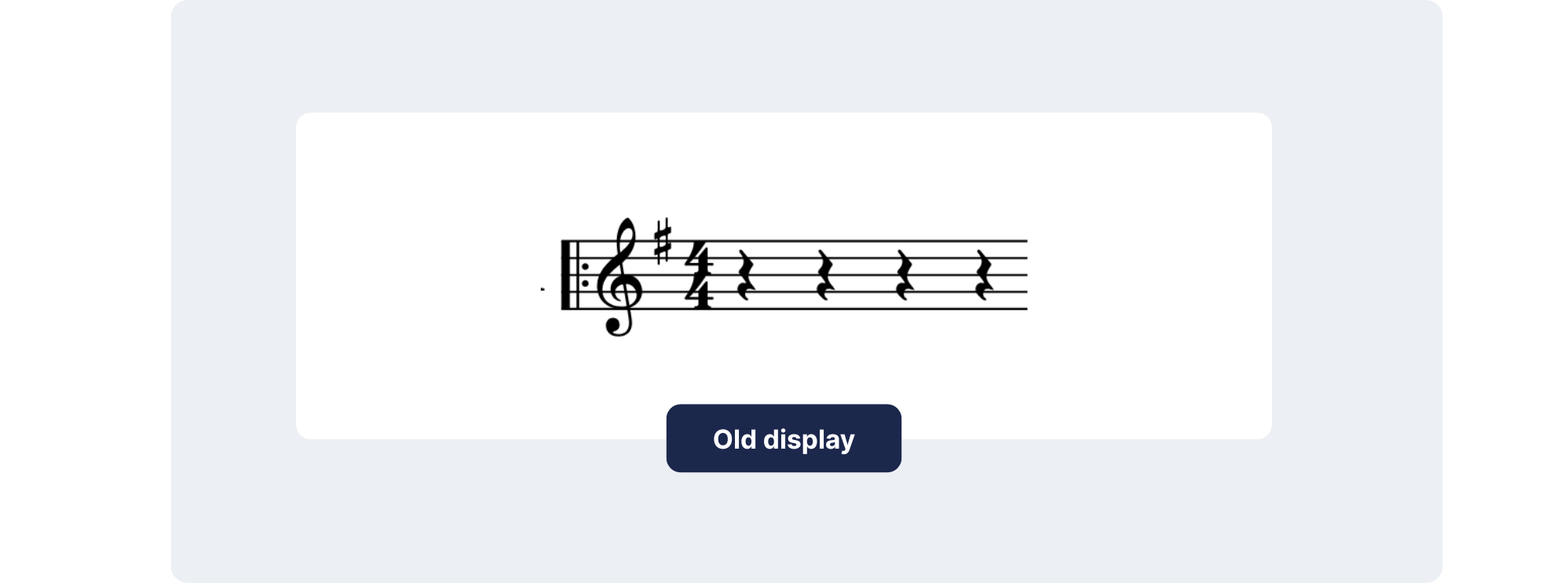
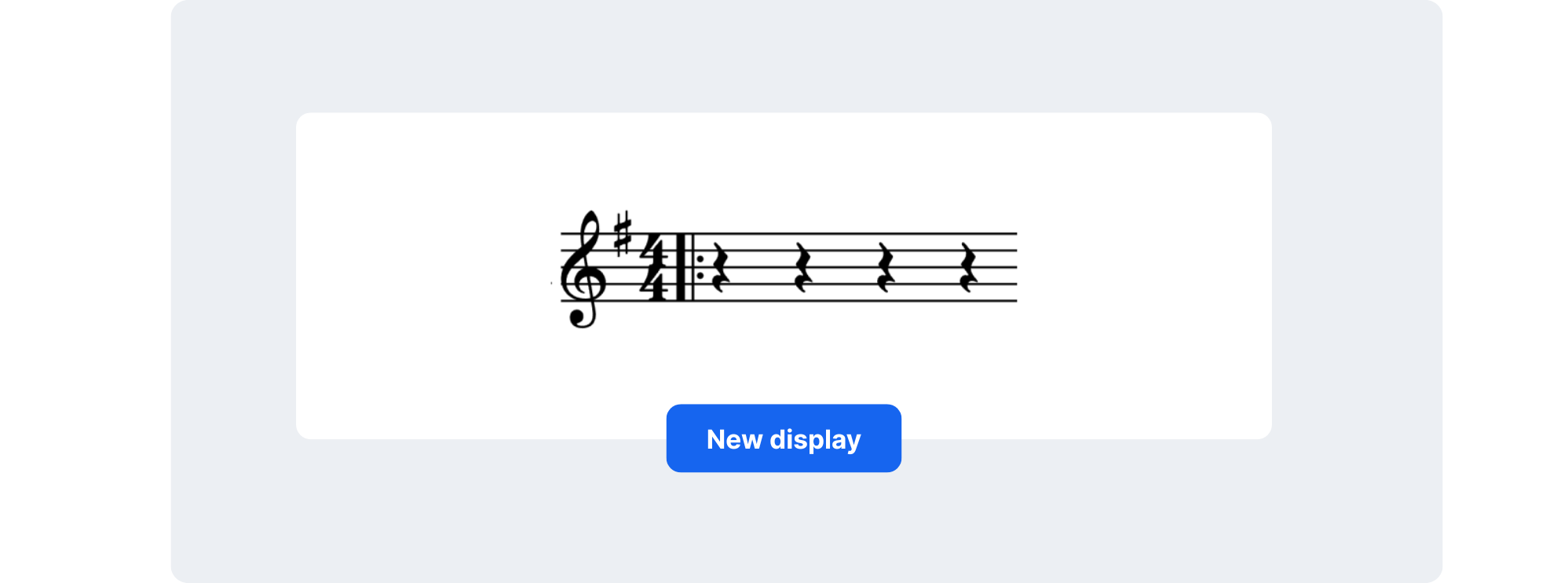
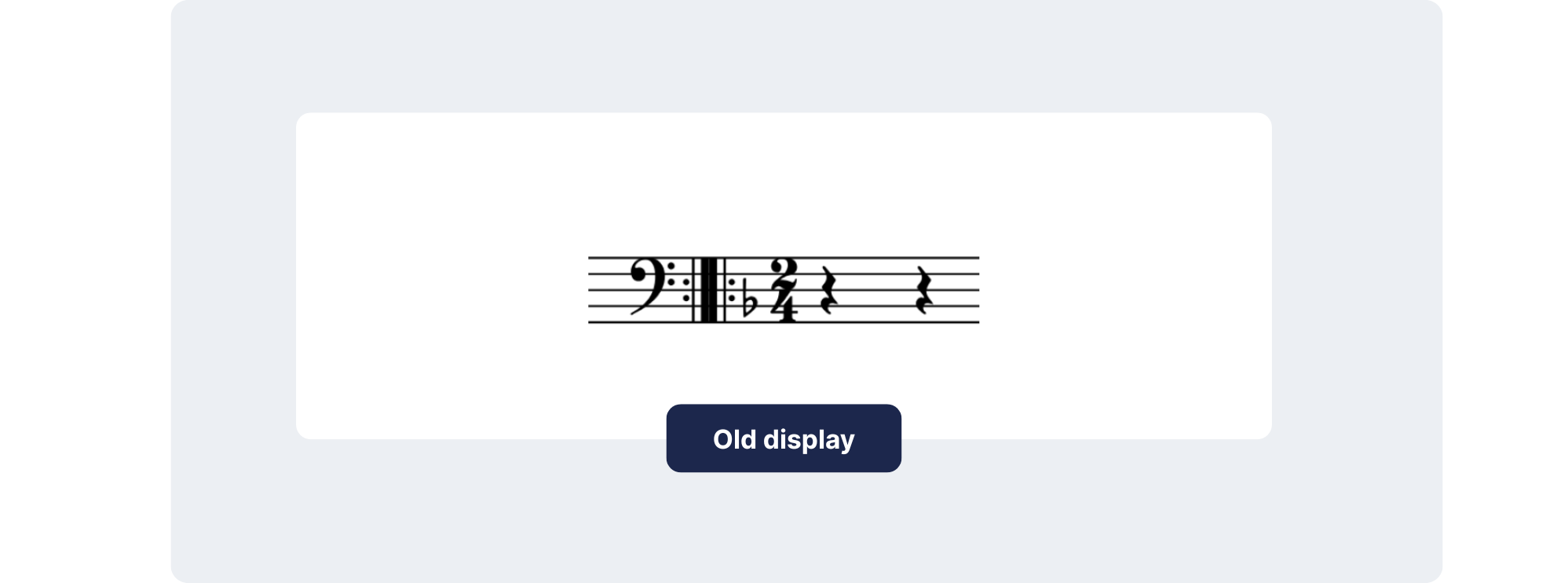
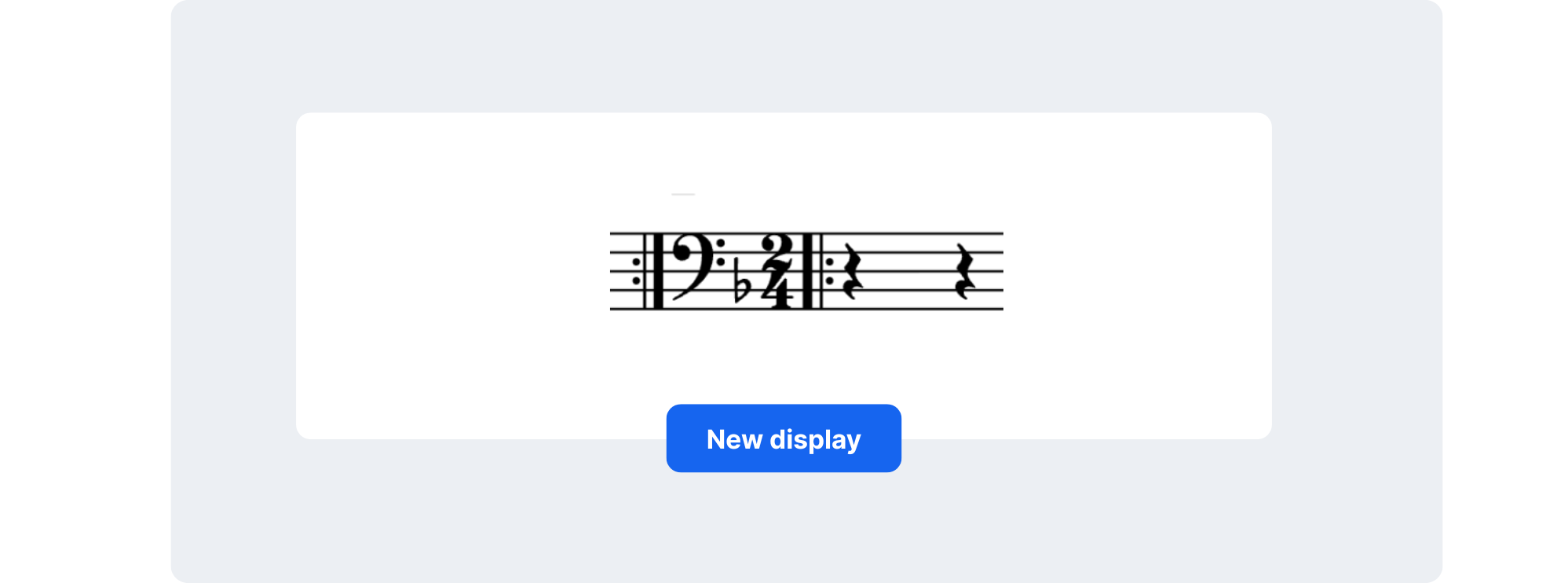
Repeat barlines are now correctly placed

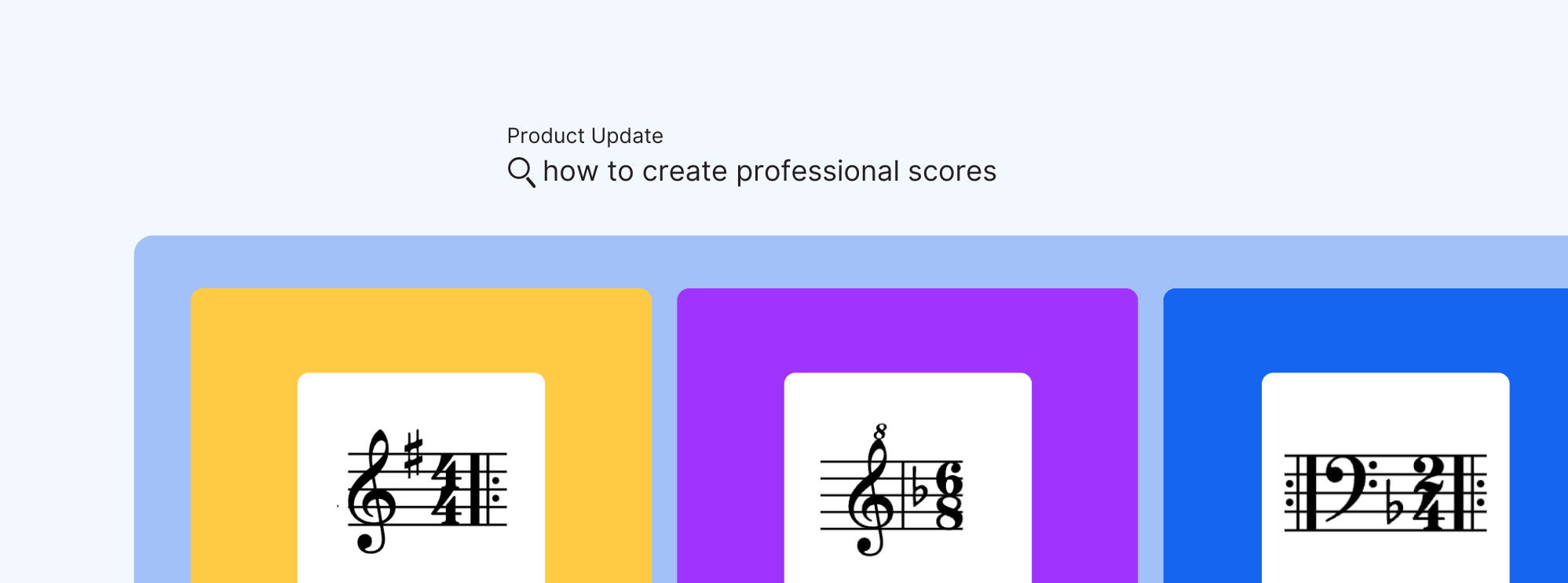
Repeat barlines now appear after clefs, key signatures, and time signatures, exactly as they do in professionally engraved editions.

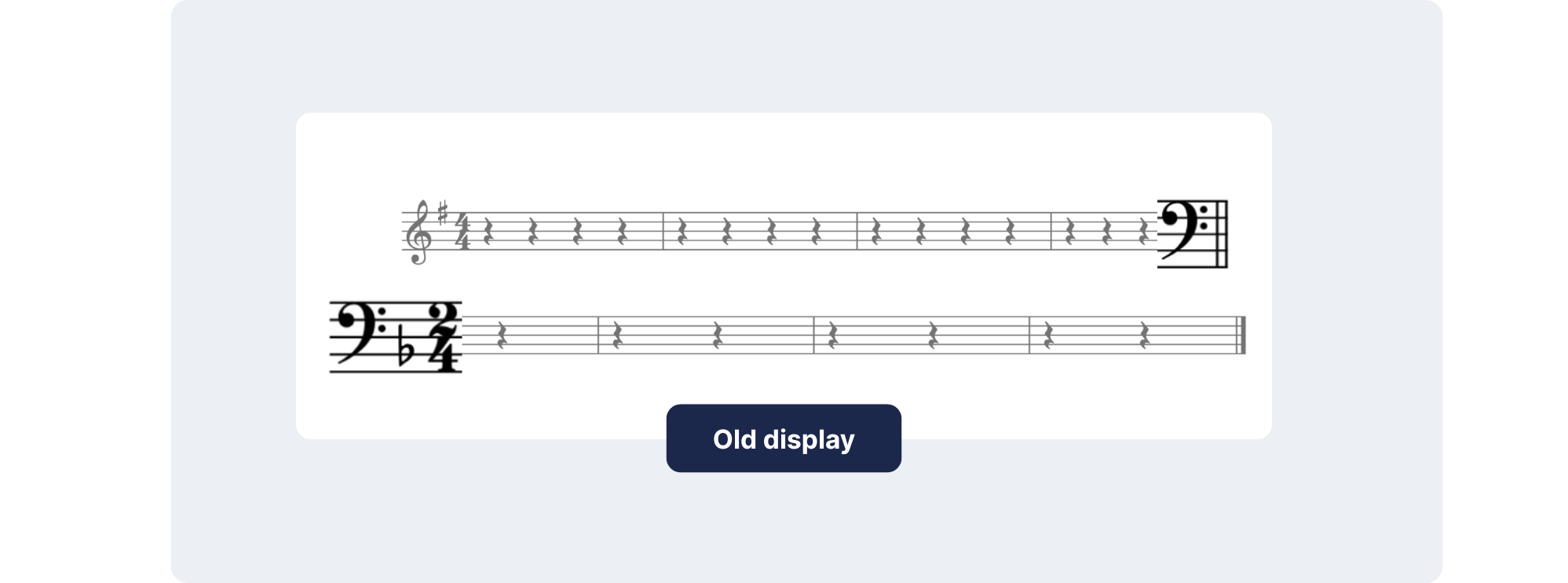
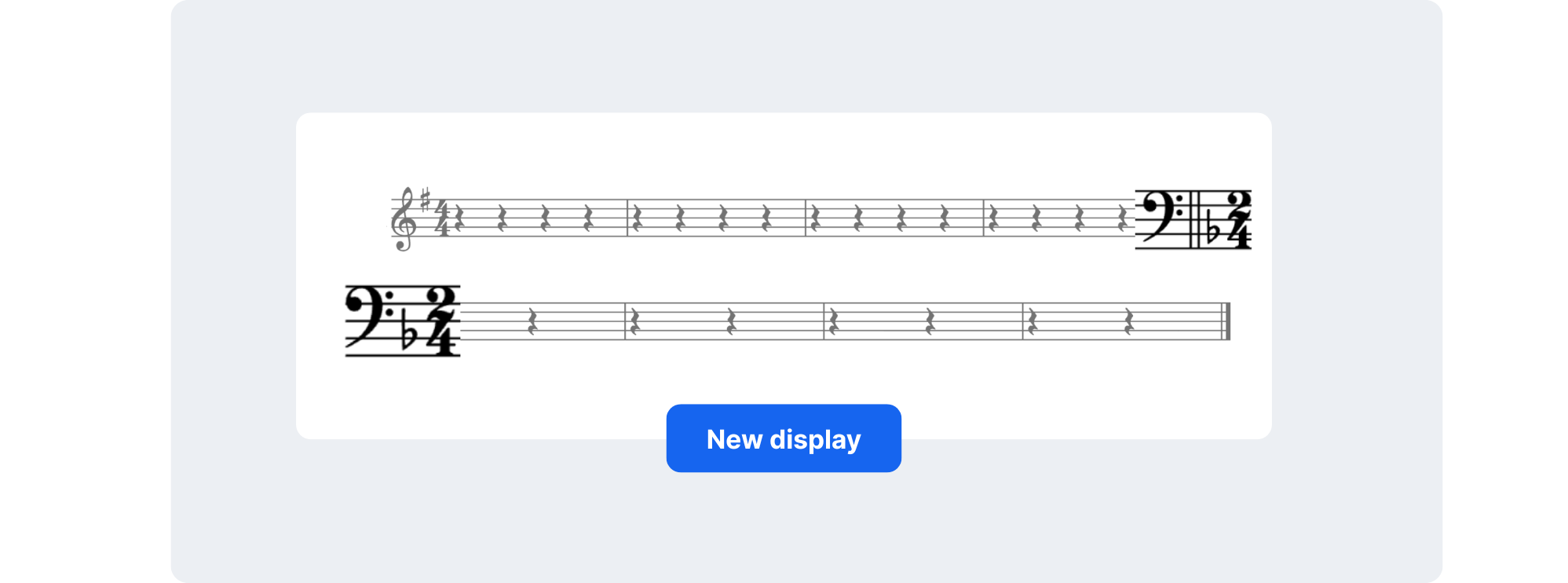
Attributes at the end of systems

Key and time changes are now shown at the end of the previous system as well as the start of the next, so musicians can anticipate changes in advance.

Attribute changes inside repeats

When a clef, key, or time signature changes within a repeat section, Flat now places the update between the repeat barlines.

Cleaner scores with smarter formatting
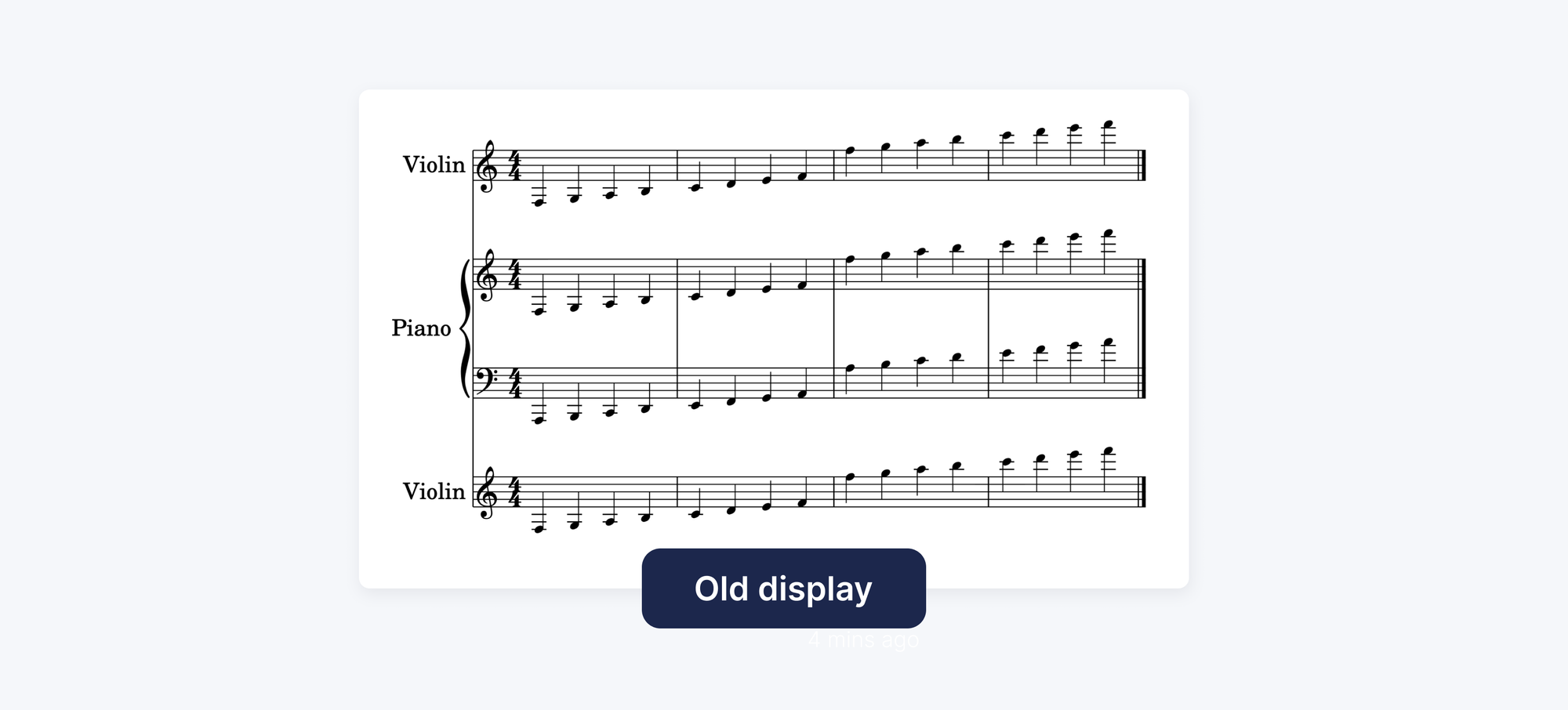
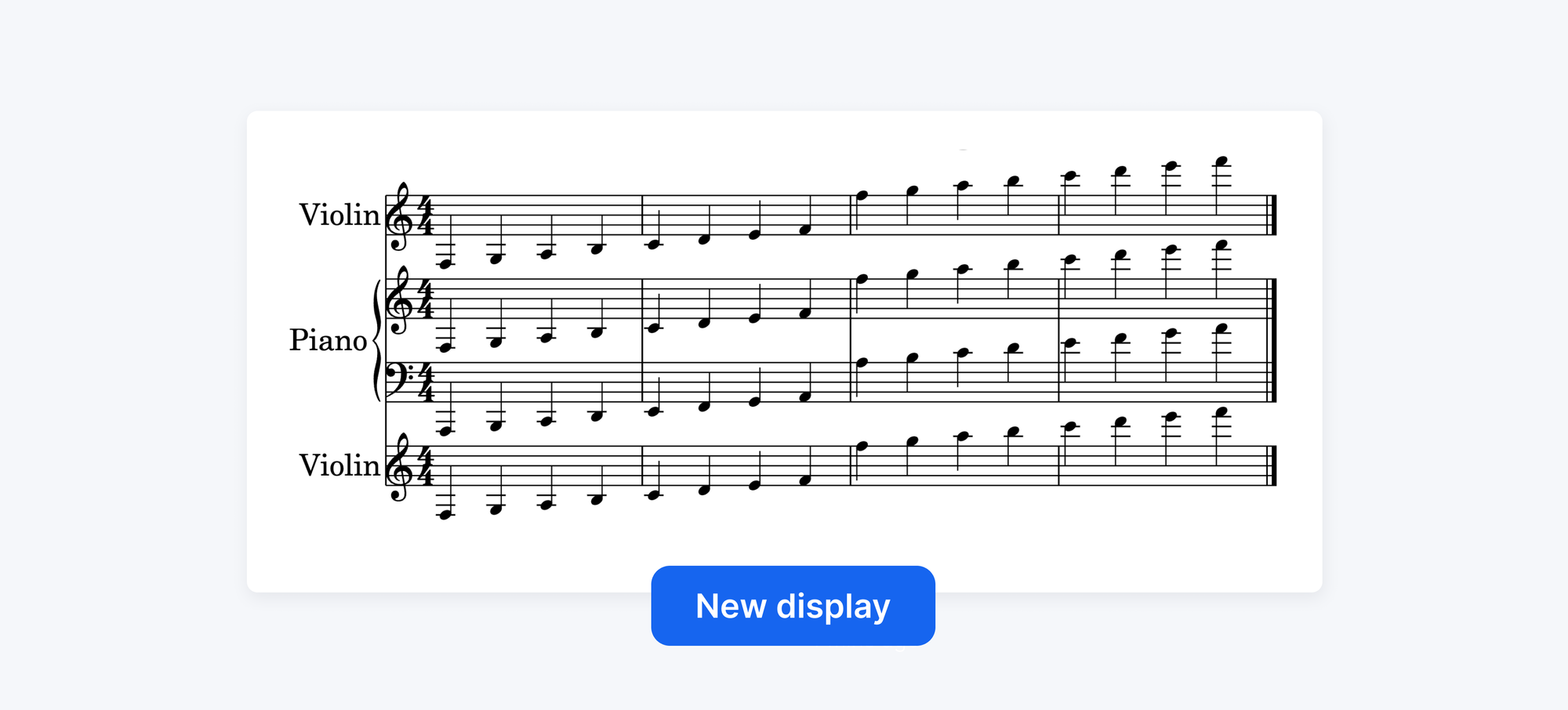
Make the most of your page space

Smarter vertical spacing between systems and staves means fewer empty gaps, more music per page, and a layout that looks both efficient and polished.

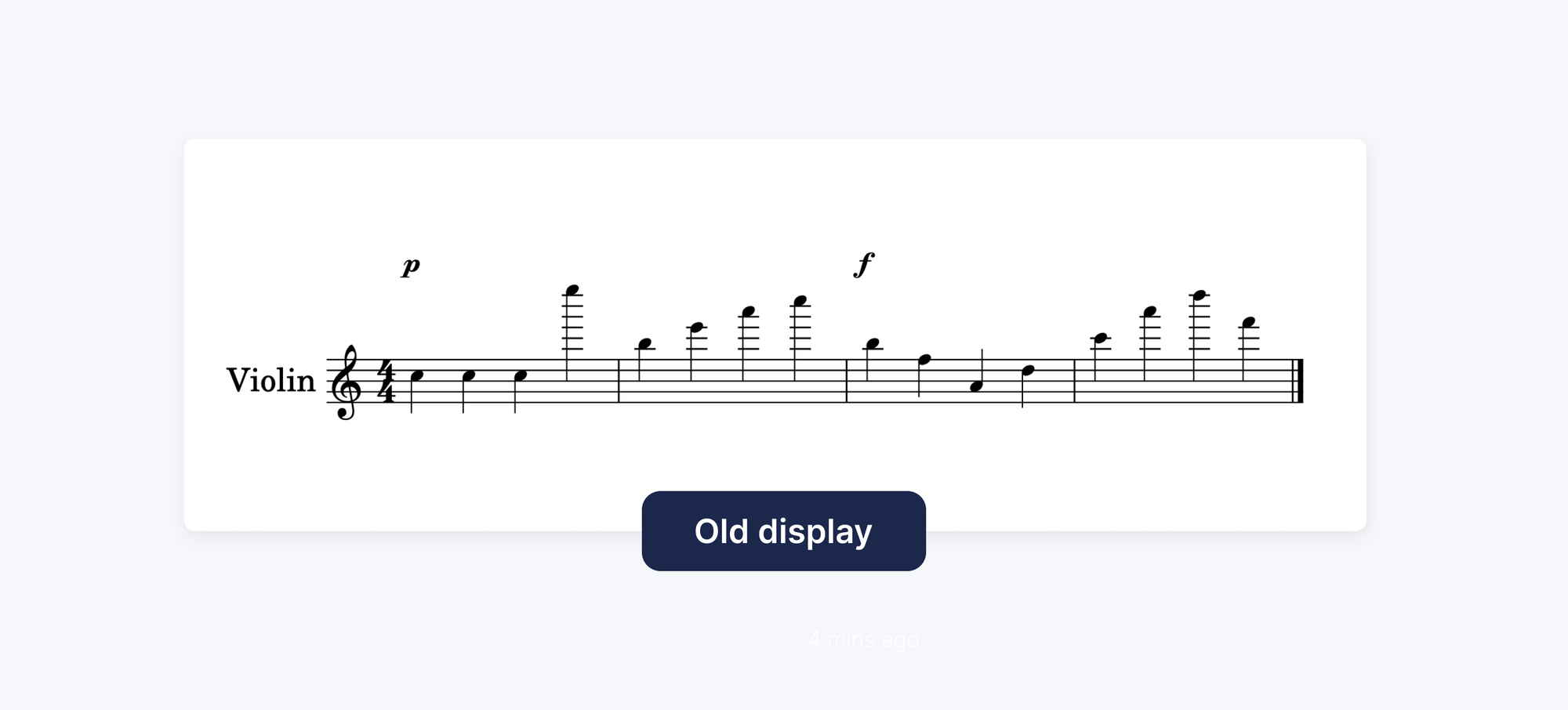
Articulations that flow with your music

Dynamics, accents, and other markings are now placed based on their alignment with the notes they belong to, keeping everything visually tighter and more intuitive to read.

💬 Tell us what you think

This release focuses on the details that shape how music is read. What's coming next: more rendering improvements, a new toolbar, and new notations.

Send us your thoughts at hello@flat.io.

Professional engraving is no longer a finishing touch — it's part of every score you create with Flat.

Thanks for growing with us!