Inspiration doesn't wait until you're at your desk. Whether you're on the subway, between rehearsals, or just away from your computer, being able to compose on your phone or tablet has gone from nice-to-have to essential. Both Flat and Sibelius have mobile apps on iOS and Android — but they've been built with very different priorities. This comparison covers exactly what each app does on mobile, based only on what each platform officially documents, so you can pick the right tool for how you actually work.
Sibelius vs Flat on mobile: what composers actually get
Both Sibelius and Flat are available on iPhone, iPad, and Android devices, but they take very different approaches to mobile music notation. Sibelius brings a mobile version of its desktop notation software, while Flat is designed as a cloud-based notation app that works the same way across mobile, tablet, and desktop.
Here’s how the two mobile apps compare for composers.
Platforms and device support
Sibelius: Sibelius is available on iOS, Android, and Chromebooks. The mobile app is included with Sibelius desktop subscriptions, which makes it a natural extension for composers already working in the Sibelius ecosystem. The app is primarily designed as a companion to the desktop version rather than a completely separate workflow.
Flat: Flat is available on iOS, Android, desktop (mac & win), and browser. Scores sync automatically across devices, so projects can move seamlessly between mobile and desktop. Unlike Sibelius, Flat was designed from the start as a mobile-first collaborative notation platform.
Free plan limitations
Sibelius: Sibelius First is free and supports projects with up to 8 staves on mobile. Larger scores and more advanced composing workflows require Sibelius Artist or Sibelius Ultimate.
Flat: Flat’s free plan includes up to 15 scores and access to 30 instruments. Real-time collaboration is also included on the free plan, making it easier to share and edit projects without upgrading immediately.

Editing and notation workflow
Sibelius: The mobile app uses a touch-optimized version of the Sibelius interface, including the Keypad for note entry and full Command Search support. Apple Pencil is supported on iPad, and stylus interaction is also available on Android devices. Some advanced notation and layout tools still remain desktop-only.
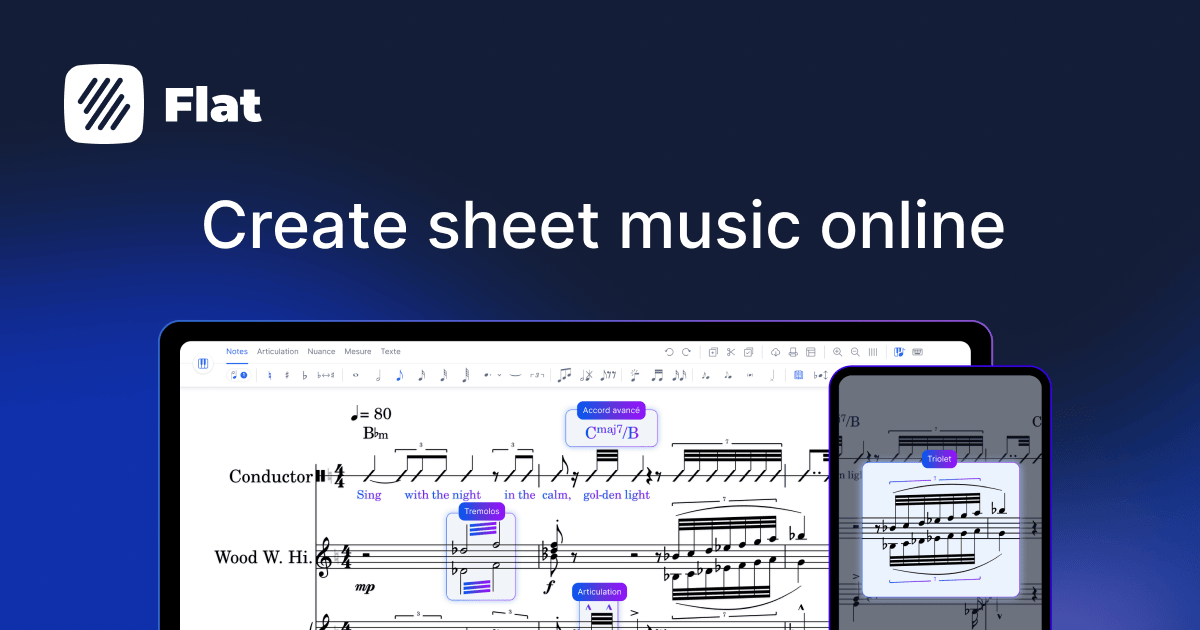
Flat: Flat is built specifically for touch and browser-based editing, so the workflow stays consistent across phone, tablet, and desktop. Real-time score updates happen automatically across devices, and collaboration tools are integrated directly into the editor.
File compatibility and sync
Sibelius: Sibelius supports MusicXML import and lets composers manage files through services like iCloud, Dropbox, Google Drive, and other cloud storage providers.
Flat: Flat includes MusicXML import on the free plan, while MusicXML and MIDI export require Flat Power. Projects sync automatically across devices without relying on external cloud storage services.
Offline support
Sibelius: Sibelius supports local file editing on mobile, although the official mobile documentation does not clearly describe dedicated offline workflow features.
Flat: Flat includes offline mode. Changes made offline sync automatically once the device reconnects to the internet.
Collaboration features
Sibelius: Sibelius mobile is mainly focused on individual composition workflows connected to the desktop ecosystem and does not include real-time collaborative score editing.
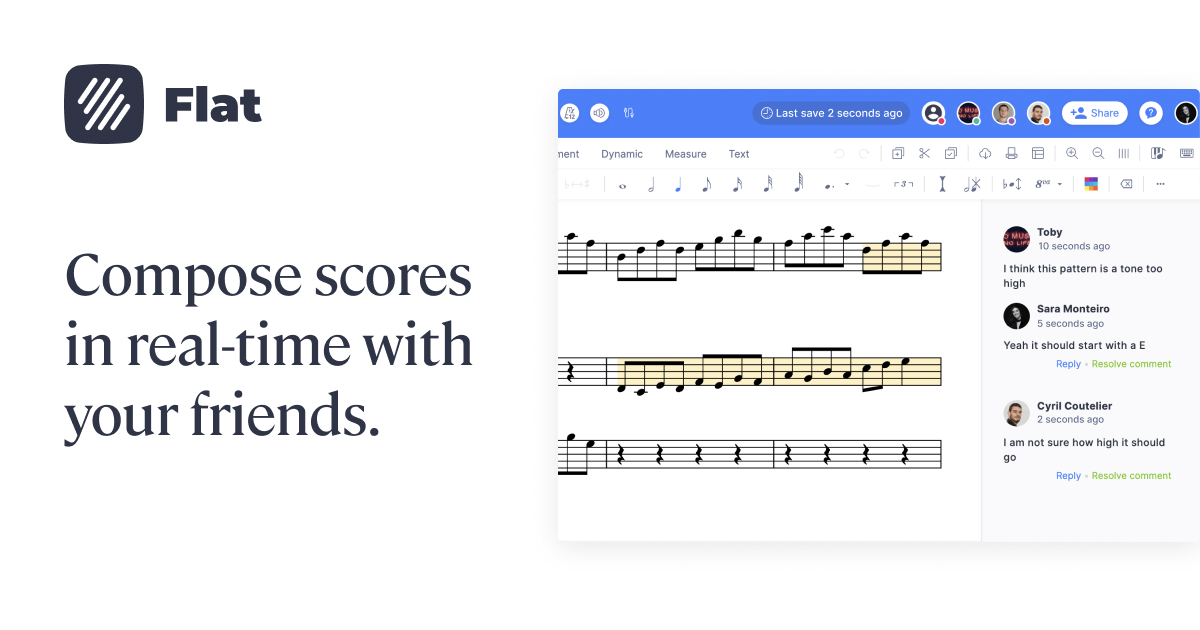
Flat: Flat supports real-time collaboration across mobile, tablet, and desktop, allowing multiple users to edit the same score simultaneously.

Which mobile music notation app fits your workflow?
Sibelius mobile makes more sense if:
- You're on iPad with an Apple Pencil — the tilt gesture integration is well-implemented.
- Your work is engraving-heavy and the desktop remains your primary tool.
- You prefer working with local .sib files through your own cloud storage.
Flat mobile makes more sense if:
- You want mobile as a full working environment, not just a companion to a desktop.
- Real-time collaboration is part of your workflow.
- You need solid Android support with the same feature parity as iOS.
Conclusion
Both Sibelius and Flat have genuine, working mobile apps on iOS and Android. The real difference is intent. Sibelius mobile is built for composers already in the Sibelius ecosystem who need a capable companion alongside their desktop — with some features still desktop-only and no real-time collaboration. Flat's mobile experience is built as a complete composition environment from any device, with real-time collaboration available even on the free tier.
If mobile is a serious part of how you compose, try Flat — the app is free to download on iOS and Android, and your account works across every device.
FAQ
Does Sibelius have an Android app?
Yes. Sibelius launched on Android in 2024 and is available on the Google Play Store for phones, tablets, and Chromebooks.
Is the Sibelius mobile app free?
The Sibelius First tier is free on both iOS and Android, supporting scores with up to 8 staves. Artist and Ultimate require a subscription, but are included at no extra cost for existing desktop subscribers at the same tier.
Can I compose a full score on the Sibelius mobile app?
Yes, with some limitations. Avid's own App Store listing confirms that some notation and layout features are only available on the desktop version. The mobile app is designed as part of a hybrid workflow alongside the desktop.
Does Sibelius mobile support real-time collaboration?
No. Sibelius uses cloud sharing for score access but does not support real-time collaborative editing.
Is Flat available on Android?
Yes. Flat has a native Android app on Google Play and an iOS app on the App Store, both syncing with the same account.
Can I use Flat offline on mobile?
Yes. According to flat.io, offline mode is available on both the free and paid plans. Changes sync automatically when you reconnect.
How many instruments does Flat have on mobile?
The free plan includes 30 instruments. Flat Power unlocks 150+ instruments including HQ studio-recorded samples.
Can I import a Sibelius file into Flat on mobile?
You can export your score as MusicXML from the Sibelius desktop app, then import it into Flat on any device, including mobile. MusicXML import is available on Flat's free tier.