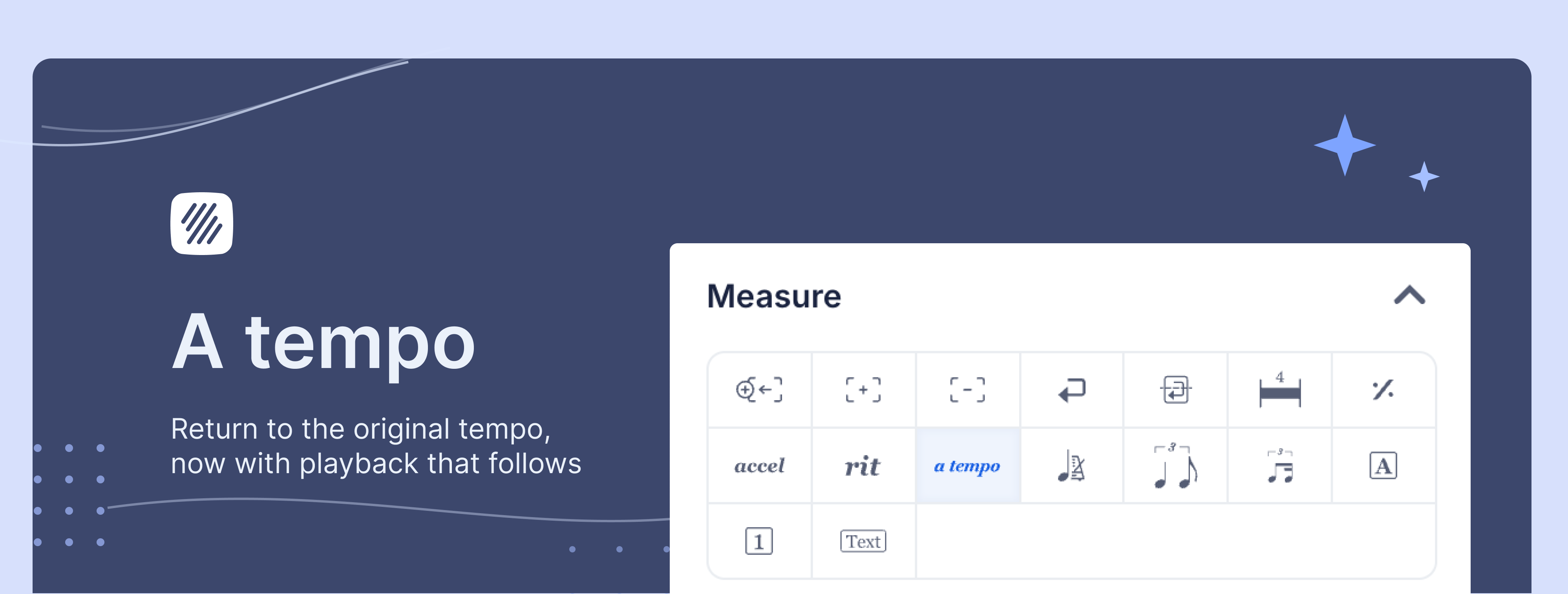
Ritardando and accelerando have worked in Flat's playback engine for over a year. Write a rit. and the score slows. Write an accel. and it speeds up. But coming back to where you started was awkward - a tempo wasn't in the tempo menu, and Flat wouldn't accept a re-stated tempo number if it matched the one already in effect. That gap is closed. A tempo is now a first-class marking in Flat, with playback that restores the previous tempo exactly where you place it.
What's new
- A tempo is available from the tempo menu, alongside accel. and rit.
- It renders in italics, lowercase, above the staff, at a single beat
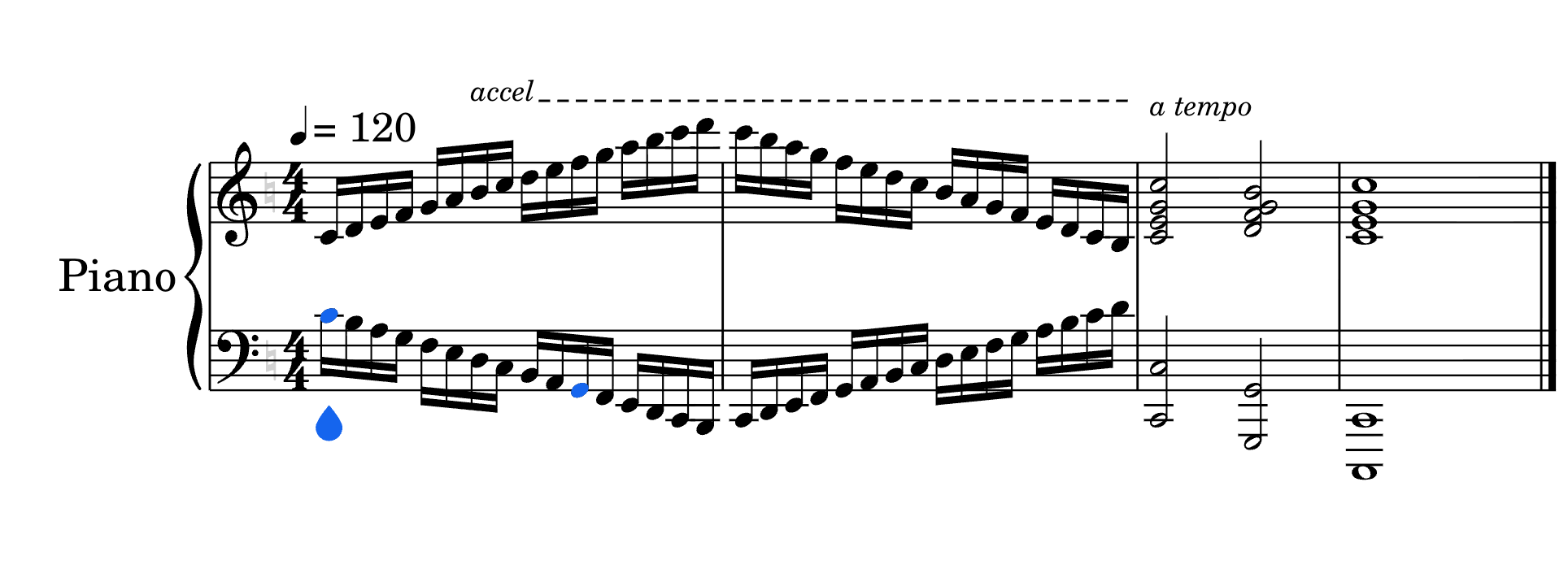
- Playback restores the explicit tempo in effect before the most recent accel. or rit. - or before a chain of them
- Free for all users on the web editor
Why it matters
A tempo is one of the most common markings in tonal repertoire. Every rit. at a phrase ending, every accel. into a climax, eventually resolves back. Without a tempo, a score that slows into a cadence stays slow - and performers reading a Flat score or PDF export would see the intention but playback wouldn't reflect it.
This matters beyond solo piano repertoire. Conductors prepping scores, teachers marking up student compositions, arrangers working on song charts - anyone who uses tempo curves to shape phrasing needed a clean way to close them. Now they have it.
How it works
Place your cursor at the beat where the tempo should return, open the tempo menu, and click a tempo. The italic marking appears above the staff, and playback restores the previous tempo from that beat forward.
A few details worth knowing:
- Nested tempo curves. If several accel. or rit. markings are chained, a tempo unwinds the whole chain back to the last explicit tempo mark before any of them.
- Mid-curve placement. Place a tempo inside an accel. or rit. rather than after it, and playback snaps back at that point - then the curve continues from the restored value. Useful for phrase resets inside long tempo changes.
- A new tempo wins. An explicit tempo number placed after a tempo takes over from its own position forward.
- Removing it. Click the marking and press Delete. If your cursor sits on the exact beat of an existing a tempo, clicking the button in the tempo menu toggles it off.
If you delete the accel. or rit. that preceded it, the a tempo stays in place. At that point it simply restates the tempo already in effect, with no audible change.
Need to find the tempo menu quickly? Press / in the editor and use Quick Search to jump to any tempo tool by name.
Try this in Flat
Open a new score in any time signature. Set the opening tempo to ♩ = 120. In measure four, add a rit. over two beats. At the start of measure five, place an a tempo. Press play - the music slows into the rit. and snaps back cleanly to 120 at the downbeat, the same shape any performer would read from the page.
For background on how accel. and rit. work in Flat, see the help page on tempo changes. For more on the playback engine, the post on Flat's audio playback system walks through the broader update.
How to get started
Open any score with an existing rit. or accel. and add a tempo where the music should return. Existing files won't change on their own - place the marking where you want it, the same way you've always placed tempo changes.
Ready to put this into practice? Flat's composer tools let you write expressive tempo changes that play back the way you wrote them, directly in your browser - no download needed. Try Flat.