
Hello everyone,
Here are our latest Flat for Education product updates:
Editor improvements
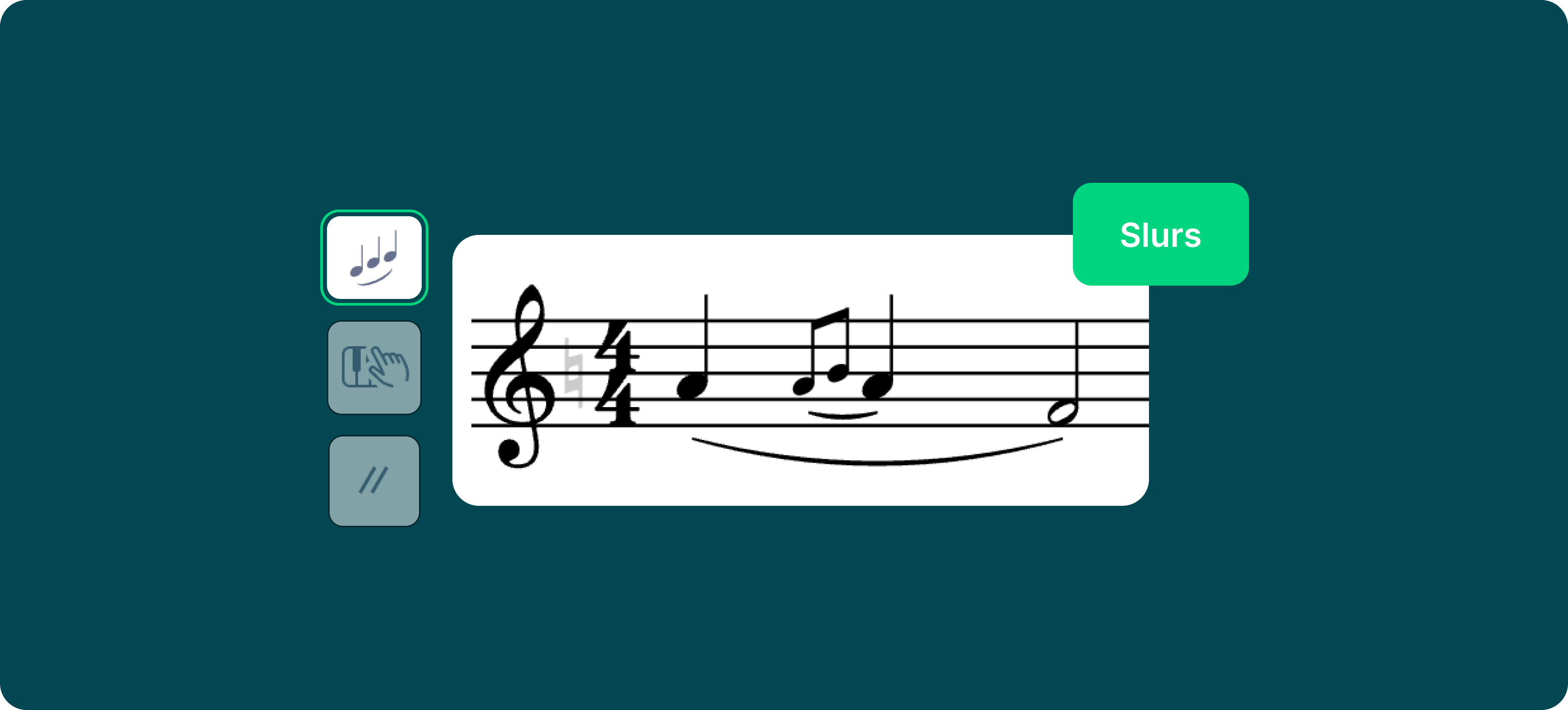
Slurs — You can now include a slurred grace note within another slur.
Octave shift — You can now add an octave shift exactly where the previous one ended (previously it would replace it).
Tablatures — Staccatos attached to notes are now preserved when changing the fret number.
New audio UI
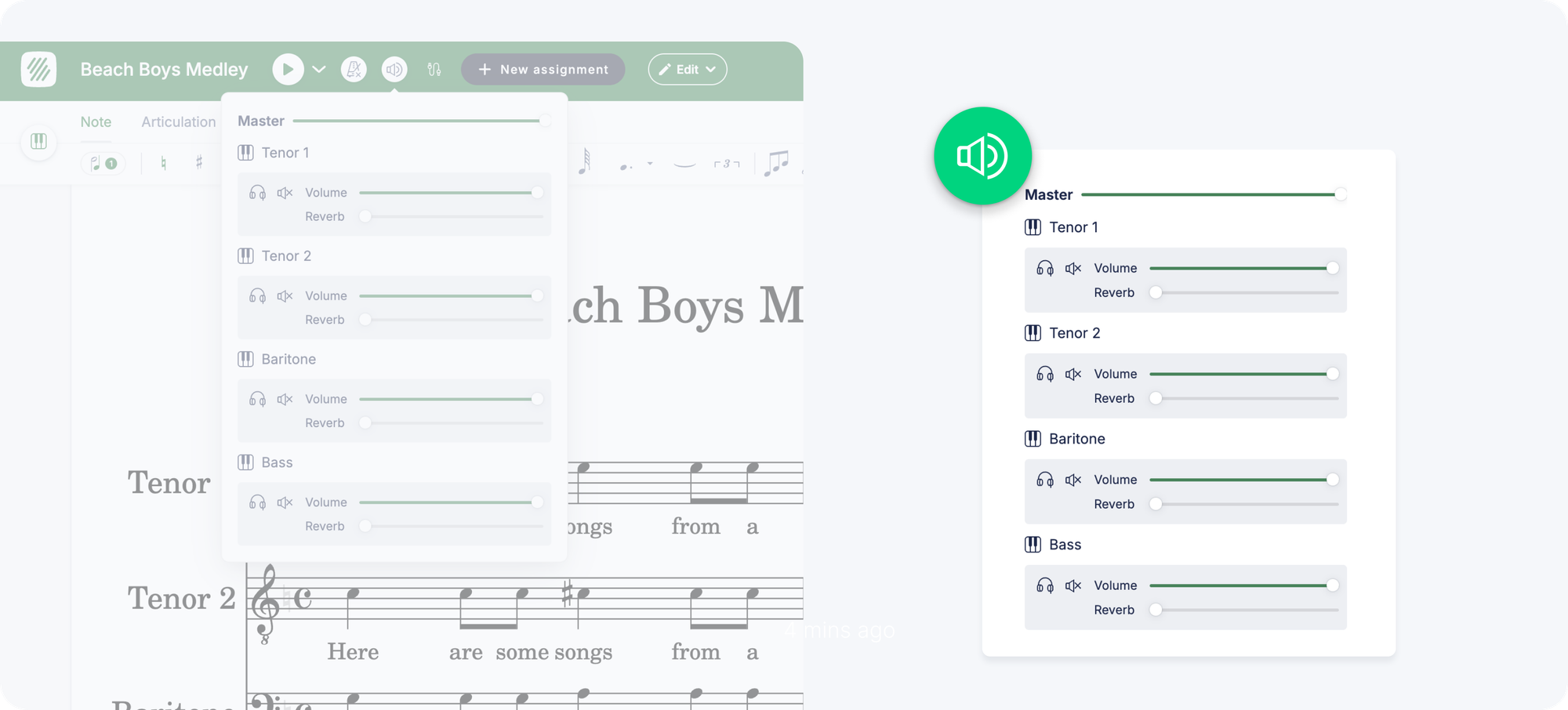
Change the volume and reverb levels for each instrument directly in the audio settings — just click the audio icon in the top bar. Settings sync automatically across all devices.
Web mobile improvements
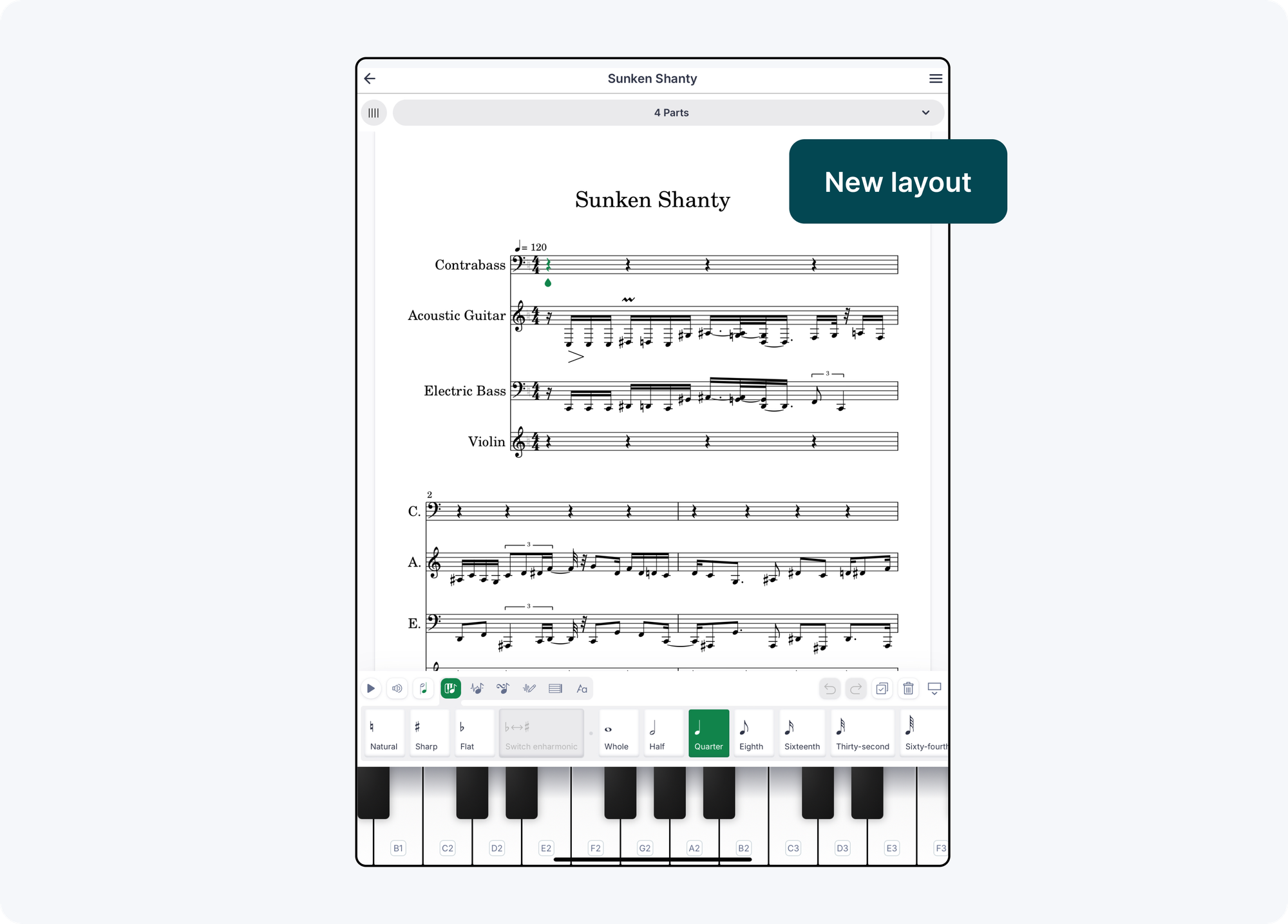
The mobile web editor has been significantly improved: reorganized toolbars, instrument selection now at the top, all top buttons moved to a sidebar with clear labels, new read-only mode, score title always displayed, and simplified playback controls.
A new "Turn In" button has also been added next to student work scores in the assignment panel on both desktop and mobile web.
Feedback? edu@flat.io. Have a wonderful day!