When teaching music at the elementary level, simplicity and flexibility are essential. Whether you're introducing rhythm patterns, melodic fragments, or graphic notation, sometimes the traditional time signature just gets in the way.
Instead of forcing the meter too early, why not let students explore music freely?
That’s where Music Snippet, a free extension from the team behind Flat for Education, becomes an ideal solution.
What is Music Snippet?
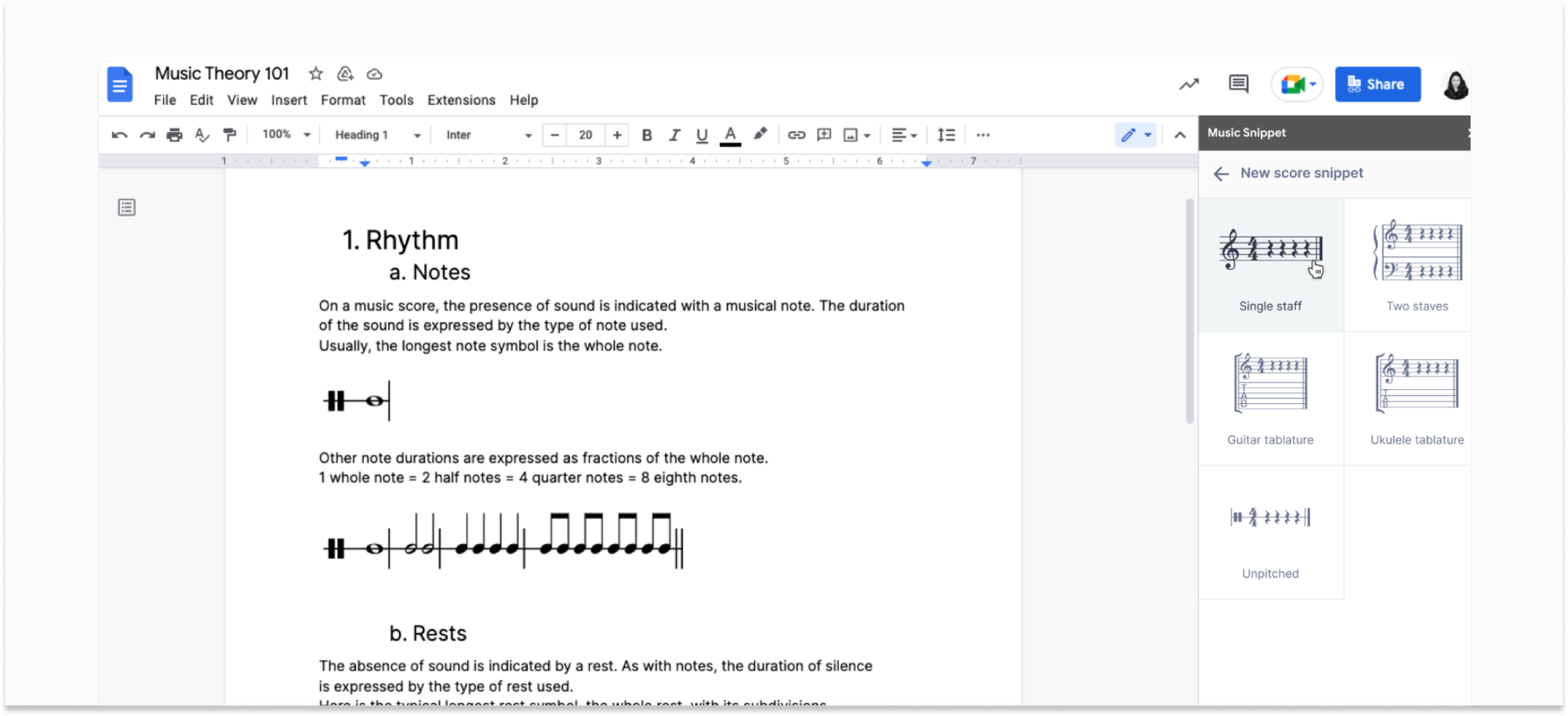
Music Snippet, free with Flat for Education, lets you add and edit music notation inside Google Docs, Slides, Word, and PowerPoint.
It works as a built-in mini score editor, making it easy for teachers to create, edit, and insert music notation directly into classroom materials. It’s especially useful for elementary music teachers who want to:
- Insert simple scores or notation examples
- Edit them anytime within your document
- Paste them directly into lesson plans, worksheets, or student slides
- Support Orff, Kodály, and improvisational lessons with ease
If you’re already using Flat for Education, you can log in to Music Snippet with the same account and get started immediately.
Why use scores without time signatures in elementary music?
When teaching young musicians, simplicity often leads to deeper engagement and creativity. Removing time signatures can help students focus on the fundamentals of musical expression without being limited by formal structure.
Here are some key benefits of working without time signatures in the elementary classroom:
🥁 Focus on rhythm patterns
Students can concentrate on rhythm and beat without needing to understand or apply a specific meter.
🎼 Introduce melodic phrases more freely
Melodies can be explored and performed without being confined to a set number of beats per measure.
👩🏻🎨 Encourage open-ended composition
Students are free to experiment with musical ideas without the pressure of aligning them to a time grid.
💫 Support graphic notation and improvisation
Alternative approaches to notation, including student-created symbols or improvisation tasks, are more accessible without the constraints of meter.
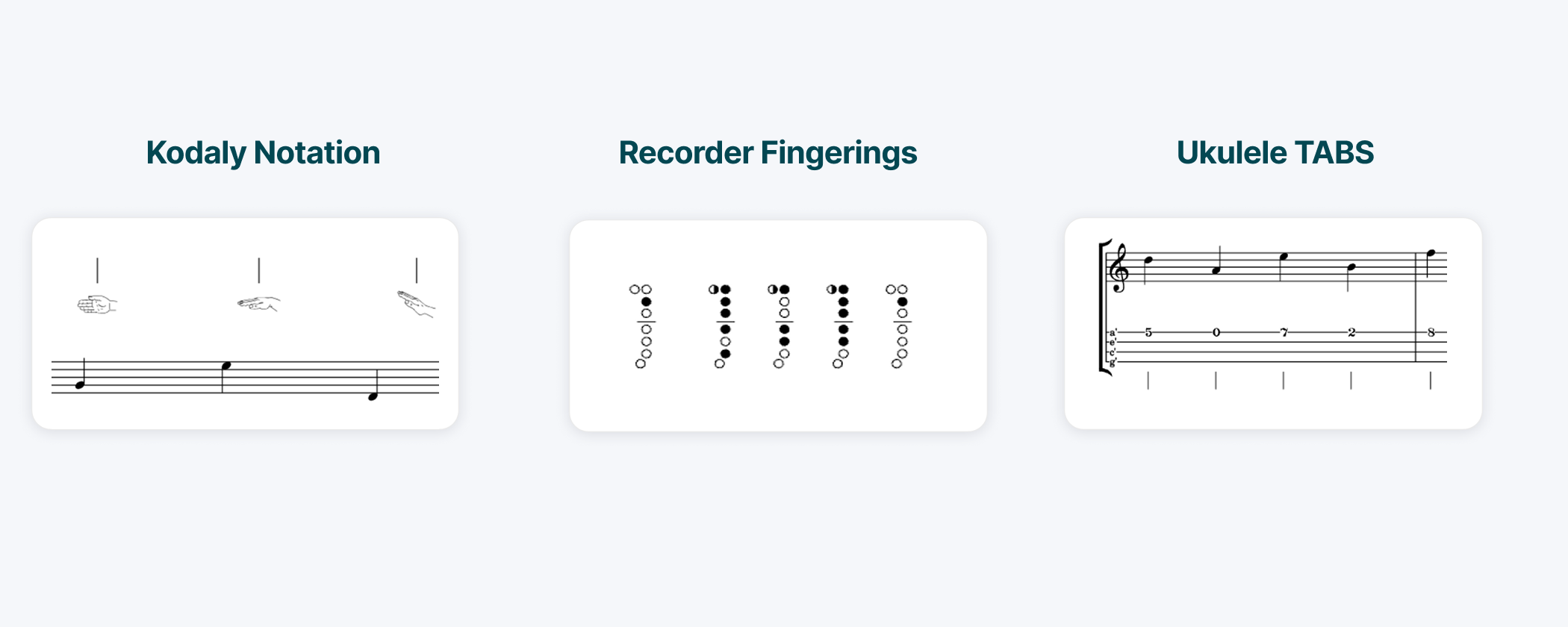
💡 Integrate tools like Kodály hand signs, recorder fingerings, or Boomwhackers
These methods emphasize pitch and rhythm but do not always require standard time signatures, making them ideal for flexible music-making.
Removing time signatures at early stages supports creativity, lowers barriers to entry, and allows students to develop a natural sense of musical flow.
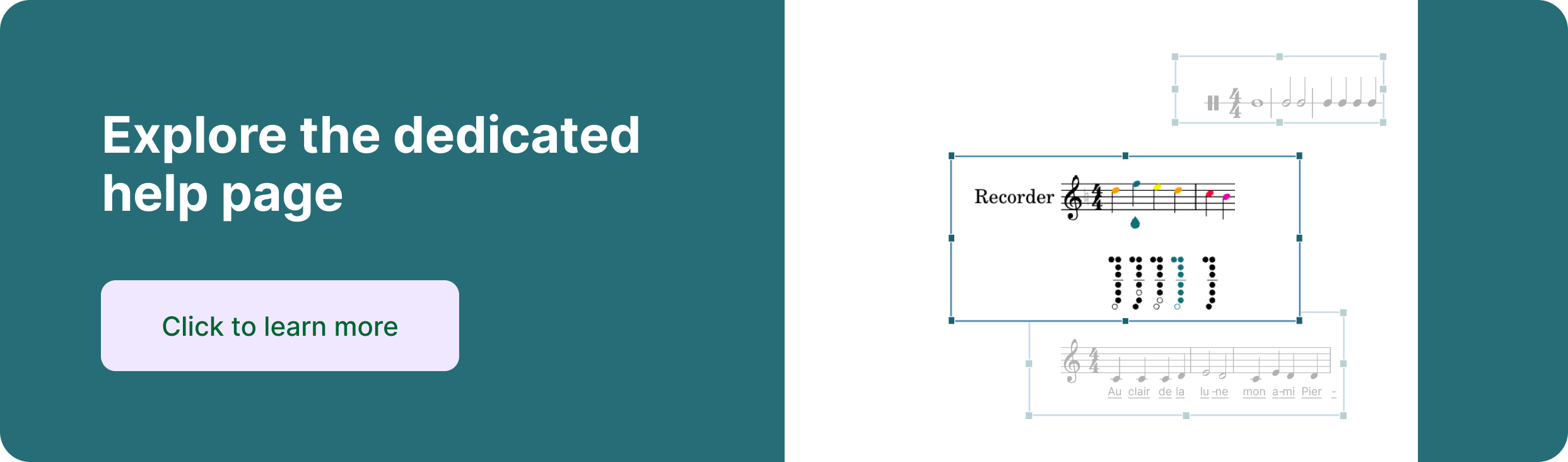
We have a dedicated article explaining how to access these special tools in Music Snippet. Read more here 👇
 Noemie Aschenbroich
How to get started with Music Snippet
Getting started with Music Snippet is quick and easy:
For Google Docs or Slides:
- Open your document or presentation
- Go to Extensions > Music Snippet > Open
- Create your snippet using the built-in editor
- Click Add to document
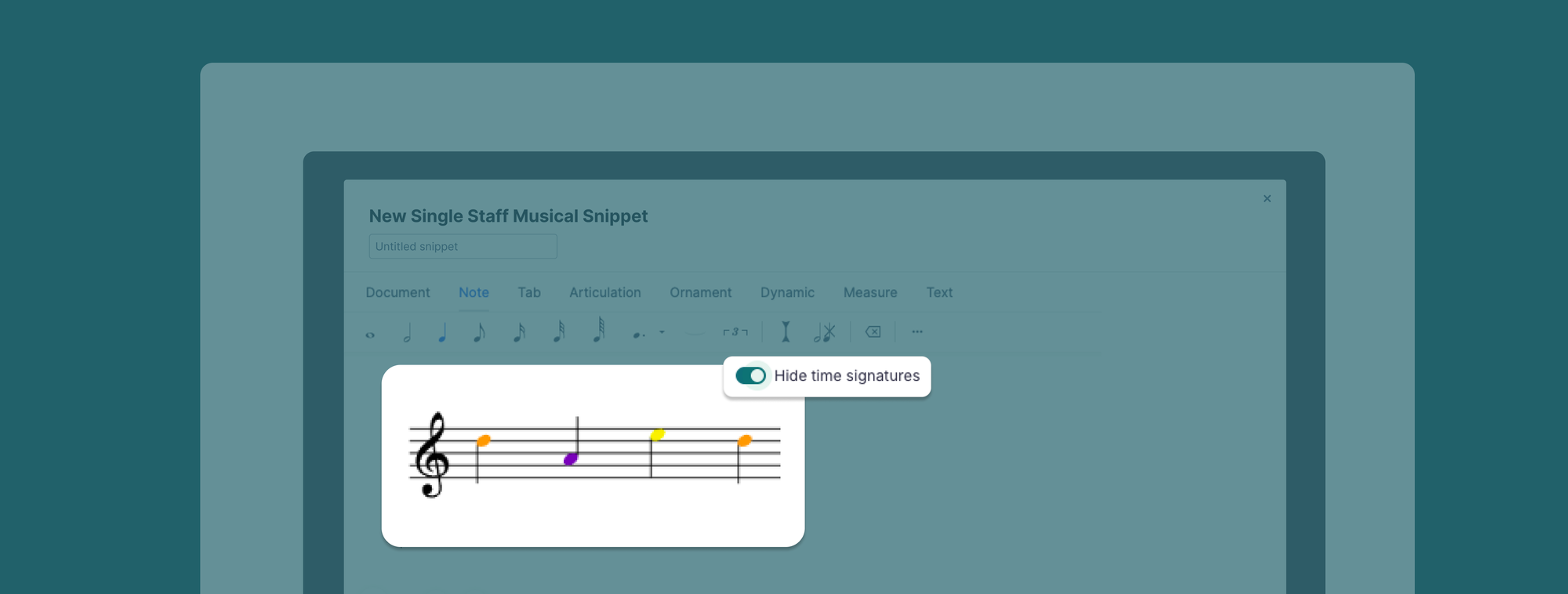
- Explore settings, such as Hide time signature and click on Insert to paste it into your doc


For Microsoft Word or PowerPoint:
- Download the Music Snippet Add-In from the Microsoft Store
- Open the add-in and sign in with your Flat for Education account
- Create your snippet using the built-in editor
- Click Add to document
- Explore settings, such as Hide time signature and click on Insert to paste it into your doc
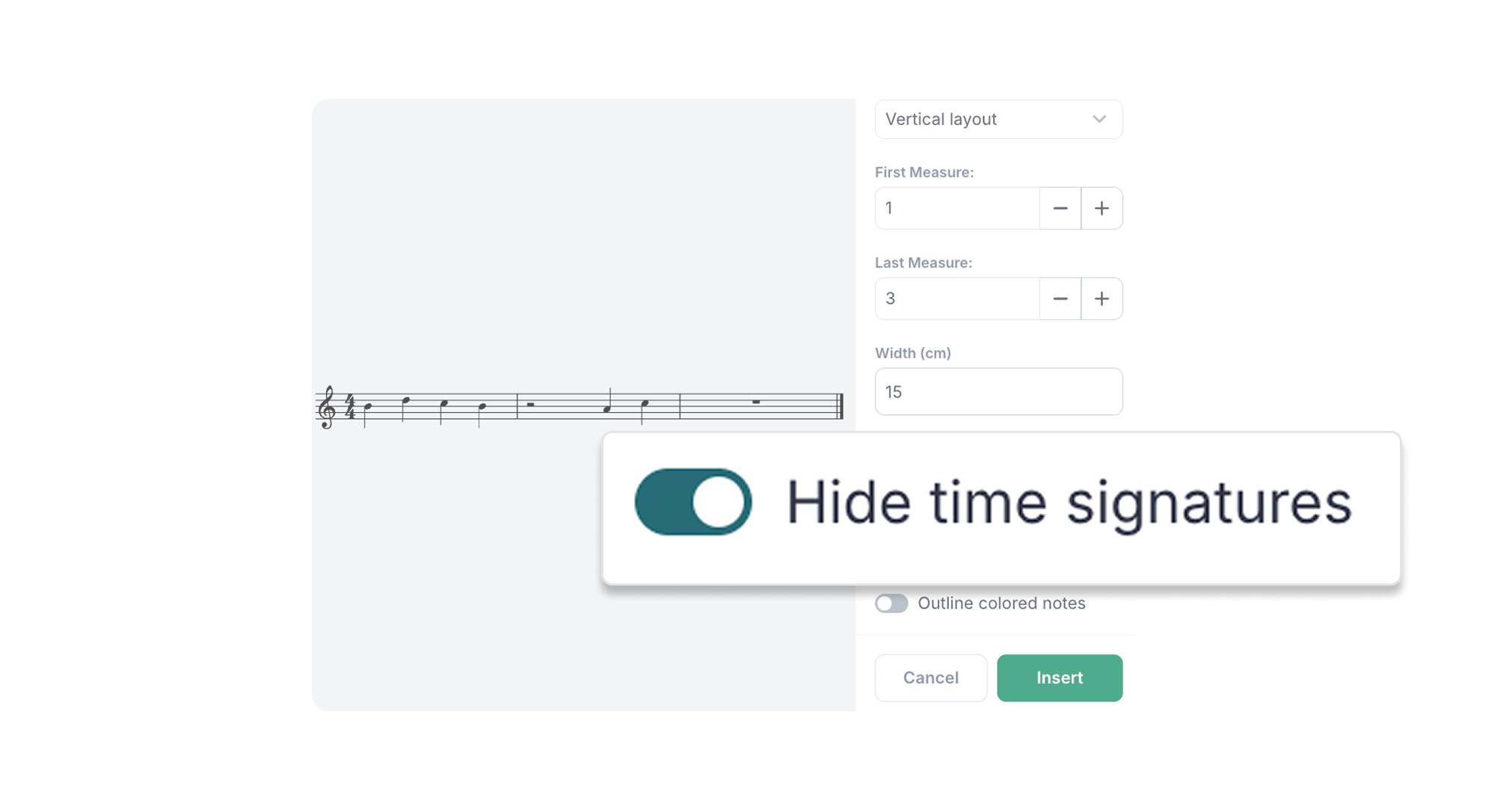
Pair Music Snippet examples with interactive assignments in Flat for Education. You can introduce a rhythm in your slide deck and follow it up with a hands-on notation or composition task in Flat for Education, keeping everything connected and engaging.
Ready to try it?
Whether you're building Orff arrangements, teaching graphic notation, or guiding students through their first compositions, Music Snippet gives you the flexibility to meet your learners where they are.
Removing time signatures lets young students:
- Focus on the sound and shape of music
- Build fluency with rhythm and pitch
- Compose without constraints
If you're an elementary music teacher looking for a simple, intuitive way to create notation, Music Snippet is ready to help.
Already have Flat for Education? Just sign in and start using Music Snippet today, directly inside the tools you already know.
Musically yours,
The Flat for Education Team