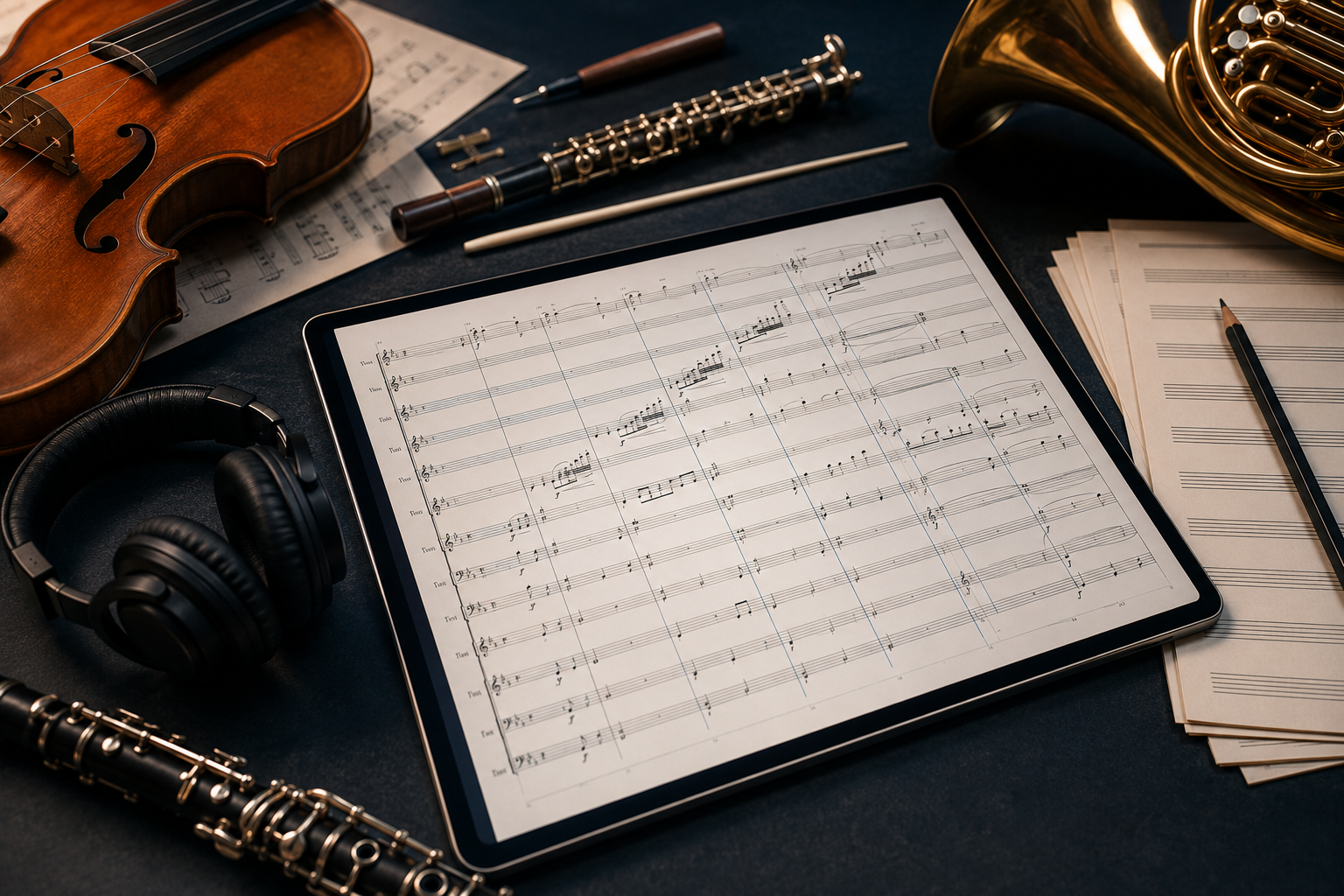
Writing for orchestra means managing dozens of staves, a page full of transposing instruments, and a conductor score that all has to stay in sync. An orchestra sheet music maker takes that weight off you: it keeps every transposition right, lays out the score, and plays the whole thing back so you can hear the orchestration while you write it, not weeks later in a rehearsal.
Flat does all of it in your browser, with every instrument on its own staff. Here is what orchestral writing actually needs from a notation tool, how to lay out a full score, and how Flat handles each part.
Orchestra sheet music features that matter
Orchestral writing puts demands on your tools that a solo part never does. These are the ones that matter most:
- A wide range of instruments. A full orchestra spans strings, woodwinds, brass, and percussion, so you need every section available, ideally with realistic playback so you can hear the orchestration instead of guessing at it.
💡 Flat's instruments. - Automatic transposition. Clarinets, horns, and trumpets read in their own keys, so you want to think at concert pitch and have each part display in its correct transposition without rewriting anything by hand.
💡 Transposition in Flat. - Score and parts from one source. The conductor score and each player's part should come from the same file, so fixing a note once updates both and they never drift apart. Individual part exports are a Flat Power feature.
💡 Exporting the score and parts. - Tempo and rehearsal marks. A large ensemble needs rehearsal letters and tempo changes placed anywhere in the score to stay anchored to the same map.
💡 Tempo marks. - Real-time collaboration. A composer and an orchestrator, or a teacher and a student, often need to be in the same score at the same time.
💡 Sharing and collaboration. - Sharing and export. A shareable link so anyone can open the score in a browser, plus PDF for the stand, MusicXML for a publisher, MIDI for a DAW, and a separate part for each player.
💡 Exporting and sharing.
Flat covers every one of these, in the browser, on any device.
Setting up a full orchestral score
A full score follows a fixed vertical order so any conductor can read it at sight: woodwinds on top (flutes, oboes, clarinets, bassoons), then brass (horns, trumpets, trombones, tuba), then timpani and percussion, and the strings along the bottom (violins I and II, violas, cellos, double basses). When you add instruments in Flat, they slot into this conventional order for you, and each family can be bracketed together so the sections read clearly down the page.
Decide early whether you want to work from a concert-pitch score or see each line already transposed. You can enter and check your harmony at concert pitch, then hand players parts that read in their own keys. Set the key and time signature once and every staff inherits it, with any later change rippling down the whole system instead of being fixed staff by staff.
Find inspiration in the Flat community
Flat hosts more than 100,000 user-published scores, including orchestral pieces, film-style cues, and arrangements of standard repertoire. Here is one playing right in the browser, a full orchestral piece with every section moving at once. Press play to hear it:
Browsing scores like this is one of the faster ways to learn orchestration by example: open something that does what you want to try, and see exactly how the writer laid out a large system, voiced a brass chorale, spaced a string chord, or handled a divisi passage.
Because everything runs in the browser, you can clone any public score into your own account and take it apart bar by bar, muting sections to hear how each layer sits in the whole. It is the closest thing to reading over an orchestrator's shoulder.
Why Flat for orchestral writing
Large scores are where notation tools slow down. Flat keeps the whole score responsive in the browser, transposes the parts for you, and plays the orchestration back through studio-recorded samples, so you hear what you wrote and keep working instead of waiting on a rehearsal to find out.
It works the same across the browser, the desktop app for Mac and Windows, and the mobile apps for iOS and Android, with your scores synced across all of them. Sketch an idea on your phone on the way home, orchestrate it on the desktop, and share it from the browser, all on one file.
You can also bring existing music in. Import a PDF, a MusicXML, or a MIDI file and Flat turns it into an editable score, so a new arrangement or a re-orchestration starts from real material instead of a blank page. And because more than one person can edit at once, a composer and an orchestrator can split the work, or a teacher can guide a student through their first full score in real time.
Ready to write your first orchestral score? Try Flat for free!