Flat for Education now has four distinct account roles, each with a clear level of access: Admin, Support Admin, Teacher, and Student. The headline change is the new Support Admin role, which gives non-teaching staff full organizational access without consuming a license seat. But the full set of roles is worth understanding, because matching the right person to the right role from the start saves you cleanup later.
Here's what each role can do, and how to decide who gets which.
The four roles at a glance
Each role is a defined level of access. Some are for teaching, some are for managing the organization, and one role does both.
| Capability | Admin | Support Admin | Teacher | Student |
|---|---|---|---|---|
| Create classes and assignments | Yes | No | Yes | No |
| Invite and remove teachers | Yes | Yes | No | No |
| Invite and remove students | Yes | Yes | Yes | No |
| Manage billing and subscription | Yes | Yes | No | No |
| Access Usage Dashboard | Yes | Yes | No | No |
| Manage school settings | Yes | Yes | No | No |
| Manage integrations | Yes | Yes | No | No |
| Review and grade student work | Yes | No | Yes | No |
| Editor access and score creation | Yes | No | Yes | Yes |
| Submit assignments | No | No | No | Yes |
| Consumes a license seat | Yes | No | Yes | Yes |
Admin: the full-access role
The Admin role is the most powerful. Admins can do everything a Teacher can, including creating classes and assignments and inviting students, plus everything involved in managing the organization: billing, school settings, integrations, and adding or removing staff.
Most schools have one or two Admins, and every organization needs at least one. The one thing to keep in mind: an Admin consumes a teacher license seat. That's the right trade when the person genuinely teaches and manages the school. When they only need the management side, there's now a better option.
Support Admin: management without a seat
The Support Admin role is the one most schools have been waiting for, even if they didn't have a name for it. It's built for the people who keep a school running behind the scenes: system administrators, IT contacts, finance teams, and directors who need to manage billing and settings but never set foot in a music classroom.
A Support Admin has full access to the organizational management screens: billing, People, school settings, and integrations. What they can't do is teach. No creating classes, no distributing assignments, no reviewing student work. That separation is the point.
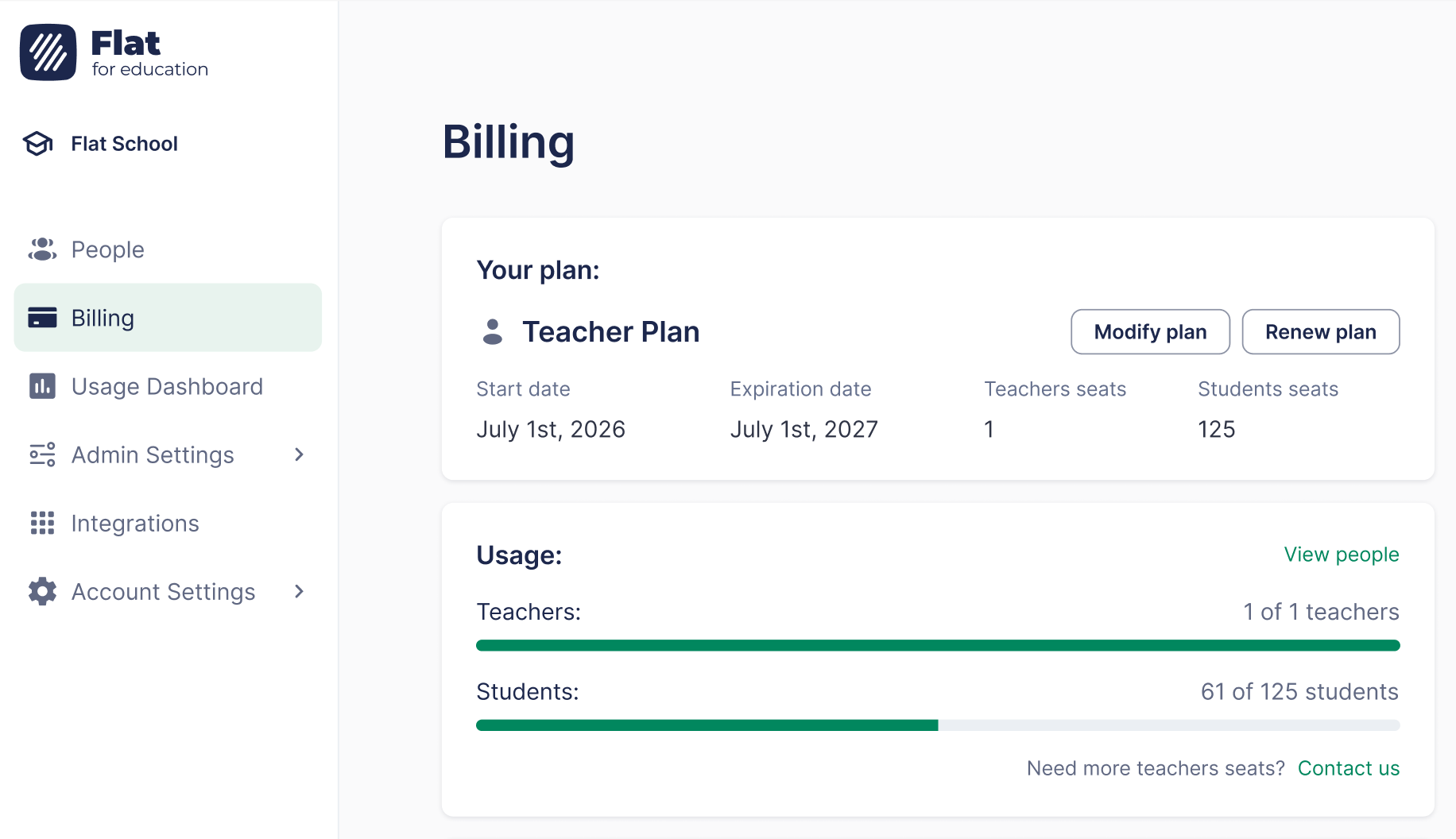
And here's what makes it genuinely useful: Support Admin accounts do not consume a license seat. You can add as many as your organization needs. If someone on your account currently holds an Admin role purely so they can manage billing, switching them to Support Admin frees up a teacher seat at no extra cost. For a school running close to its seat limit, that's a real saving with zero downside.
Teacher: the standard classroom role
The Teacher role is the standard role for music teachers, and it's where most of your people will sit. Teachers create and manage their own classes and assignments, distribute work to students, monitor progress, review and grade submissions, and invite students to their classes.
What a Teacher can't do is reach beyond their own classroom. Teachers cannot access billing, school-wide settings, or other teachers' classes. That keeps the teaching experience focused and the organizational controls in the hands of the people responsible for them.
Student: the classroom participant
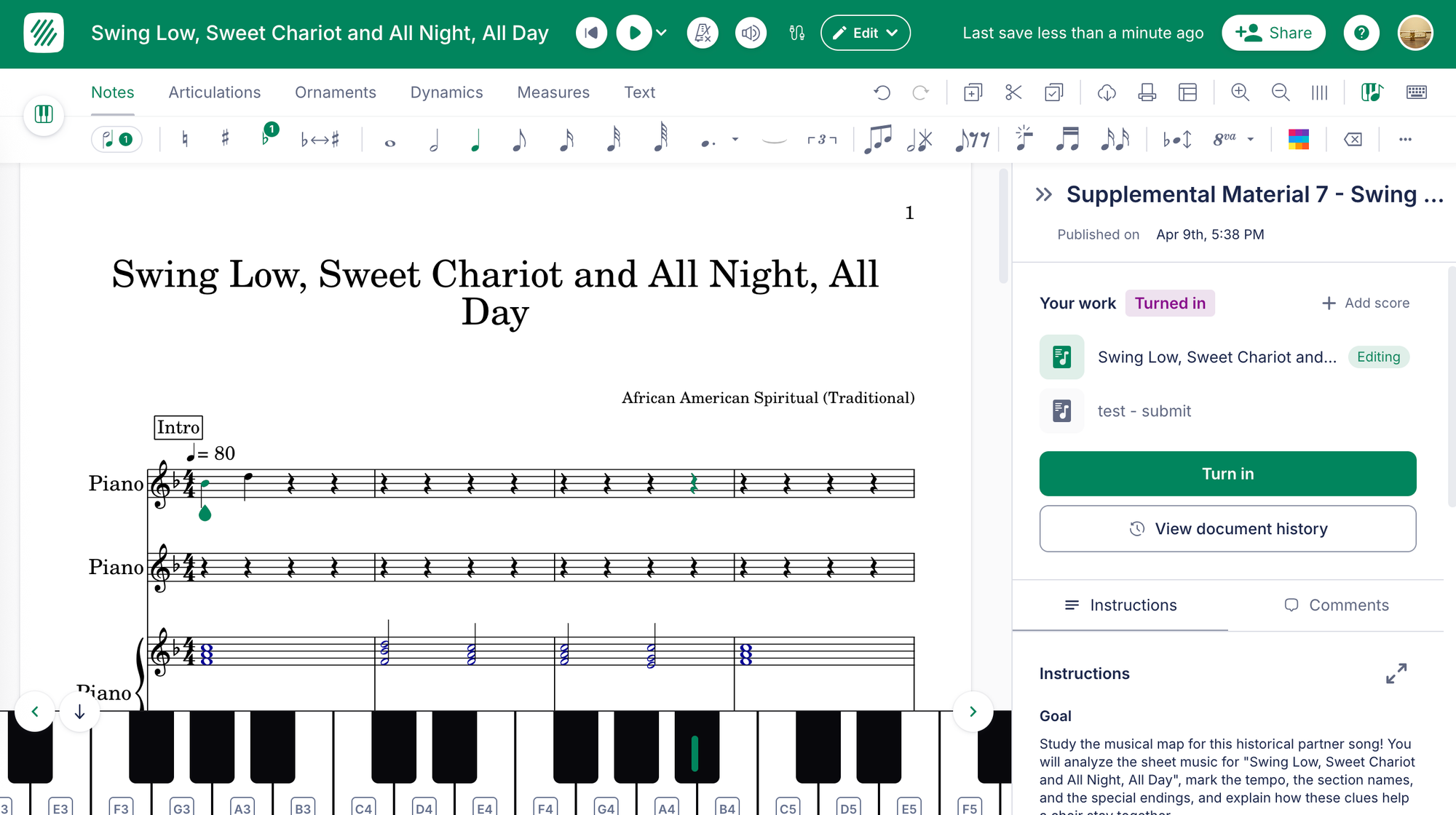
Students are the people completing and submitting work. They have access to the editor and can create scores, and they can submit assignments, but they have no management or grading access.
Students are provisioned automatically when a teacher syncs a class roster from Google Classroom, Microsoft Teams, or another LMS, or when a teacher invites them manually. One thing worth knowing: students won't know they have a Flat for Education account until a teacher shares a link or posts an assignment. Creating a student account does not notify them automatically, so the first touchpoint is always the teacher.
Which role should each person get?
A simple way to decide:
- They teach and they manage the school → Admin
- They manage billing, people, or settings but never teach → Support Admin (and you save a seat)
- They teach their own classes → Teacher
- They complete and submit work → Student
The most common cleanup we expect schools to do is auditing who currently holds an Admin role. If anyone is an Admin solely to see billing or manage a setting, move them to Support Admin. You'll free up a teacher seat immediately, and they'll keep every management capability they actually use.
How to invite people and assign roles
Admins and Support Admins can invite teachers and assign roles from the People section of the account. Teachers and students can be added by inviting them directly or, for students, by syncing a class roster from your LMS. For the full step-by-step, see our help guides on roles and permissions and inviting teachers.
Get the right people in the right seats
Account roles aren't the most glamorous feature, but they solve a real and recurring headache: making sure the people who run your music program have exactly the access they need, and nothing they don't, without paying for it in teacher seats. The new Support Admin role in particular means your IT and finance staff can finally have proper billing access without taking a seat away from a teacher.
If your school already uses Flat for Education, you can review and update roles now from the People section. Not on Flat for Education yet? You can start a free 30-day trial and set up your school in minutes.
FAQ
What are the account roles in Flat for Education?
Flat for Education has four roles: Admin, Support Admin, Teacher, and Student. Admins manage both teaching and the whole organization. Support Admins manage billing, people, and settings but cannot teach. Teachers run their own classes and assignments. Students complete and submit work.
What is the difference between an Admin and a Support Admin?
A Support Admin can manage billing, invite and remove teachers and students, access the Usage Dashboard, manage school settings, and manage integrations, but cannot create classes, distribute assignments, or review student work. An Admin can do everything a Support Admin can, plus everything a Teacher can: create classes and assignments, and review and grade student work. The other key difference is licensing: an Admin consumes a teacher license seat, while a Support Admin does not.
Does a Support Admin use a teacher license seat?
No. Support Admin accounts do not consume a license seat, so you can add as many as your organization needs. This makes Support Admin the right role for IT staff, finance teams, or directors who need billing and settings access but do not teach. If someone currently holds an Admin role only for billing access, switching them to Support Admin frees up a teacher seat at no extra cost.
How are students added to Flat for Education?
Students are provisioned automatically when a teacher syncs a class roster from Google Classroom, Microsoft Teams, or another LMS, or when a teacher invites them manually. Students will not know they have an account until a teacher shares a link or posts an assignment, since creating a student account does not notify them automatically.
Does every school need an Admin?
Yes. Every organization needs at least one Admin, and most schools have one or two. The Admin holds the highest level of access and is required to manage billing, school settings, and staff.