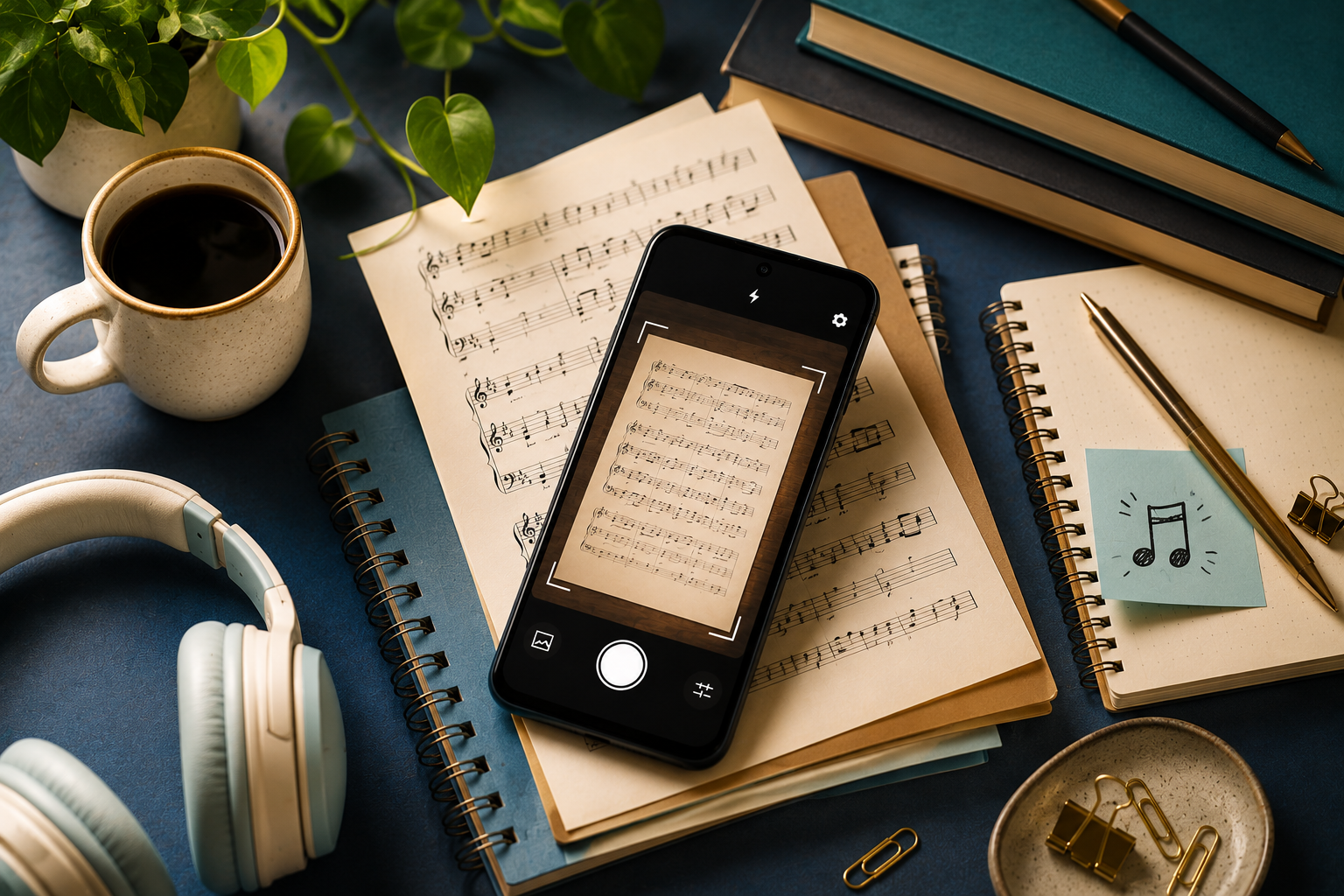
If you want to scan printed sheet music on an Android phone, there are four apps worth knowing: Opuscan, PlayScore 2, Sheet Music Scanner, and Sheet Music Reader Halbestunde.
They all read a printed page and play it back, but they are built for different endpoints, from deep playback to editable export to daily practice. This roundup covers what each one does best so you can pick the right fit.
At a glance
| App | Platforms | Export | Pricing model | Best for |
|---|---|---|---|---|
| Opuscan | Android, Mac | MusicXML, MIDI, PDF, MP3 | One-time credits, no subscription | Editable export without a subscription |
| PlayScore 2 | Android, iOS, Windows | MIDI, MusicXML (top tier) | Free tier, then subscription | Deep playback across devices |
| Sheet Music Scanner | Android, iOS | MusicXML, MIDI, audio, PDF | Paid app | Playback across 30+ instruments |
| Halbestunde | Android, iOS, desktop | MusicXML, MIDI, PDF, MSCZ | Free tier, then subscription | Daily practice with a song gallery |
Opuscan
Best for turning a scan into a clean, editable score without a subscription. Opuscan comes from Tutteo, the team behind Flat.
- Reads the harder parts too: clefs, complex rhythms, chords, lyrics, dynamics, and multi-staff layouts
- Highlights uncertain notes in pink for tap-to-fix
- Plays back with tempo control and a click track, and transposes the whole score in one step
- Exports MusicXML, MIDI, PDF, and MP3
- Android on mobile, with a Mac app; one-time credit packs, no subscription
For a full walkthrough, see our guide to importing printed sheet music on Android.
PlayScore 2
Best for deep playback across phone, tablet, and Windows. PlayScore 2 comes from Organum Ltd and Dolphin Computing.
- Rich practice controls: per-staff instruments, volume and mute, loops, a count-in, a time-signature metronome, and swing
- Runs on Android, iOS, and Windows, and everything stays on your device
- Free tier plays single pages from the camera; multi-page scanning, PDF import, and MusicXML or MIDI export need a Productivity or Professional subscription
For the full comparison, see Opuscan vs PlayScore 2.
Sheet Music Scanner
Best for hearing a score across a wide instrument palette. Sheet Music Scanner comes from Xem Soft.
- More than 30 instruments, tempo from 50 to 330 bpm, and a pitch shift of up to two octaves
- Plays voices together or sounds individual staves separately
- Scan with the camera or import a PDF or image, with notes highlighted as they sound
- Exports MusicXML, MIDI, audio, and PDF; runs on Android and iOS
See the full Opuscan vs Sheet Music Scanner comparison for more.
Sheet Music Reader Halbestunde
Best for daily practice with a song gallery. Halbestunde comes from Halbestunde GmbH.
- Plays back across 24 instruments including Voice, with per-part solo and mute
- Loop sections, adjust tempo, change key, and watch notes on a virtual instrument
- Scans lyrics, with a Concert Pitch toggle for transposing instruments
- Exports MusicXML, MIDI, PDF, and MuseScore MSCZ; runs on Android, iOS, and desktop on a freemium model
See the full Opuscan vs Halbestunde comparison for more.
How to choose
Start from what you want to do with the scan.
- Editable notation without a subscription: Opuscan is a direct fit and includes MusicXML, MIDI, PDF, and MP3.
- Richest playback and practice controls: PlayScore 2 and Sheet Music Scanner both shine, with PlayScore 2 reaching across phone, tablet, and Windows, and Sheet Music Scanner offering a wide instrument palette.
- A daily practice companion: Halbestunde, with its song gallery and progress tracking.
Whatever you pick, scanning accuracy depends heavily on a clean, well-lit source, so start with the best copy of the page you have.
Want editable files on Android without a subscription? Get Opuscan on Google Play.
FAQ
What are the best sheet music scanner apps for Android?
The main Android options are Opuscan, PlayScore 2, Sheet Music Scanner, and Sheet Music Reader Halbestunde. All four scan a printed page or import a file and play it back, and all four can export to formats like MusicXML so you can keep editing.
How do I choose a sheet music scanner?
Look at what you want to do with the scan. For editable output without a subscription, Opuscan uses one-time credits and exports MusicXML, MIDI, PDF, and MP3. For deep playback across many instruments, Sheet Music Scanner and PlayScore 2 are strong. For daily practice with a song gallery, Halbestunde fits.
Are sheet music scanners accurate?
No app reads music with perfect accuracy. Results depend on the app and the source: a clean, well-lit printed score reads far better than a dim photo or handwriting, which most apps cannot read. Good apps flag or let you correct uncertain notes.
Can these apps export to MusicXML for editing?
Yes. Opuscan, Sheet Music Scanner, and Halbestunde all export MusicXML, which opens in Flat, MuseScore, Dorico, and Sibelius. PlayScore 2 exports MusicXML on its Professional tier.
Which apps can import a PDF instead of using the camera?
Opuscan and Sheet Music Scanner support importing a PDF and scanning the pages you choose. Halbestunde imports PDF, JPG, and PNG. PlayScore 2 supports multi-page PDF import on its Professional tier.