
Someone on MuseScore's own community forum asked a simple question a while back. They were a school teacher trying to set up a proper classroom environment in MuseScore. The reply they received was blunt: "MuseScore isn't education software."
MuseScore is exceptional notation software. Free, powerful, actively maintained, and used by millions. But if you need to run a music classroom — manage assignments, collect submissions, give specific feedback, and assess performances — MuseScore was not built for that. Flat for Education was.
The Fundamental Difference
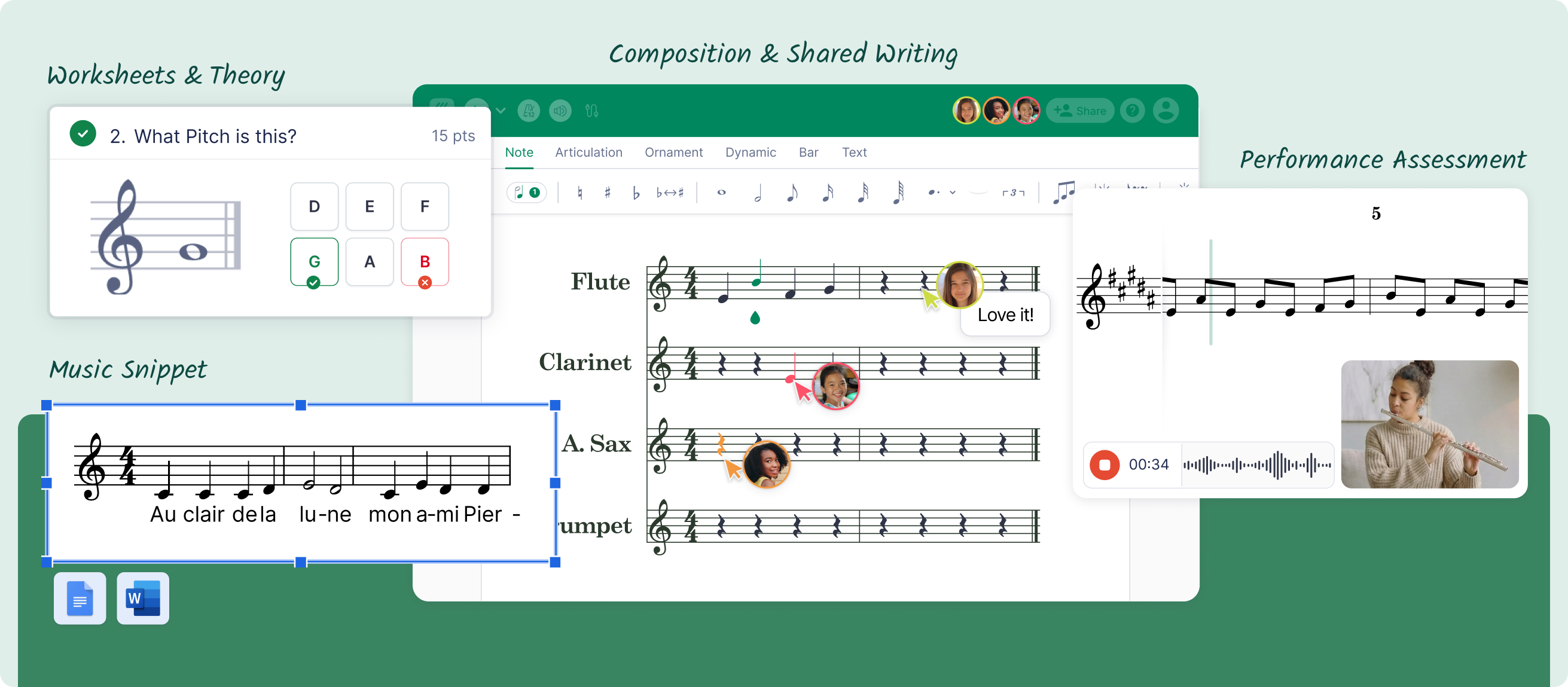
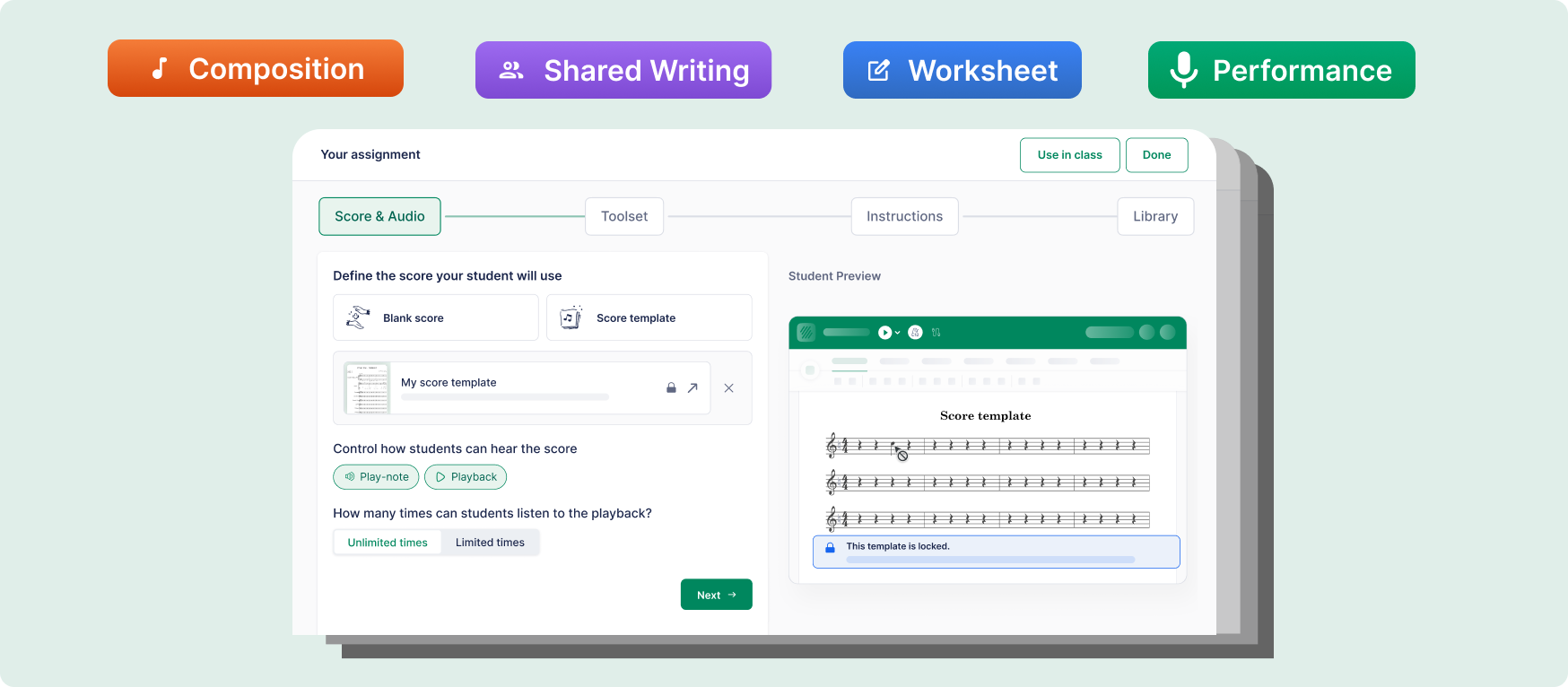
MuseScore was built by musicians, for musicians. Its design priorities are notation quality, playback, and format compatibility. Flat for Education was built for classrooms — its design priorities are assignment workflows, LMS integration, student submission management, and assessment.
What MuseScore Does Well
- Completely free — no license fees, no per-student costs
- Mature notation engine — handles orchestral scores, complex rhythms, tablature
- Massive community — thousands of shared scores, tutorials, and forum resources
- Works offline — functions without internet access
- MusicXML compatibility — scores can move into Flat for Education if you switch
Where MuseScore Falls Short in a Classroom
- No installation-free access — requires Windows/Mac/Linux install; doesn't run on Chromebooks
- No LMS integration — no native connection to Google Classroom, Canvas, Schoology, or Teams
- No in-score feedback — no way to comment on specific measures inside the tool
- No auto-grading — every theory exercise requires fully manual review
- No performance assessment — no way to record student performances against a score
- No classroom privacy controls — not designed for COPPA-compliant student account management
Feature Comparison Table
| Feature | Flat for Education | MuseScore 4 |
|---|---|---|
| Price | $99/teacher/year + $6/student | Free |
| Browser-based, no install required | Yes | No |
| Works on Chromebooks | Yes | No |
| Google Classroom integration | Native | No |
| Microsoft Teams integration | Native | No |
| Canvas integration | Native | No |
| Assignment distribution and collection | Built in | Manual workaround |
| In-score timestamped feedback | Yes | No |
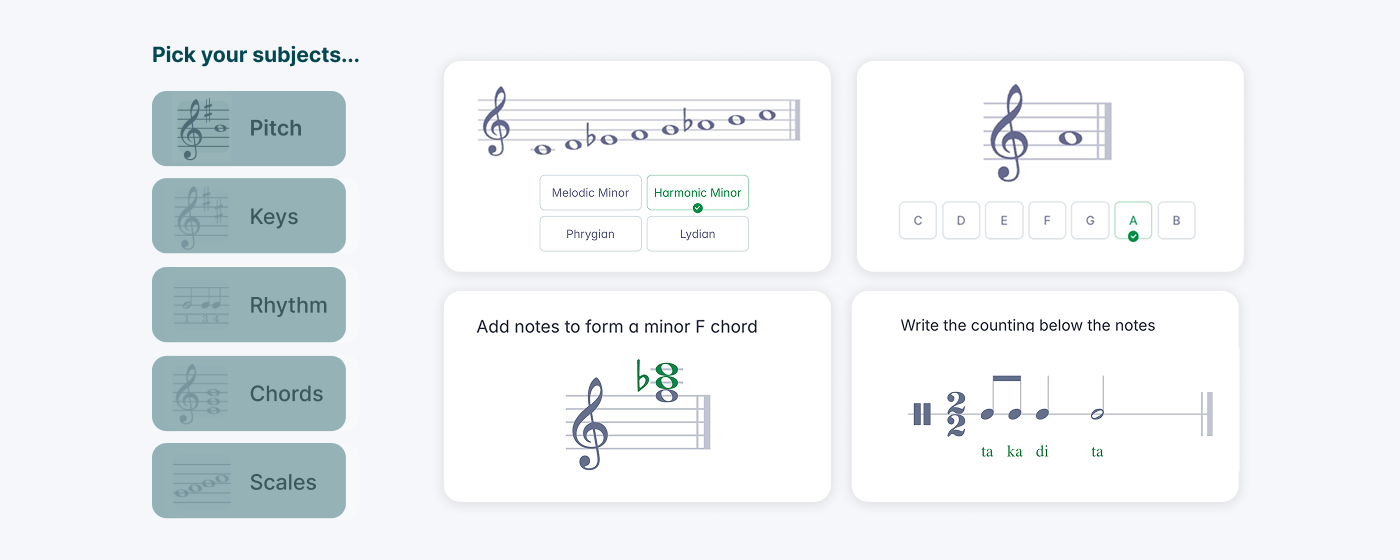
| Auto-grading for theory exercises | Yes | No |
| Performance assessment with audio | Yes | No |
| Real-time collaborative editing | Yes | No |
| COPPA and FERPA compliant | Yes | No |
| Core notation quality | Strong | Excellent |
| MusicXML import/export | Yes | Yes |
| Free trial available | Yes (30 days) | Free permanently |
The Cost of Free
MuseScore costs nothing in money. What it costs is time. Teachers who have moved from MuseScore-based workflows to Flat for Education consistently report saving three to five hours per week in administrative overhead. Over a 35-week school year, that is 105 to 175 hours.
Migrating From MuseScore to Flat for Education
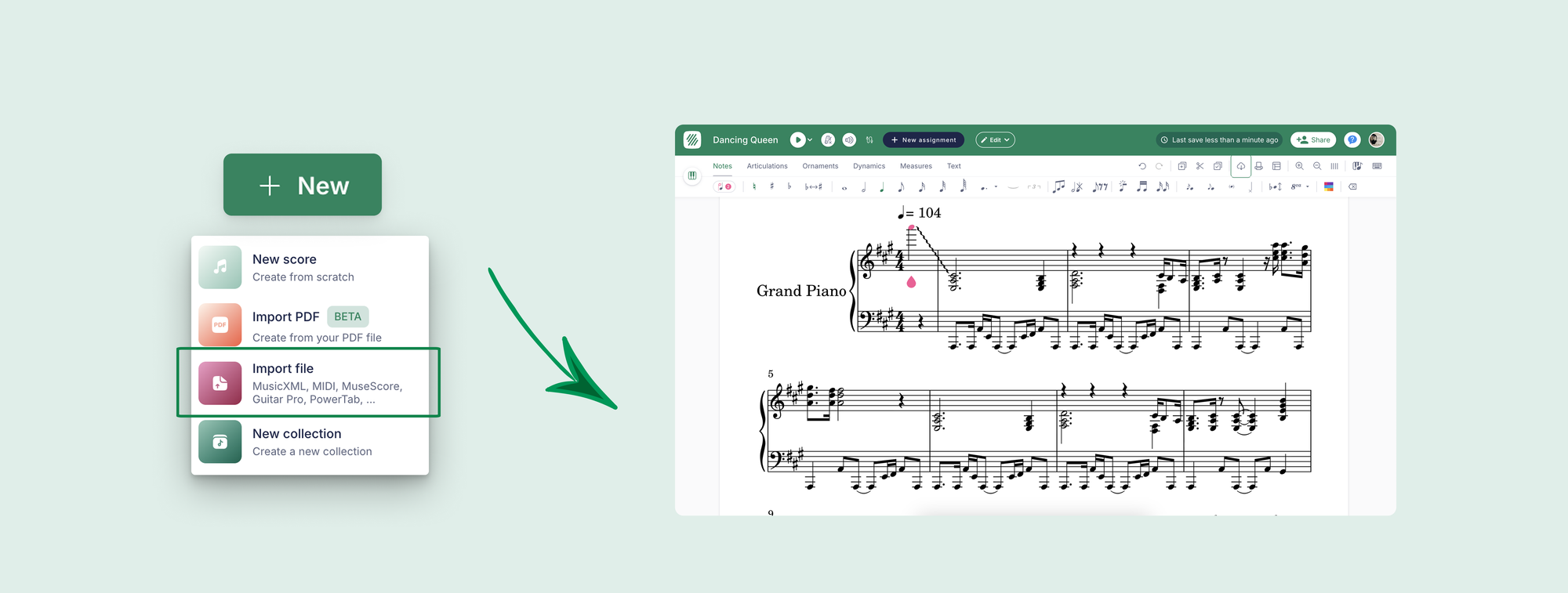
- Open the score in MuseScore
- Go to File and select Export
- Choose MusicXML as the format
- Import the .xml or .mxl file into Flat for Education via New Score and Import
The Bottom Line
MuseScore is free and capable. It is also not education software. Flat for Education was built for the classroom. The notation is capable, the learning curve is reasonable, and the workflow tools that MuseScore leaves you to build yourself are built in from the start.