Google Forms is free, fast to set up, and everyone already knows how to use it. So why are music teachers increasingly looking for something else?
Not because it doesn't work. It does. But somewhere around the third time you've manually copied grades from a spreadsheet into Google Classroom, or tried to find a student's August listening response in a 90-row form with the same name as the December one, the limitation becomes clear. Google Forms was built to collect data. It wasn't built for a music classroom.
This is the thing nobody tells you when you start using it: the form is only the beginning. Everything after the submission is where the friction shows up.
What Google Forms Actually Does Well
Fair is fair. For quick, one-off exit tickets, bell-ringers, or informal survey questions, Google Forms is genuinely excellent. Students know how to fill it in. Results land in a spreadsheet instantly. If you need to know how many of your Year 9s have heard of Beethoven before a unit starts, it takes two minutes.
For simple comprehension checks with right/wrong answers, it's hard to beat. Auto-grading for multiple choice works well. It's free and it integrates with Google Workspace, which most schools already use.
The problems start when you need it to do something it wasn't designed for.
Where It Falls Apart in a Music Classroom
The grade passback problem. Google Forms auto-grades multiple choice, but for written responses, you're reading and scoring manually. Once you've done that, the grade lives in the spreadsheet, not in Google Classroom. You have to enter it a second time. If you have four classes and 30 students each, you're doing that 120 times per assignment.
The context problem. Music teachers don't just ask abstract questions. A good listening analysis question needs the student to hear the piece. Attaching a YouTube link to a Google Form works, but it opens in a separate tab, and half your students will answer without watching it. There's no way to attach a score or a PDF and have students open it inside the form itself.
The organisation problem. After a year of using Google Forms, you have a Drive folder full of spreadsheets. Finding a specific student's response from eight months ago means opening files one by one. If you're trying to compare a student's September writing to their May writing to show growth over the year, you're doing it manually.
The connection problem. Your students' Google Forms responses exist in a completely different system from their composition assignments, their performance submissions, and their worksheet results. It's all fragmented.
What Music Teachers Need From a Written Assignment Tool
The requirements are actually quite specific when you list them out. Grade passback to the LMS without double entry. Context attachments that live inside the question, not in a separate tab. Organisation by student over time. And pre/post comparison for growth tracking.
Google Forms handles none of these well.
What is a text response assignment in Flat for Education?
A text response assignment in Flat for Education lets you ask students open-ended written questions directly inside the same platform where they compose music, submit performances, and complete worksheets. You write the prompt, attach any supporting material, and assign to your class. Students respond in text. You grade. The grade passes back to your LMS automatically.
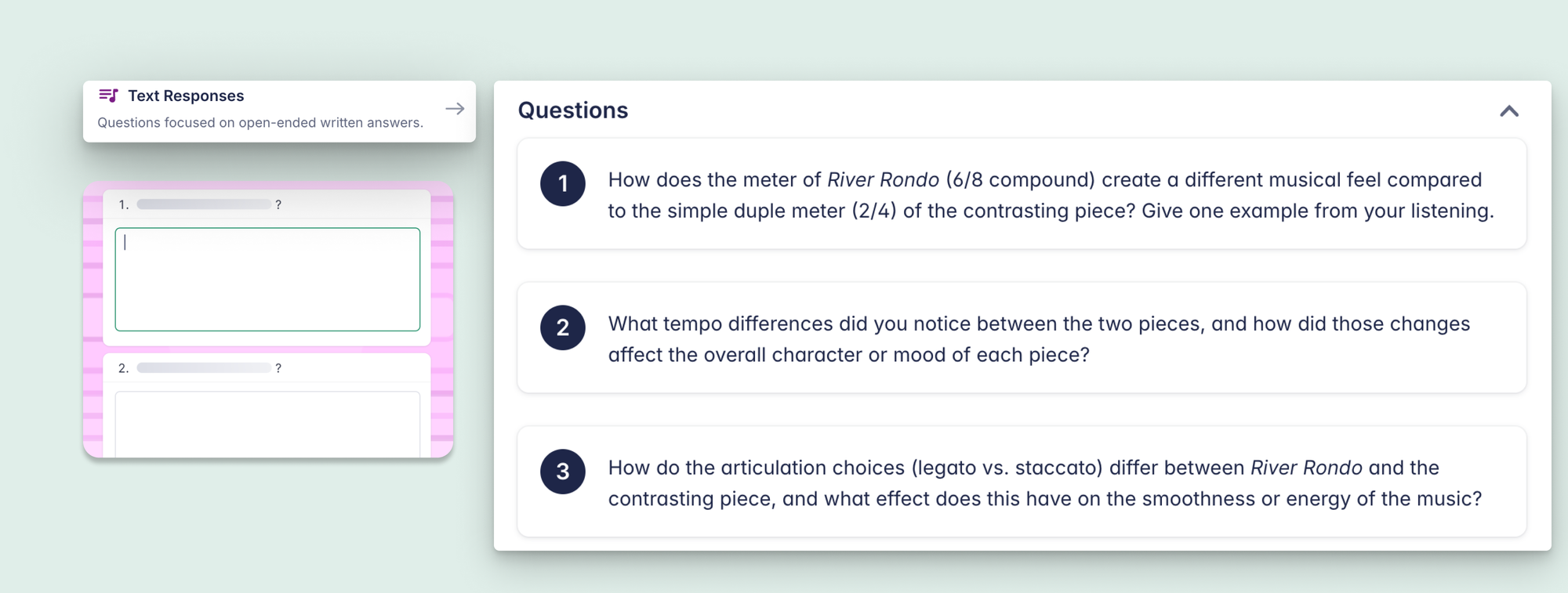
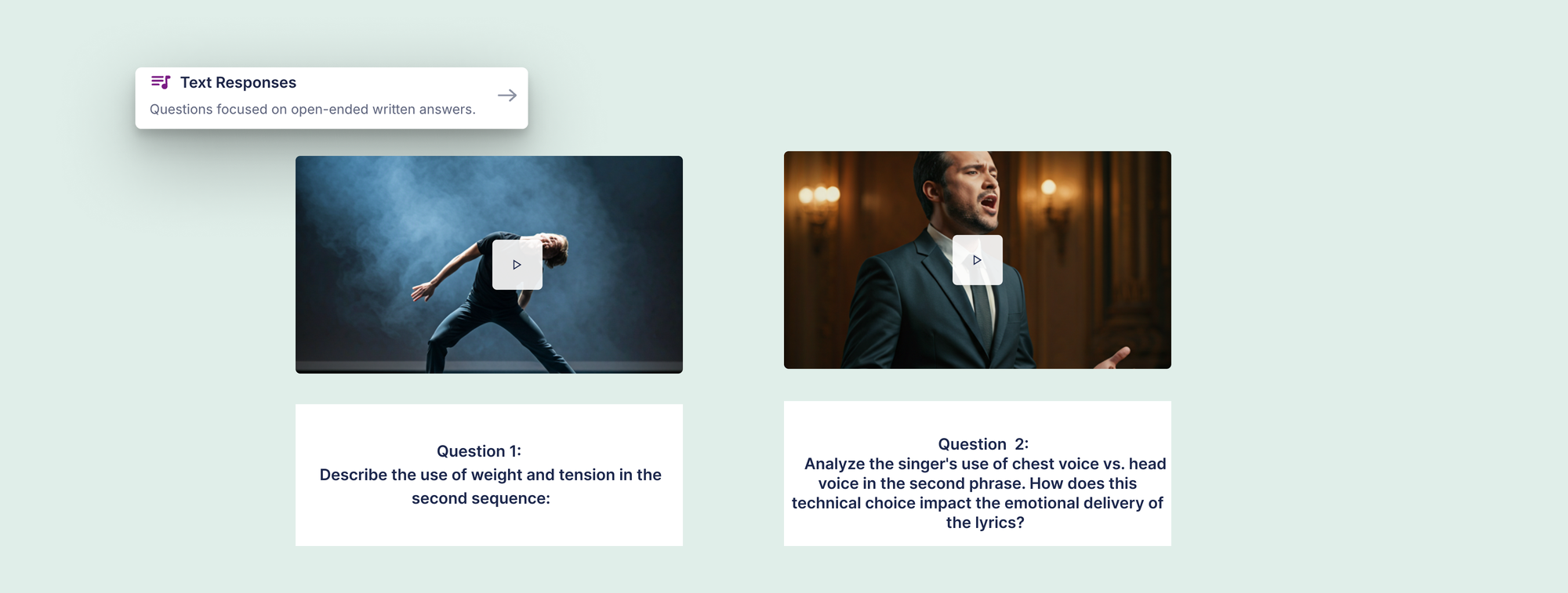
Grades go to Google Classroom, Microsoft Teams, Canvas, Schoology, or MusicFirst the moment you save them. Every response is stored under the student's name, timestamped, in the same place as all their other Flat for Education work. And the context attachment is native: a score, an audio file, a YouTube link, or a PDF attached directly to the question and opened inside the assignment.
A Side-by-Side Comparison
| What you need | Google Forms | Flat for Education Text Response |
|---|---|---|
| Grade passback to LMS | Manual, re-enter grades | Automatic on save |
| Attach a score or recording | External link only | Attached inside the question |
| Find a student's response from 6 months ago | Spreadsheet search | Student record, instant |
| Pre/post comparison across the year | Manual spreadsheet matching | Same assignment, reassigned, both stored |
| Open-ended written questions with context | Link only, separate tab | Attached natively inside the assignment |
| Student record connected to other coursework | No | Yes, alongside compositions, performances, worksheets |
| Free? | Yes | No, included on Teacher Plan ($99/year) |
The cost difference is real and worth noting. Google Forms is free, and Flat for Education is not. But for a teacher using it for text response, worksheets, composition, and performance assignments, the cost is distributed across everything it replaces.
When Google Forms Is Still the Right Tool
If you need a quick, one-off survey or an anonymous exit ticket, use Google Forms. Fast, everyone knows it, right tool for that job.
If you're doing multi-week open-ended written response projects or tracking student growth in music appreciation across a year, you're asking Google Forms to do things it wasn't designed for. That friction compounds.
If you've spent time doing the spreadsheet matching and manual grade entry that Google Forms requires for serious written response work in music class, you already know the friction. Flat for Education's text response assignments are included on the Teacher Plan alongside composition, worksheets, performance, and shared writing. The trial is 30 days.
FAQ
Can I track student growth in music class using open-ended written questions?
Yes. Assigning the same open-ended written prompt at the start and end of a unit or semester is one of the most direct ways to show what students have learned. With Flat for Education's text response assignments, both submissions are stored under the student's name in the same place and timestamped, so it is straightforward to pull earlier and later responses up side by side.
Does Flat for Education replace Google Classroom?
No. Flat for Education works inside Google Classroom: assignments are distributed through Google Classroom, grades pass back automatically, and students see Flat for Education assignments in their normal Google Classroom view.
Do students need to download anything?
No. Flat for Education is entirely browser-based and works on Chromebook, iPad, Mac, and Windows, with nothing to install.