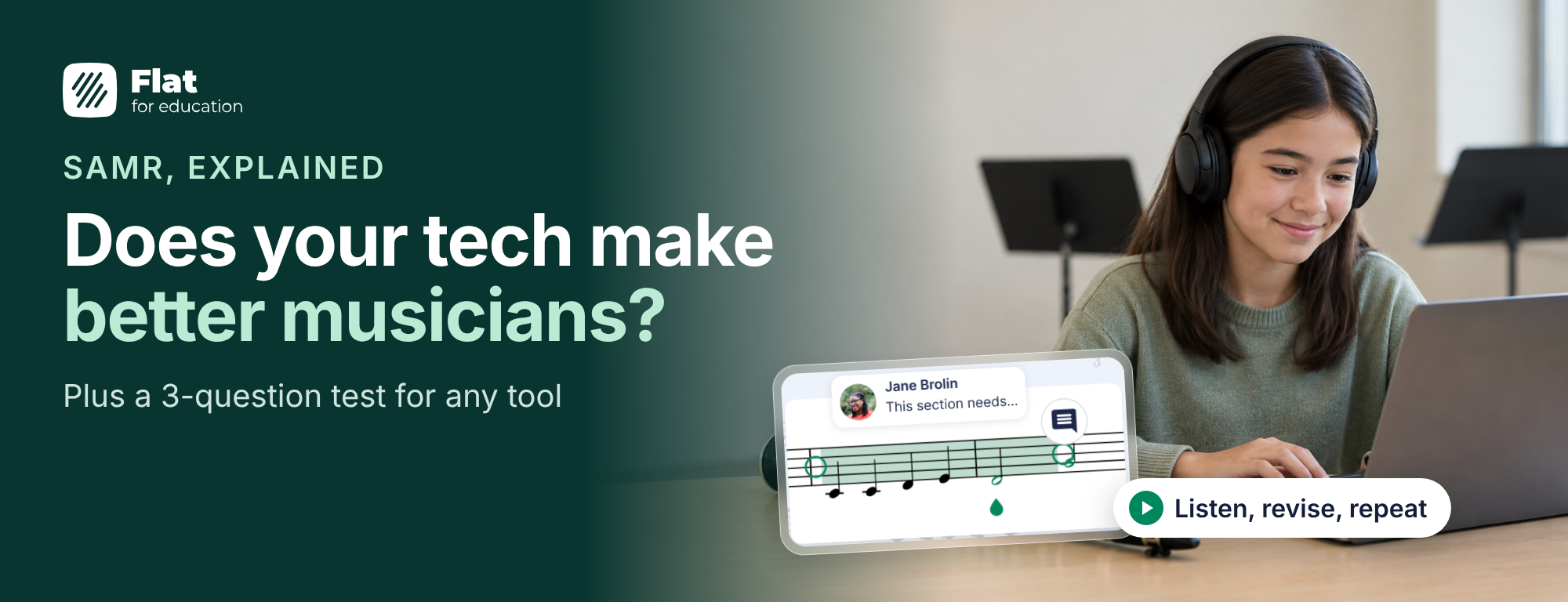
Think of one piece of technology you used with students this week. Now ask yourself a blunt question: did it make them better musicians, or did it just keep them busy?
That question opens James Green's session at the 2026 NYSSMA Winter Conference in Rochester, "The Pedagogy Behind the Platform: Making Tech Matter" (December 3). James taught music, spent years in Austin ISD's fine arts office supporting more than 100 programs, and did his doctoral research on technology in elementary music. He now works with the Flat for Education team. His session is a teaching clinic, not a product demo, and it gives music teachers a practical way to use the SAMR model in the music classroom without turning every lesson into a screen lesson. Here's what he covers.
Why this matters in New York right now
The pendulum has swung. After a decade of "a device for every child," schools are pulling back. This fall, New York City Public Schools stopped giving individual devices to students through 2nd grade and recommended daily limits of 30 minutes for grades 3 to 5 and 45 minutes for middle school.
Meanwhile, state edtech leaders say the training to use all this technology well is lagging. In SETDA's 2026 State EdTech Trends Report, 62% of respondents named professional learning as a top unmet need, up from 47% the year before.
So if you only get 30 minutes, every minute has to earn its place. James's premise is simple: technology decisions are instructional decisions. The measure of any tool is whether students are learning more music because of it.
What is the SAMR model?
The SAMR model is a four-level framework, created by Dr. Ruben Puentedura, that describes how technology changes a learning task: Substitution, Augmentation, Modification and Redefinition. At the lower levels, technology replaces or improves a task students could already do. At the higher levels, it changes the task or makes a new one possible. SAMR describes how you use a tool. It doesn't grade the lesson.
James makes it concrete with a student he calls Maya. Her task: answer a 4-measure musical question.
- Substitution. She copies her melody from paper into a notation editor. Same task, new surface.
- Augmentation. She hears it played back and catches a wrong note herself, before you ever see it.
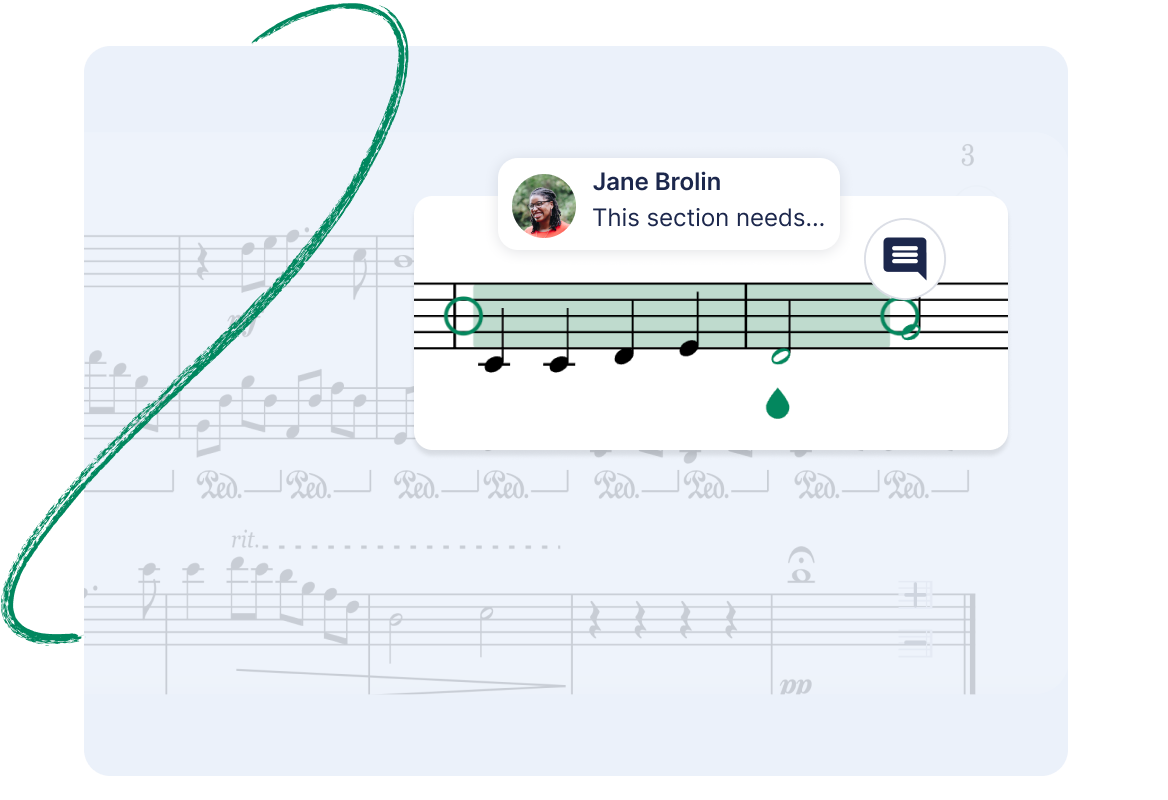
- Modification. She submits it, listens to your audio comment, and revises.
- Redefinition. She co-writes an answering phrase with a student in another class, and the ensemble performs it.
Notice that the jump from Augmentation to Modification isn't about fancier software. It's about feedback. That's where most of the learning happens, and it's where the rest of the session goes.
TPACK, or technology joins the ensemble
SAMR has a cousin that music teachers tend to like more once they've felt it. TPACK (Technological Pedagogical Content Knowledge, from Mishra and Koehler) says good teaching with technology sits where three kinds of knowledge overlap: what you teach, how you teach it, and the tools you use.
James teaches it with body percussion. One group pats the pulse on their knees (content). Another claps the rhythm (pedagogy). A third snaps (technology). When the snappers play solo first, it's noise. When everyone locks in, it's music. Technology should join the ensemble, not play solo.
The 3-question test for any music technology tool
This is the part teachers can use on Monday. Run any tool, app or platform through three questions:
- Does it support a specific musical learning goal?
- Does it create opportunities for feedback, iteration or reflection?
- Could this be done as well, or better, without the technology?
If the answer to the third question is yes, put the device away. That's not anti-tech. It's good teaching.
James adds a follow-up to question two: who actually gets the feedback? Does the tool work for the student without a private teacher? Without reliable home internet? With an IEP or 504 plan? Who's brand new to reading music? If a tool only helps students who were already succeeding, it widens the gap. Access isn't the same as pedagogy. Plenty of music rooms have devices, and without intentional design those devices mostly help the kids who already had strong musical foundations.
Create, Submit, Listen, Revise: the workflow that makes tech count
The heart of the session is a four-step cycle:
- Create. Students produce something musical: a composition, a performance, an arrangement.
- Submit. The work goes to the teacher, and sometimes to peers, for review.
- Listen. Students hear their own work back and compare it to their goal.
- Revise. Students improve one specific thing, on purpose.
Then repeat. It works because it lines up with what we know about learning. Feedback works best when it answers where am I going, how am I going and where to next (Hattie and Timperley, 2007). Growth comes from focused practice on specific goals with feedback (Ericsson and colleagues, 1993). Students who listen back learn to monitor and adjust their own playing, which is metacognition doing its job.
And here's the line New York teachers will want to quote in their next observation: revision isn't extra. It's the standard.
How it maps to the NYS Learning Standards for the Arts
The Create, Submit, Listen, Revise cycle supports three anchor standards in the New York State Learning Standards for the Arts directly:
- MU:Cr3 asks students to evaluate and refine their creative work, then present it.
- MU:Pr5 asks them to rehearse, evaluate and refine performances.
- MU:Re9 asks them to apply criteria to evaluate musical work.
Every one of those verbs (evaluate, refine, rehearse) assumes students get a second attempt. A tool that only collects a single final submission can't get you there.
SAMR examples in the music classroom: three classrooms
James uses Flat for Education as his worked example because it's the platform that works best for him, and he's clear that the process works with any platform. Here's what the cycle looks like at three levels.
Elementary general music (grade 3)
Students compose a 4-measure rhythm using quarter notes, eighth-note pairs and quarter rests, then turn it in as a composition assignment. They play it back. Does it sound the way they meant it to? A partner listens too. They fix one measure, add a dynamic, and then perform it on body percussion for the class. The screen time is short, and it ends with kids making music off the screen.
Middle school band or orchestra
Students record a 16-measure excerpt from the concert music as a performance assignment. They self-assess with a three-point checklist (pitch, rhythm, tone), then listen to the director's audio comment. They re-record, focusing on the one target named in the feedback. One target, not seven.
High school choir
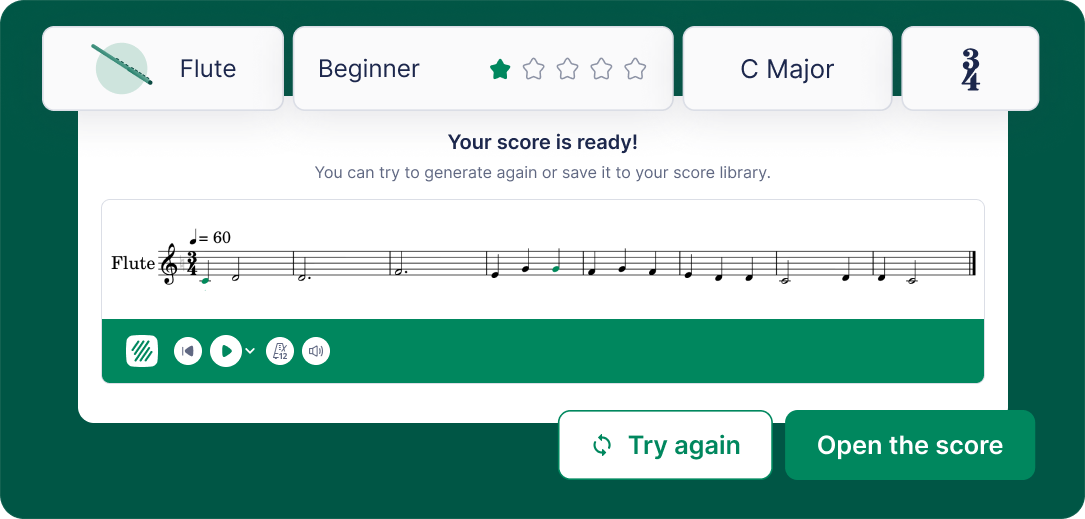
Students generate a fresh 8-measure sight-reading exercise in the concert key with the Sight-Reading Generator, sing it on solfège and record it. Then they compare their recording to the playback. Where did the pitch drift? They re-sing the measures that drifted, then try a new exercise at the same level. Because every exercise is new, nobody can memorize their way through it.
Design one lesson before winter break
The session ends with teachers building a real lesson, not just nodding along. You can do the same thing in about 15 minutes:
- Pick one lesson you already teach and one tool you already use in it.
- Run the tool through the 3-question test.
- Name its SAMR level, and how you'd move it one step up.
- Sketch a Create, Submit, Listen, Revise cycle around it.
- Check who gets the feedback, especially the student with no private teacher.
Then write down three things: one technology practice to start or strengthen, one to stop, and one concrete next step before winter break.
James closes on an idea worth keeping on a sticky note: the best technology decisions are invisible. Students don't notice the tool. They notice that their music got better.
Try the cycle with your students
If you want to run a Create, Submit, Listen, Revise cycle this month, Flat for Education offers a free 30-day trial. Composition and performance assignments, playback, written and audio feedback, and the Sight-Reading Generator are all included, and Flat for Education integrates with Google Classroom, Microsoft Teams, Canvas, Schoology and MusicFirst, so the assignment lands where your students already look.
At NYSSMA? James also presents "What District Leaders Wish Every Music Director Knew" on Saturday, December 5, and you can find the team at the Tutteo booth in the exhibit hall.
FAQ
What is the SAMR model in music education?
SAMR is a four-level framework by Dr. Ruben Puentedura that describes how technology changes a learning task: Substitution, Augmentation, Modification and Redefinition. In a music class, typing a paper melody into a notation editor is Substitution, while submitting it, hearing the teacher's audio feedback and revising it is Modification.
What is the difference between SAMR and TPACK?
SAMR describes how deeply a tool changes a task. TPACK describes the teacher knowledge behind good technology use: content, pedagogy and technology working together. SAMR helps you see where a lesson sits, and TPACK helps you check that the technology fits what and how you teach.
How do I know if a music technology tool is worth using?
Ask three questions: does it support a specific musical learning goal, does it create opportunities for feedback, iteration or reflection, and could this be done as well or better without the technology. If the third answer is yes, teach it without the device.
Which NYS music standards cover revision?
In the New York State Learning Standards for the Arts, MU:Cr3 covers evaluating and refining creative work, MU:Pr5 covers rehearsing, evaluating and refining performances, and MU:Re9 covers applying criteria to evaluate musical work. A Create, Submit, Listen, Revise cycle supports all three.