Ask a music teacher how many browser tabs they have open before class and the answer tends to be embarrassing. One for the platform. One for a metronome. One for a tuner. Maybe another for a tone generator. These are tools every music student needs, and for years, getting all of them into a classroom has meant finding separate apps, explaining how to use each one, and watching students spend the first five minutes of practice trying to remember which tab has the click.
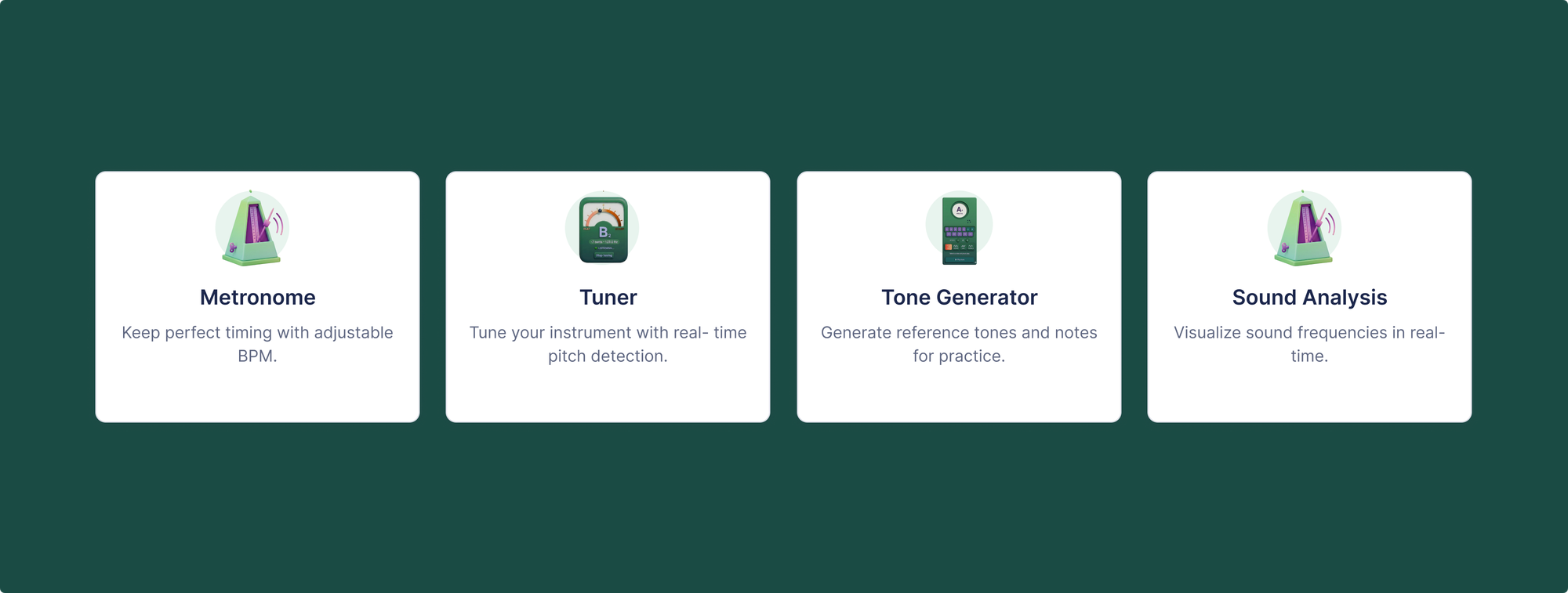
Flat for Education now includes four practice tools built directly into the platform: a metronome, a chromatic tuner, a tone generator, and sound analysis. Students access all of them from the same environment where they do their notation assignments. No downloads. No separate accounts. Works on Chromebooks.
Here's what each tool does and how it fits into class.
Metronome
A full-featured metronome, built into the Flat for Education workspace. Students set their own tempo, choose the time signature, and practice with a click without opening anything else.
For a music teacher, this matters for one specific reason: the metronome being present in the work environment changes whether students actually use it. A student working on a composition assignment in Flat for Education is one click from a steady beat. They don't have to decide to go find a separate tool. It's there.
The difference this makes shows up most clearly with younger students and beginning instrumentalists. A middle school student practicing a melodic line will, left to their own devices, play at whatever tempo feels comfortable. That tempo tends to be inconsistent and usually too fast through the easy parts. The click removes that choice.
For ensemble work, the metronome also works as a shared reference point during class rehearsals on student devices.
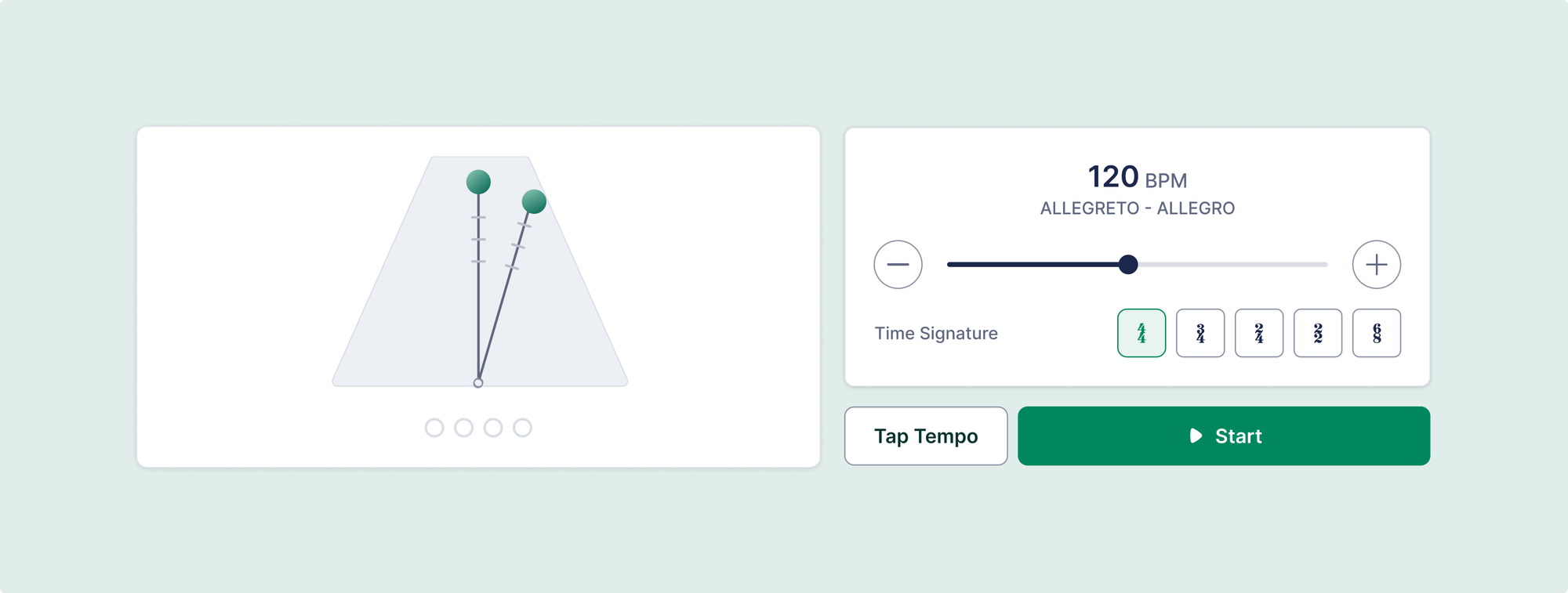
How to use the metronome in a Flat for Education session:
- Open Flat for Education and go to the Tools section in the student workspace.
- Select Metronome.
- Set the BPM to the tempo for the current practice passage.
- Set the time signature to match the piece.
- Click Start. Work through the passage with the click before turning it off.
A practical approach for composition assignments: have students set the metronome to the tempo marking they've written on their score before listening to playback. They hear whether their tempo instruction and their actual composition match.
Chromatic Tuner
What is a chromatic tuner?
A chromatic tuner is a device or application that detects the pitch of a note being played and tells the musician whether it's in tune, sharp, or flat. Unlike tuners designed for specific instruments, a chromatic tuner works for any pitched instrument or voice. It uses a microphone to analyse incoming audio and display where the pitch sits relative to equal temperament.
Flat for Education's tuner runs directly in the browser using the student's device microphone. Students play a note, see the pitch displayed in real time, and adjust. No separate app, no separate device balanced on a stand, no sharing a tuner between three students because the department only has one.

For a band or orchestra teacher, the logistics of tuning 30 students before rehearsal are real. Each student with a tuner in their workspace changes the dynamic: tuning becomes something students do independently at the start of practice, rather than a whole-class activity that takes five minutes.
For voice and choir, the tuner provides immediate visual feedback that helps singers understand their relationship to a target pitch. Students who struggle to hear whether they're flat can see it, which is a different kind of feedback that works for different learners.
The tuner is also accurate enough for practical classroom use, not just rough checking. It handles transposing instruments and works at standard concert pitch.
Tone Generator
What is a tone generator for music?
A tone generator produces a sustained pitch that musicians use for tuning by ear or training interval recognition. It's different from a tuner: the tuner tells you whether a note is in tune, while the tone generator gives you a target to match. In an ensemble, a teacher sets a reference pitch (typically A440) and students tune to it. In ear training, a tone generator provides the anchor note for interval or chord recognition exercises.
The tone generator in Flat for Education lets teachers set a reference pitch for the whole class or lets students use it independently for ear training or intonation work.
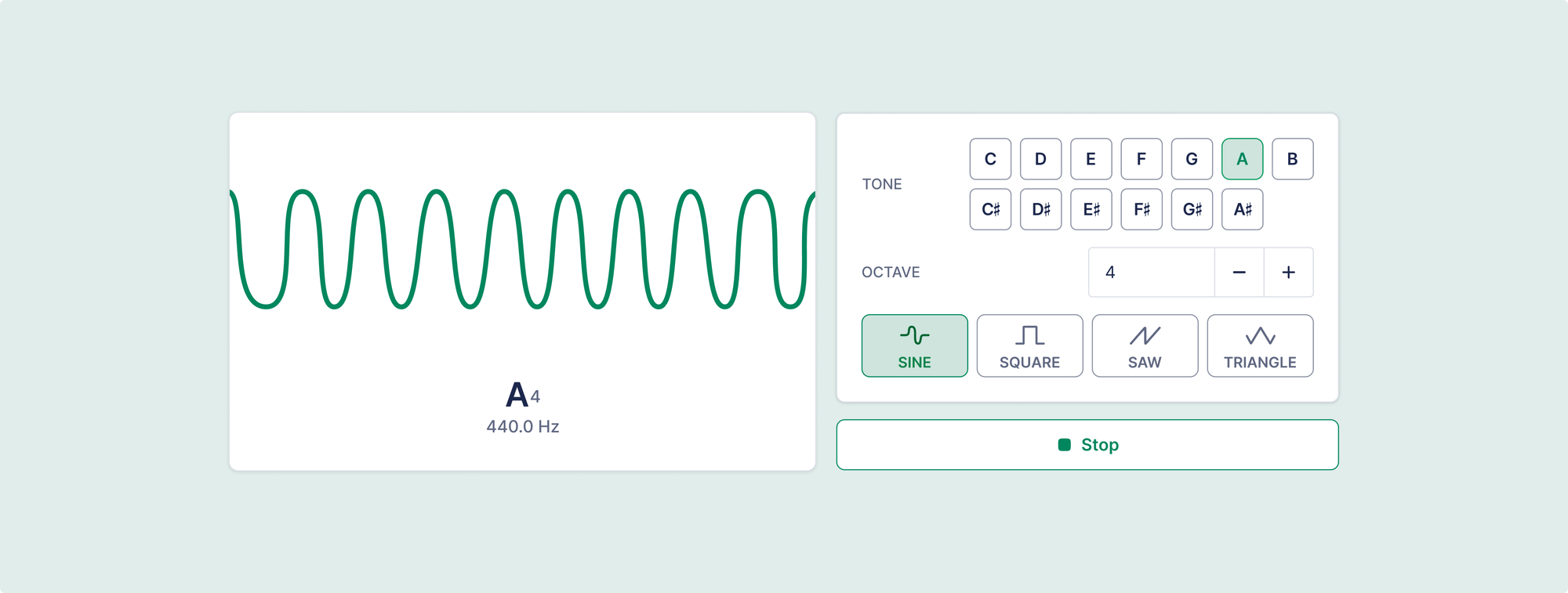
In practice, this replaces the piano chord or tuning fork that teachers currently use to start rehearsal. It also extends the usefulness of the tuner: students use the tone generator to find the target pitch, then the tuner to check their instrument against it.
For students working on ear training exercises outside of class, the tone generator gives them an anchor without needing a piano or keyboard. They can work on interval recognition or pitch matching independently.
Sound Analysis
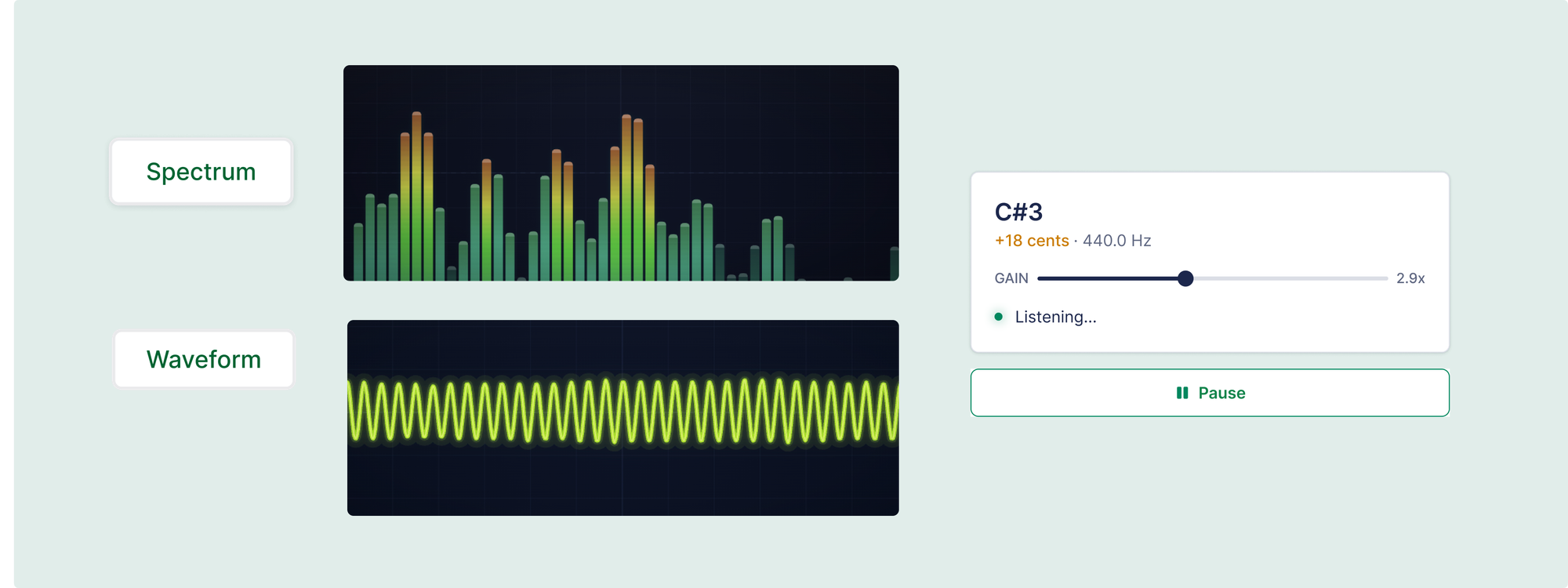
The sound analysis tool gives students a visual representation of their playing: a waveform and spectral view of the sound they're producing. Students record themselves, see the resulting audio visualisation, and get a different kind of feedback from what notation or a grade provides.
This tool works differently from the others. The metronome, tuner, and tone generator all give students a target or a check. Sound analysis gives them a picture of what they're actually producing. That visual representation is useful for students who learn differently from verbal or written feedback, and for any student trying to understand the relationship between what playing feels like and what it actually sounds like.
For teachers, sound analysis provides a low-stakes way for students to self-assess tone quality before submitting a performance assignment. A student who records themselves and sees a jagged, inconsistent waveform before submitting is more likely to take another pass.
These tools and the new plans
The metronome, tuner, tone generator, and sound analysis tools are included in Flat for Education's Teacher Plan and School or District Plan. They're not available on legacy plans.
The Teacher Plan is $99 per teacher per year plus $6 per student per year, supports up to two teachers, and is fully self-serve. The School or District Plan starts at $599 per year and includes Canvas, Schoology, shared assignment libraries, and training support.
If you're on an existing Flat for Education plan, you can access all four tools immediately by opting in to the new plan structure. Your current pricing stays in place until your next renewal date. Nothing is required today.
For teachers new to Flat for Education, a free 30-day trial includes the full platform and all tools. No credit card required.

Flat for Education's free 30-day trial is available at flat.io/edu. No credit card required.
Other articles you might find useful:
- Grading Music Composition Assignments Using Flat for Education
- How to run individual music performance assessments for a full class
- Importing PDF scores in Flat for Education and what to do with it
FAQ
Does the Flat for Education metronome work on Chromebooks?
Yes. All four practice tools are browser-based and run on Chromebooks, laptops, and tablets without any installation. Students access them through the same Flat for Education workspace they use for assignments, with no separate app to download or account to create.
Can students use the tuner with any instrument?
Yes. The chromatic tuner uses the device microphone and detects pitch from any instrument or voice, including woodwinds, brass, strings, voice, piano, and guitar. For transposing instruments, students can adjust the reference accordingly.
Is the tone generator the same as a tuner?
No. The tuner detects the pitch you're playing and tells you whether it's in tune, while the tone generator produces a sustained pitch for you to tune to or sing against. They work together: the tone generator gives you the target, and the tuner confirms whether you've matched it.
Can I use the metronome during a composition assignment?
Yes. The tools and the notation editor are in the same platform, so students working on a composition can open the metronome, set it to their intended tempo, and check whether the piece works at that speed. They can also use the tuner and tone generator alongside notation work without switching tabs or applications.
Are these tools available on the free trial?
Yes. The free 30-day trial includes the full Flat for Education platform, which includes all four practice tools, so you can test everything before committing to a plan.