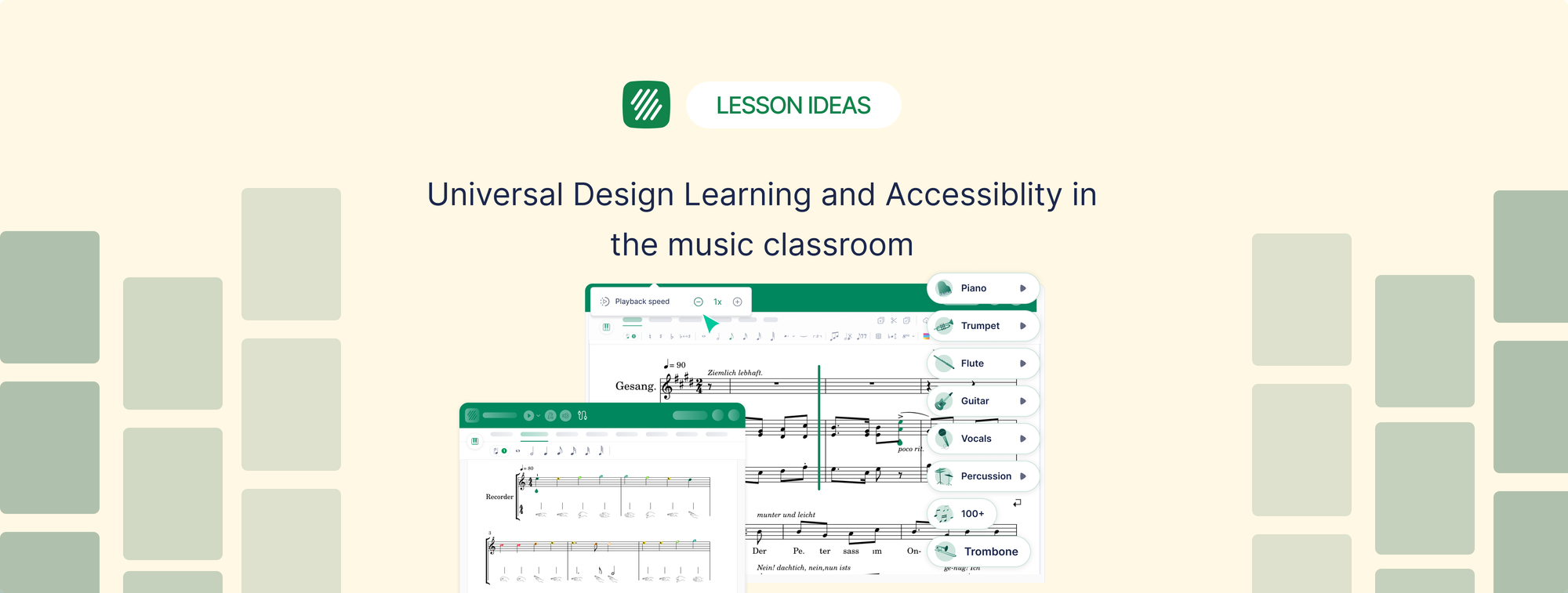
At the 2026 TBA, TCDA, and TODA Joint Convention in San Antonio this July, James Green made the case that inclusive teaching is every music teacher's daily job. James worked as a Texas music educator, choir director, and K-12 district fine arts administrator, and his product showcase session used Universal Design for Learning as the lens and Flat for Education as the toolkit. Here is a recap.
One in five students in your room has a learning or attention difference. Not one in fifty. One in five. For a 50-piece band, that is roughly the size of your trombone section. For a choir, it is the tenors. That was the number James put on the screen to open his session on accessibility and inclusive teaching, and it reframed the whole conversation. Inclusive practice, he argued, was never a special-education add-on for the days a co-teacher is in the room. It is the baseline expectation every time you stand in front of a class, and it is squarely a music education issue.
His session walked through Universal Design for Learning (UDL) as a practical lens on the music classroom, then showed exactly where the right software for K-12 music programs removes the barriers that were never part of the musical objective in the first place. In his case that software was Flat for Education. And the idea that held the whole session together was a simple one: design for your most challenged learner, and you build a better learning experience for everyone.
What is Universal Design for Learning?
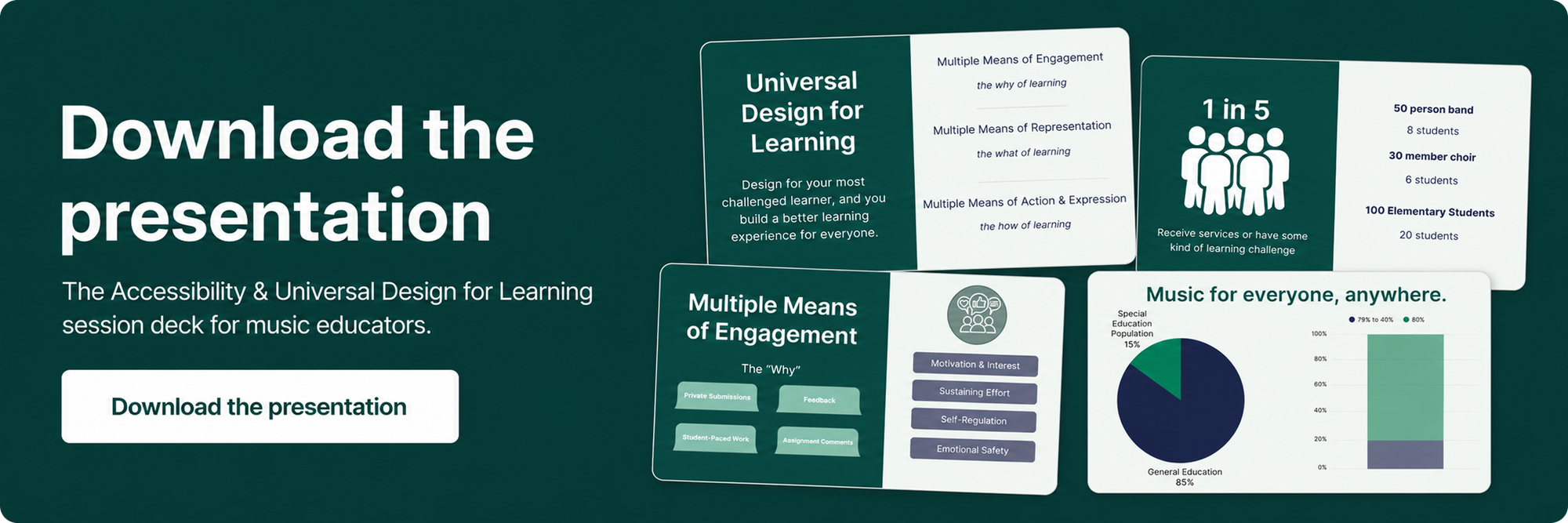
Universal Design for Learning (UDL) is a framework for planning lessons so they work for the widest possible range of learners from the start, rather than retrofitting accommodations after a student struggles. It organizes teaching around three questions: how do you get students to care, how do you present the content, and how do you let students show what they know. The framework comes from CAST, which defines its three principles as engagement, representation, and action and expression.
James used the curb cut to make it stick. Those sloped ramps at intersections were built for wheelchair users, but everyone ends up using them: parents with strollers, delivery drivers, cyclists, someone with a walker. Design for the person who needs it most and you build something better for everyone. That is the whole thesis. UDL is the curb cut for teaching. The goal is not to make music easier. It is to remove obstacles that were never the point of the lesson, so the expectation stays high while the on-ramp changes.
The framework breaks into three principles, and James built the session around each one.
Principle 1: Engagement, or the "why"
The barrier here is emotional, not musical. Students with anxiety, ADHD, or emotional regulation challenges tend to shut down when a task feels high-stakes and public. In a performance-centered culture, being wrong is visible to the whole ensemble, and that visibility triggers the shutdown. Fear consumes the working memory a student needs to actually process the music.
James's point: give every student a place to attempt, fail, and improve without an audience. In Flat for Education, assignments are completed and submitted privately. Students work at their own pace and share with the teacher when they are ready, so no one is put on the spot in real time. The teacher still hears every student's playback individually. The levers doing the work are pacing, because the student controls when they submit, and modality, because private audio playback replaces live performance as the feedback loop. Add the built-in practice tools, the metronome and tuner students reach for while they rehearse, and the workspace becomes somewhere to build confidence before anyone else is listening.
Principle 2: Representation, or the "what"
Traditional notation is a one-lane road: black symbols on white paper. For students with visual processing differences, dyslexia, or limited notation experience, the page is a barrier before the music even starts. Notation asks a student to decode a visual symbol system and translate it into sound at the same time, and for many learners that two-step process never becomes automatic.
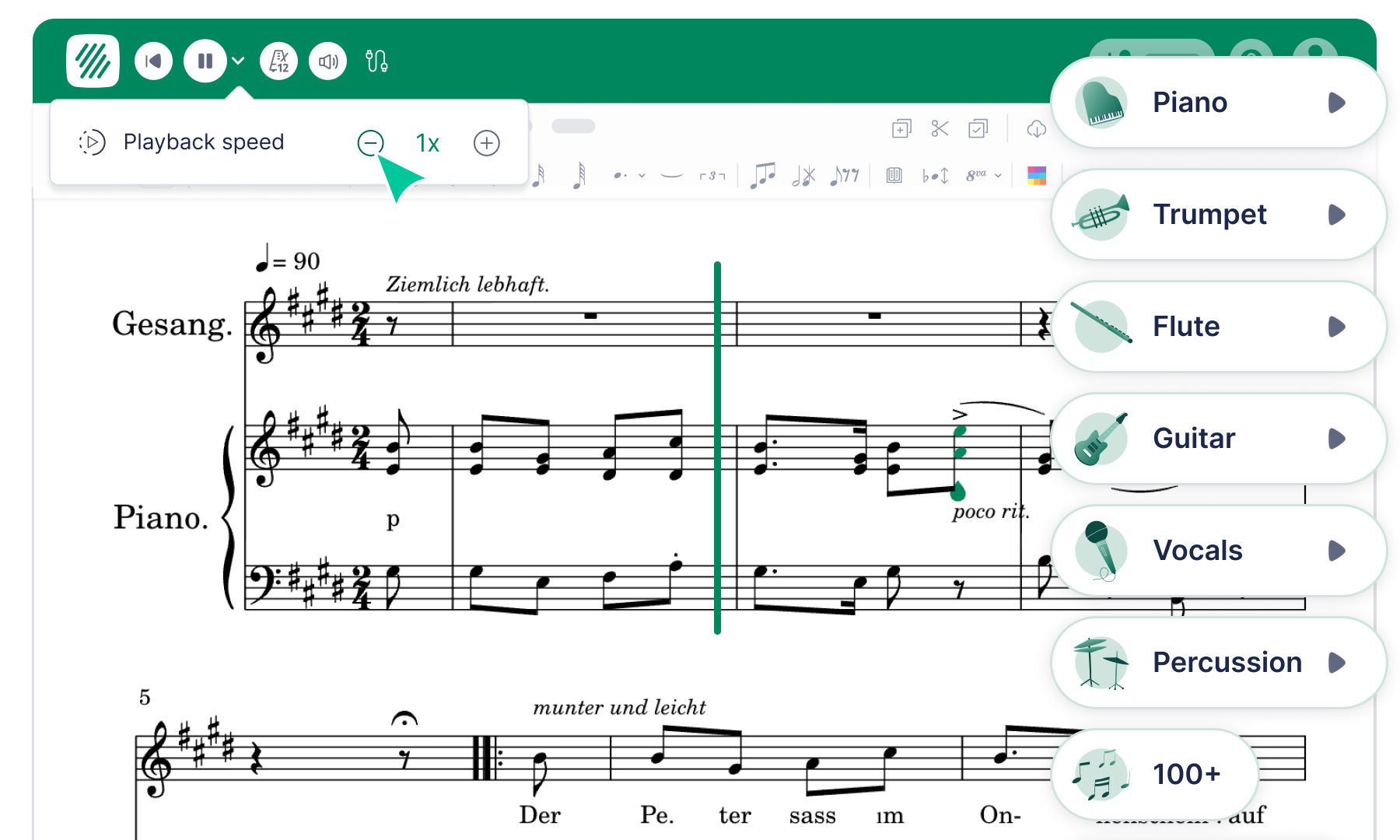
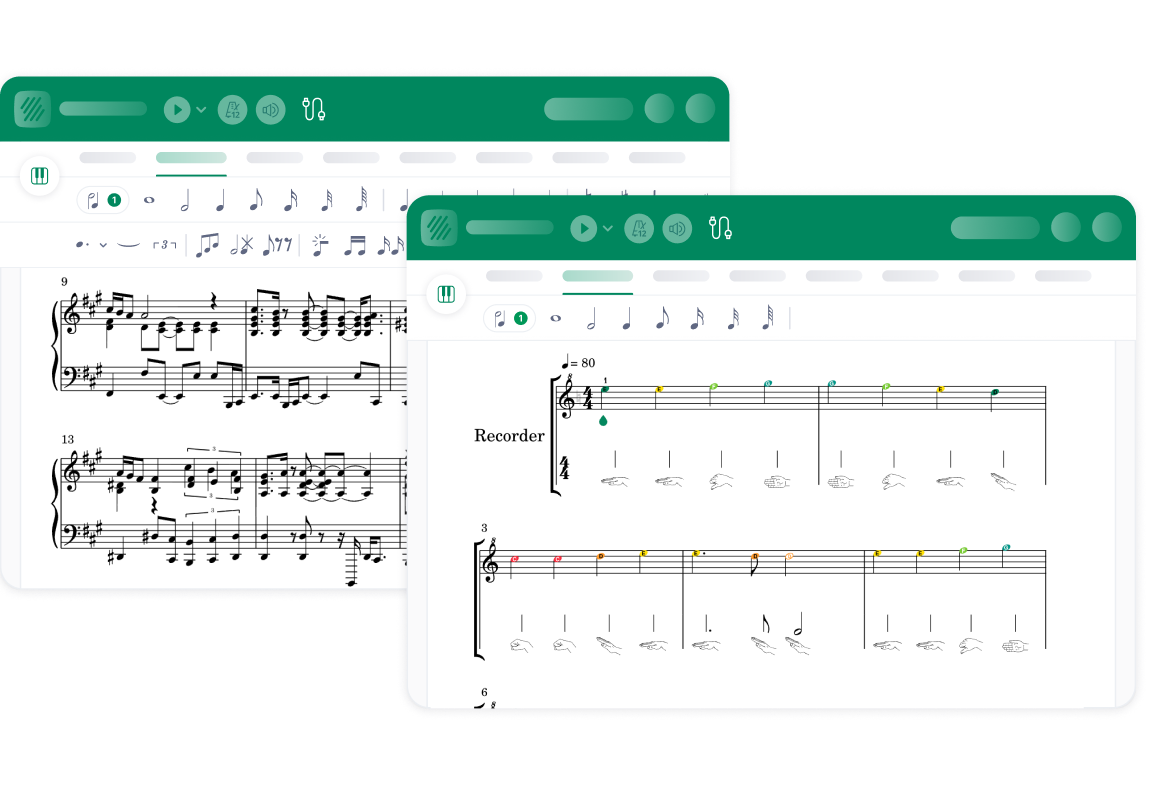
Flat for Education changes how the information enters the brain. Synchronized playback links the notation to audio in real time, with the cursor tracking each note as it sounds, so students see it and hear it together. Tempo control lets them slow a passage down to their own processing speed. Visual supports like colored notes, Kodály notation, and recorder fingerings make abstract symbols concrete. The levers here are color, modality, size, and pacing, all working at once.
Eight staves, one student: how to chunk a dense score
"Eight staves, one student" was how James labeled the moment every choir director knows. You hand out an octavo with SATB plus a piano reduction, eight staves per system. For a fluent reader that is context. For a student with a visual processing disorder or limited reading experience, it is chaos, so they look at everything and process nothing. The full score was designed for the conductor, not the individual learner. Here is the approach he demonstrated inside Flat for Education:
- Share only the part they need. Create a student-facing score that contains a single voice, so a second soprano sees only the second soprano line and the visual noise of the other staves disappears.
- Isolate the audio. For students who need the harmonic context but cannot filter it visually, mute the other voices in playback while keeping their line reinforced.
- Introduce parts progressively. Instead of the full octavo on day one, build the score in layers: melody first, bass line next week, accompaniment once the parts are secure.
- Color-code by voice. Assign each voice a distinct color so a student's eye learns to follow the color rather than decode every symbol on every staff.
As James put it, the goal was never for every student to read the full score. It was for every student to find their part, learn it, and contribute to the ensemble.
Principle 3: Action and Expression, or why one way to show mastery isn't enough
Most music programs measure participation one way: live performance. But one way to show mastery isn't enough. That single channel quietly sidelines students with physical disabilities, selective mutism, severe performance anxiety, or a recovering injury. They receive incomplete grades not because they lack understanding, but because they have no route to show it.
Flat for Education opens more channels. A student can compose, annotate a score, respond to teacher comments in writing, submit an audio recording through a performance assignment, or answer a text-response prompt reflecting on their choices. A student who cannot perform live can still demonstrate real musical understanding through notation, a written reflection, or a modified part. Simplified templates and reduced-range parts lower the motor demand without lowering the musical expectation, and asynchronous submission means a student shows mastery when ready rather than on a bell schedule.
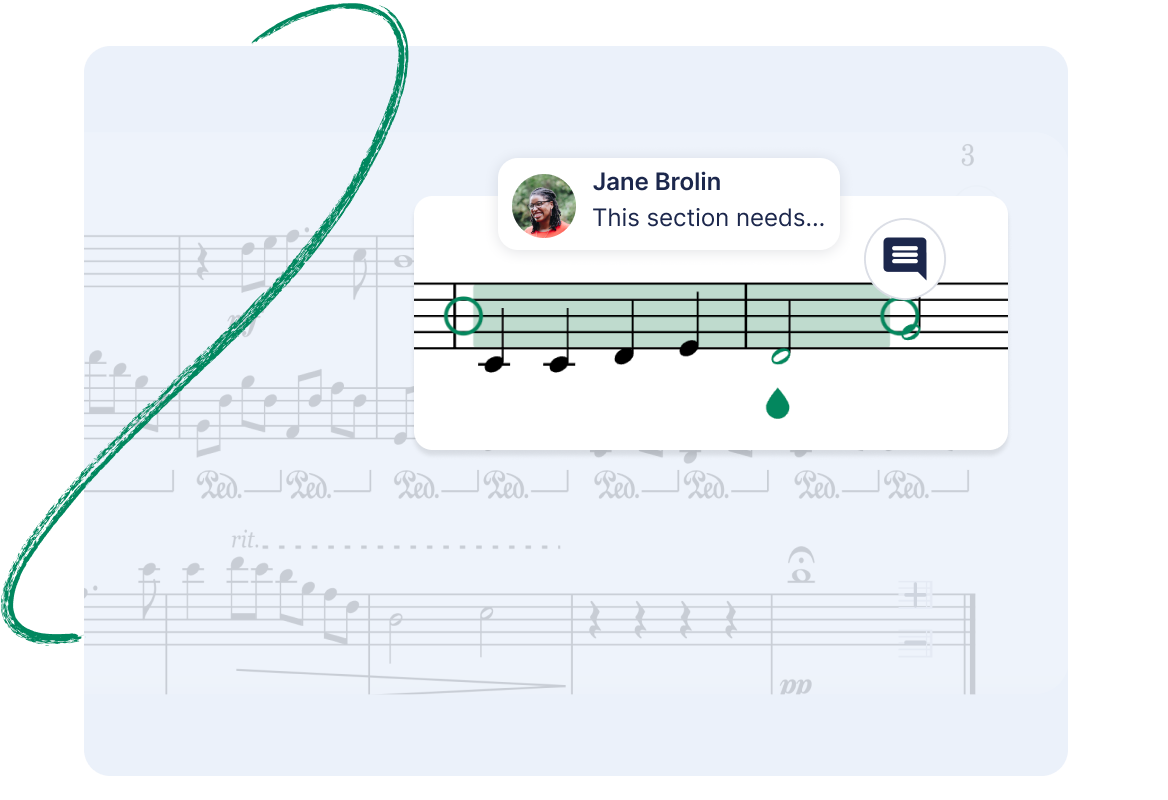
James was honest about why this matters in practice: the barrier usually is not a teacher's willingness to differentiate. It is workflow. Building modified parts in traditional notation software eats hours most teachers do not have, so accommodation stays reactive and modified parts arrive only after something goes wrong. When adapting a part takes minutes inside the same tool where the assignment already lives, differentiation can finally be proactive.
One platform, every device
The session closed on consistency. Flat for Education looks and works the same for every student on every device, with no installs and no version drift. It runs in the browser on Chromebooks, laptops, and tablets, and it is WCAG 2.1 AA compliant, so accessibility is built into the platform rather than bolted on. Every assignment type lands in the same gradebook and syncs to the LMS a school already uses. Flat for Education integrates with Google Classroom, Microsoft Teams, Canvas, Schoology, and MusicFirst, so rostering and grade return stay in one place. For a teacher trying to hold accommodations steady across 120 students, that predictability is itself an accessibility feature, and it is a big part of what makes it workable as software for K-12 music programs at any scale.
Try it with your own students
If James's session left you with one idea worth stealing, it is this: design for your most challenged learner and you build a better experience for everyone in the room. Flat for Education offers a free 30-day trial, and it takes only a few minutes to set up a class, share a single part, and see how a student who usually disengages responds when the barrier is gone.
If you would like to learn more about accessibility in the music classroom, please email us at edu@flat.io
FAQ
What is the best software for K-12 music programs that supports diverse learners?
The best fit is browser-based software that works on any device and builds accessibility in from the start. Flat for Education is used across K-12, from elementary general music through high school band, choir, and orchestra, and is WCAG 2.1 AA compliant. Private submissions, synchronized playback, tempo control, color-coded notation, and multiple ways to submit work let students with different needs participate without lowering the musical expectation.
What is Universal Design for Learning in music education?
Universal Design for Learning is a framework for designing lessons that work for the widest range of learners from the outset. In a music classroom it means planning engagement, content presentation, and assessment so students with different needs can all participate, rather than adding accommodations only after a student struggles.
Does using playback to learn a part count as cheating?
No. Hearing a line while reading it is scaffolding, not a shortcut. Synchronized playback helps students connect symbol to sound, and many self-correct within seconds once they hear what the notation is asking for. The reading skill still develops; the audio simply gives it an anchor.
Can students who cannot perform live still be assessed?
Yes. Alongside audio and video performance submissions, students can compose, annotate scores, and answer written text-response prompts, so musical understanding can be shown through more than one channel.