The best classroom tool in the world is useless if it's stuck in a procurement queue until March. Every music teacher knows the routine: you find something that would genuinely help your students, you ask about buying it, and you're handed a purchase order form, a quote request, and a three-week wait for a signature. Most teachers just give up. So the real question isn't only "what's the best music software," it's "what music software can I actually buy without a purchase order and start using this week?"
Here's how the money side works, and how to get a classroom tool up and running on a card instead of a committee.
Why the $100 purchase-order threshold matters
Most districts set a dollar threshold under which a teacher can buy something on a school card or get reimbursed without raising a formal purchase order. It's often around $100. Above it, you're into quotes, vendor setup, approvals, and the finance office's timeline instead of yours.
That single number quietly decides which tools teachers actually adopt. A $300 site license might be better value on paper, but if it triggers a PO, it competes with every other request in the building. A tool that a teacher can buy on a card today gets used today. Staying under the threshold isn't a pricing gimmick, it's the difference between a tool you use in September and one you're still waiting on at winter break.
What a teacher can buy on a card, and what still needs a PO
It helps to be honest about where the line sits. Some things are genuinely self-serve. Others need the district no matter what, and that's fine, they're a different kind of purchase.
You can usually self-serve when it's one teacher, a per-student rate with no big seat minimum, and a credit-card checkout. You'll need a purchase order when you're buying for a whole department, hitting seat minimums, or setting up district-wide integrations and data agreements. The mistake is assuming everything needs the second path. Plenty of classroom software is built for the first.
How Flat for Education fits under the threshold
Flat for Education was priced with this exact problem in mind. The Teacher Plan is $99 per teacher per year, which sits under the $100 threshold, and it's fully self-serve: you sign up, pay by card, and you're teaching. No purchase order, no quote, no waiting on a signature. Student seats are added at $6 each per year with no minimum, so a small class stays small on the invoice rather than being forced up to a 50-seat floor.
 Flat for Education
A couple of honest caveats. The $99 is the teacher license: once you add a roster of students at $6 each, your total climbs, so a large class can push the overall spend past $100 even though the base plan sits under it. And the moment you need three or more teachers, a shared resource library, you move to a School or District plan, which is set up with the team and usually does involve a purchase order. That's the right path for a program-wide rollout. For a single teacher who wants to start now, the self-serve route is the point.
How to get started without waiting
- Start the free 30-day trial. No credit card, full classroom access, so you can prove it works with real students before spending anything.
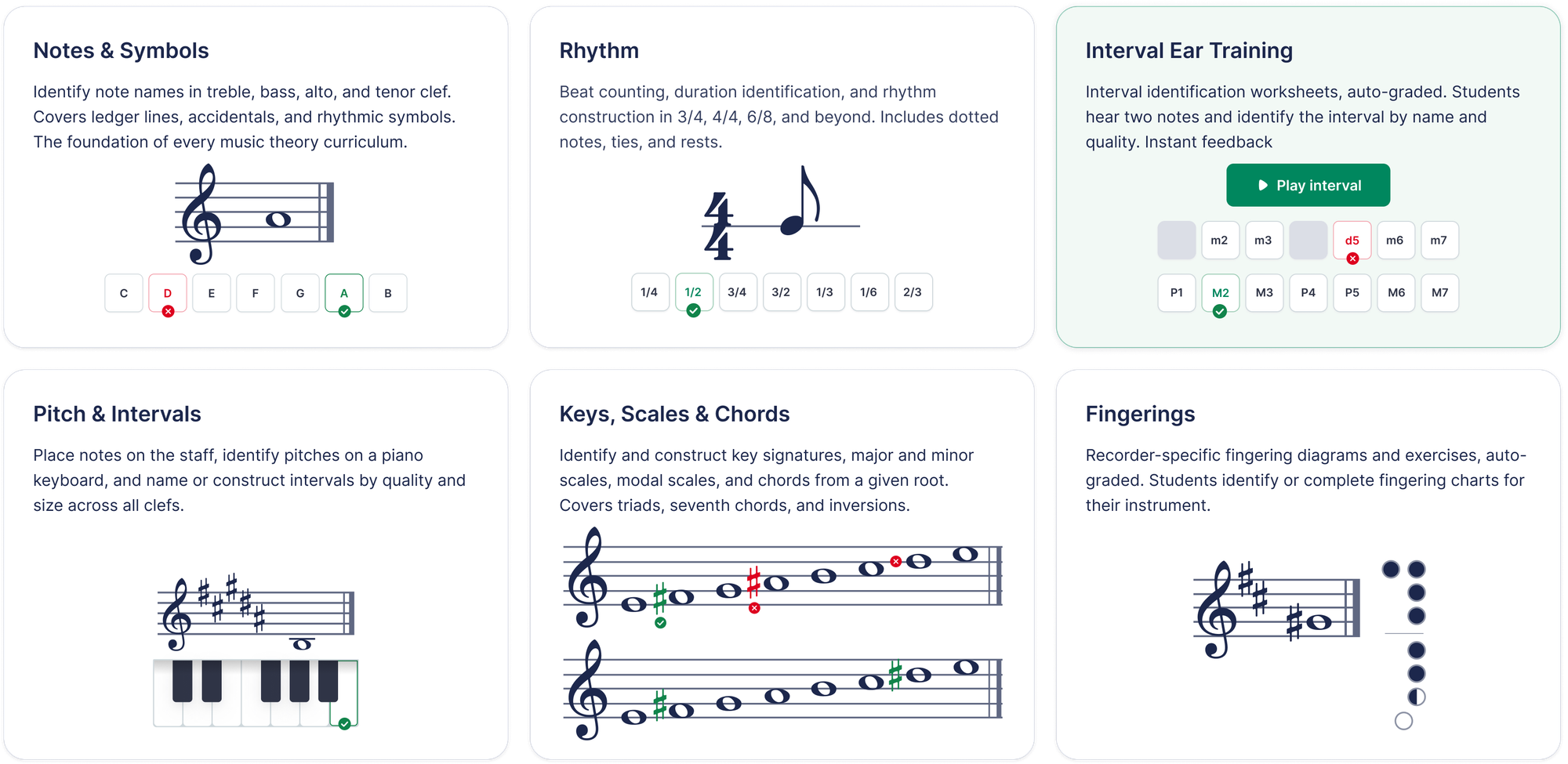
- Set up one class and run a real assignment, a short composition or an auto-graded theory worksheet, so you have evidence it fits how you teach.
- When the trial ends, buy the Teacher Plan on a card. Because it's under the $100 threshold, most teachers don't need district sign-off for the teacher license itself.
- If your program grows past two teachers, that's when you loop in the team for a School or District plan and, yes, a purchase order, with volume pricing and LMS integrations to match.
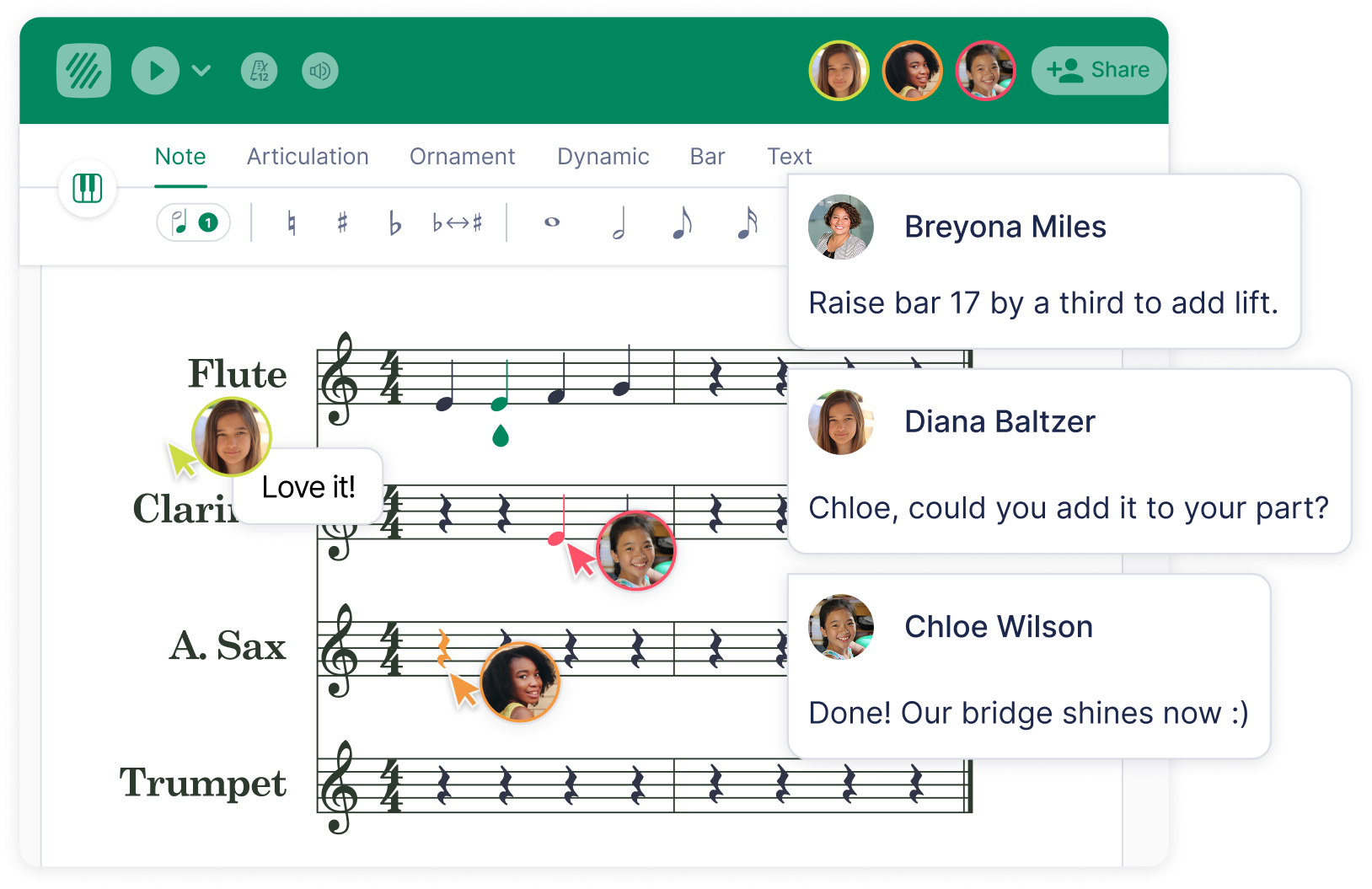
For a fuller comparison of classroom tools on price, devices, and integrations, see our guide to the best music notation software for your classroom. It works entirely in the browser on Chromebooks, laptops and tablets, and integrates with Google Classroom, Microsoft Teams, Canvas, Schoology, and MusicFirst for roster sync and grade return once you're on a plan that includes them.
The bottom line
Budget friction kills more good classroom tools than budget size does. If you can try something free, prove it works, and then buy it on a card without a purchase order, you'll actually use it. That's the whole case for a self-serve, under-$100, per-student model: it puts the decision back in the teacher's hands instead of the finance calendar's.
Flat for Education offers a 30-day free trial with no credit card required. Set up a class, run one assignment, and see whether it earns a spot in your room before you spend a cent.
FAQ
Can teachers buy Flat for Education without a purchase order?
Yes. The Teacher Plan is self-serve: a teacher can buy it with a credit card, no purchase order and no district sign-off. It starts at 99 USD per teacher per year, which sits under the 100 USD threshold many schools set for card purchases.
What music software can a teacher buy for under $100?
The Flat for Education Teacher Plan starts at 99 USD per teacher per year, under the common 100 USD purchase-order threshold, with student seats added at 6 USD each. Many professional tools offer educator discounts that fall under 100 USD too, but most are single-user production apps rather than classroom platforms with rostering and grading.
Do I need district approval to use Flat for Education?
For the self-serve Teacher Plan (up to two teachers) you don't need district approval. Once you need three or more teachers, shared resource libraries, or LMS integrations like Canvas or Schoology, that moves to a School or District plan, which is set up with the team and usually involves a purchase order.
How much is Flat for Education per student?
The Teacher Plan is 6 USD per student per year with no seat minimum, so a small class only pays for the students it actually has. There is no floor forcing you to buy unused seats.
Is there a free trial?
Yes, a 30-day free trial with full classroom access and no credit card required, so you can set up a class and test it before you buy anything.